

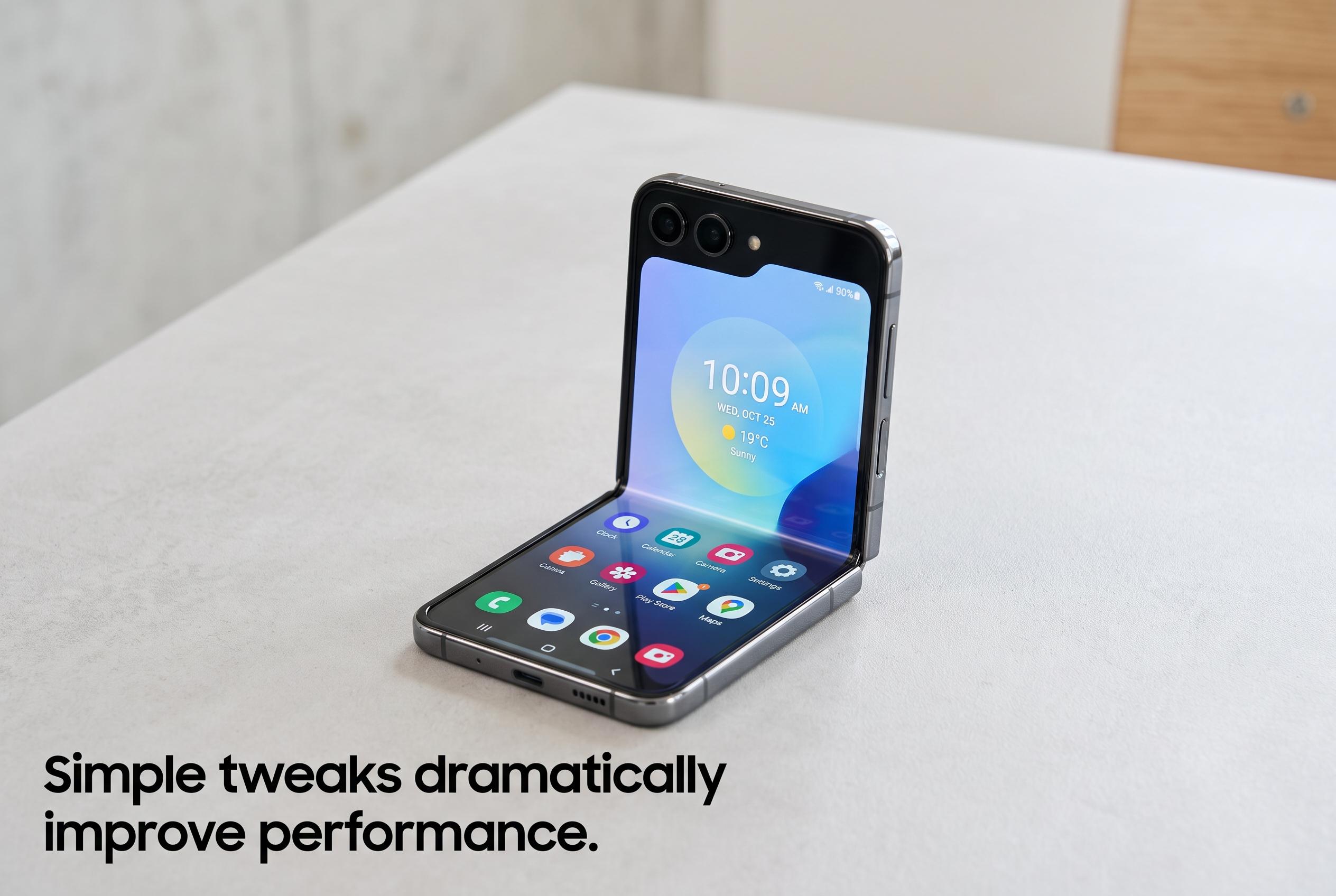

Modest settings adjustments, such as disabling animations and managing background features, can significantly enhance the responsiveness of Samsung’s Galaxy Z Flip 5, according to expert reviews. These tweaks offer a more immediate user experience without the need for hardware upgrades.
Samsung’s One UI is built to do a lot, but that breadth can make it feel heavier than it needs to. On a Galaxy Z Flip 5, XDA’s review found that a few settings changes did not transform the phone, but they did make everyday use feel more immediate, especially once the device had been in use for a while and had warmed up. The biggest gain came from cutting animation effects, while smaller improvements came from reducing background activity that most users may never notice.
One of the most useful changes is RAM Plus, Samsung’s virtual memory feature. As PhoneArena and Samsung’s own support guidance explain, RAM Plus uses internal storage as temporary memory when physical RAM runs low. That can help if you keep many apps open, but it can also introduce extra overhead on phones that already have enough memory for their workload. SamMobile’s review of the Galaxy Z Flip 5 noted that the phone is already smooth in normal use thanks to its Snapdragon 8 Gen 2 for Galaxy chip, which makes RAM Plus easier to treat as optional rather than essential.
The adjustment that makes the most obvious difference is turning down or disabling animations in Developer options. XDA said this was the only tweak that produced an immediate effect, because it removes the short delays built into app launches, gesture navigation and app switching. PhoneArena has also described Samsung’s newer One UI releases as smoother than before, but even polished animations still take time to complete. For people who want a phone to feel faster rather than merely look refined, reducing animation scales remains the most direct change.
Another area worth checking is location-related scanning. Samsung devices can keep searching for nearby Wi-Fi networks and Bluetooth devices even when those radios appear to be switched off from Quick Settings, according to XDA. That background scanning helps with location accuracy in places where GPS is weak, such as airports or shopping centres, but it is not useful for everyone. Samsung’s support pages also note that Device care can be used to manage background behaviour more broadly, which underlines the company’s own acknowledgement that these services affect performance and power use.
XDA also pointed to Samsung’s Customization Service, which collects device and account data to personalise recommendations and advertising. That service is not a core system function, and the argument for disabling it is straightforward: if it does not improve your day-to-day use, it adds another background process for little return. The broader point, echoed in other optimisation guides from Gizmochina and AndroidSage, is that One UI tends to feel better when unused features are pared back. Samsung packs in a wide range of tools, but on a well-specced phone, restraint can be the more practical choice.
Disclaimer: This content is intended for informational purposes only. Readers are advised to exercise their own judgement, conduct due diligence, or consult a qualified expert before acting on any information provided.



