

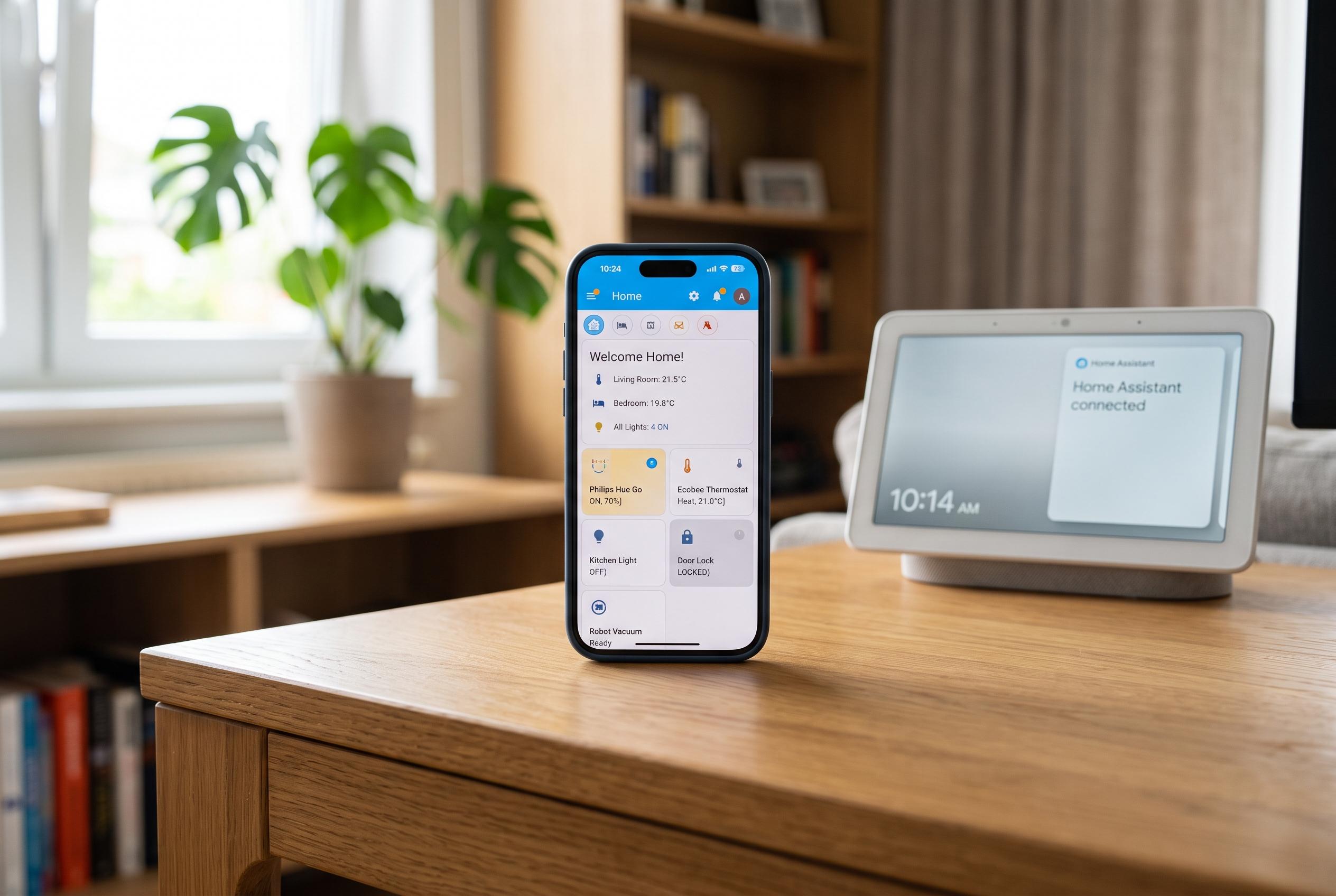

A new approach for renters leverages the Home Assistant Companion app to transform smartphones into versatile, no-cost presence sensors, enabling smarter routines without physical modifications.
For renters, the appeal of smart home technology is often limited by what can be added without drilling, rewiring or leaving marks behind. Smart bulbs, plugs and wireless sensors are easy enough to move later, but the more ambitious upgrades usually depend on equipment or installation a landlord would notice. One of the most practical no-cost options is already in your pocket: the Home Assistant Companion app can turn a phone into a presence tracker that tells a home automation system whether someone is home or away. According to the Home Assistant documentation, the app adds a device tracker and a range of other sensors, including battery and network status, which makes it useful beyond simple location checks.
That approach works well because a phone is usually with its owner and constantly checking familiar Wi-Fi networks as well as location data. In Home Assistant, that information can update a person entity when the device enters or leaves a defined home zone. Compared with a motion sensor, which only shows activity in one room, a phone gives a broader signal for automations that affect an entire property, such as turning off lights, fans, plugs or air conditioning after everyone has left. The main limitation is obvious: it tracks the household, not individual rooms, so room-level motion sensors still have a role.
The setup is straightforward. Install the companion app, connect it to a Home Assistant server and grant background location access. The app will create a device tracker that can be linked to a person profile, and Home Assistant can then use zone-based triggers to run arrival and departure automations. A common pattern is to switch off selected devices when the phone leaves the home zone and to reverse some of those actions on return, possibly with extra conditions based on time, sunset or temperature. The result is a cleaner routine without added hardware.
There are, however, a few practical safeguards. The app needs permission to keep updating location in the background, and Android battery controls can interfere if the system restricts it too aggressively. Documentation from third-party Home Assistant users also recommends keeping the server reachable when the phone is off the home Wi-Fi, whether through an external address or a VPN, so the location update is not delayed once the device leaves the local network. Because GPS is not always exact, it also helps to make the home zone radius generous enough to avoid false departures caused by drift.
For the best results, many users combine phone-based tracking with Wi-Fi or router-based presence detection so that a single delayed location reading does not trigger the wrong automation. A short delay before shutting everything down can add another layer of protection, especially if the routine affects lights or fans. The Home Assistant Companion app is not as dramatic as installing dedicated presence hardware, but for renters it offers a rare combination of simplicity, flexibility and zero physical modification. That makes it one of the most useful upgrades available to anyone trying to build a smarter home without touching the walls.
Disclaimer: This content is intended for informational purposes only. Readers are advised to exercise their own judgement, conduct due diligence, or consult a qualified expert before acting on any information provided.



