

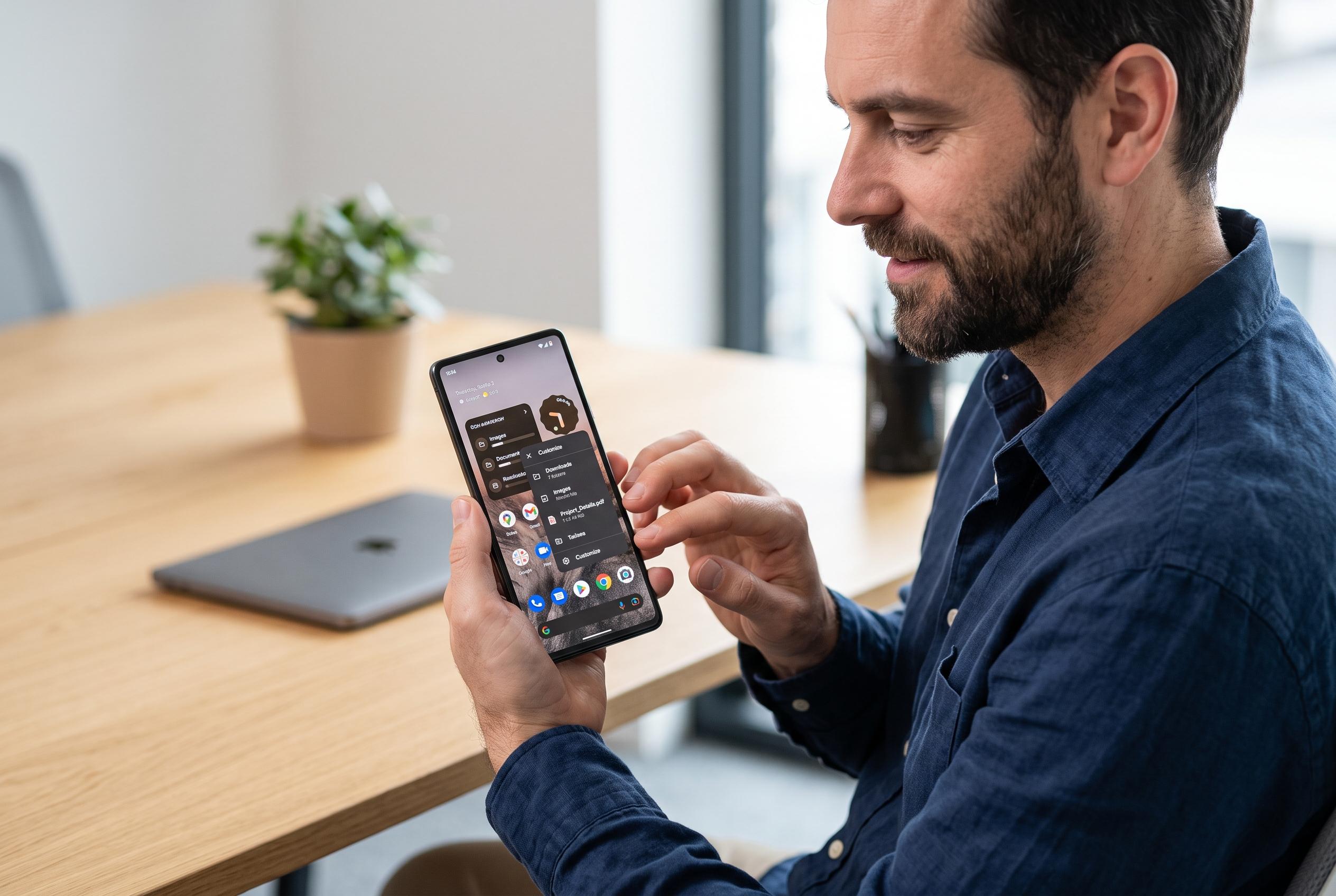

A seasoned smartphone user’s switch back to Android highlights a shift towards greater flexibility, with freedom to customise, sideload apps, and access files challenging iPhone’s constrained ecosystem.
After more than five years on an iPhone, one writer for MakeUseOf says switching back to Android in April 2025 changed the way they think about smartphones. The appeal is not one dramatic feature but a set of small freedoms: easier app installation, deeper customisation, more control over alerts and better access to local files. In practice, those differences can make iOS feel more constrained for users who value flexibility over uniformity.
The biggest shift, according to the MakeUseOf account, is sideloading. Android still allows users to install apps from outside Google Play, a process that can involve APK files and unknown-source permissions, while also carrying security risks that users need to understand. That openness has helped build a wider ecosystem of tools, including privacy-focused keyboards, alternative launchers and utility apps that may never appear in an official store. By contrast, Apple’s tighter app distribution model continues to make off-store installation more cumbersome.
Customisation is the second major divide. Android users can reshape the home screen with different icon packs, widget sizes, grid layouts, themes and third-party launchers, according to Android Central and Digital Citizen. On some devices, including Google Pixel phones, users can also adjust themed icons and colour palettes to make the interface more cohesive. That flexibility has also become more important as Android launcher behaviour evolves: Android Central reported in late 2025 that Pixel Launcher’s native search was replaced with a Google app interface that narrowed some local-search functions, underscoring how much launcher choice can matter to power users.
The same preference for control extends to notifications and multitasking. Android’s notification channels let users keep only the alerts that matter, rather than treating every message from an app the same way. Split-screen mode and floating windows also give Android an edge on larger phones, especially foldables, where simultaneous app use is more practical. These are not flashy features, but they are the sort that can shape daily productivity in a meaningful way.
File access is the final piece of the case. The MakeUseOf writer argues that Android’s storage model is simply less frustrating, with USB file transfer and third-party file managers making it easier to move documents and media between a phone and a computer. Android Central’s sideloading coverage and other Android guides point to the same general theme: the platform gives users more direct access, but also asks them to manage more of the risks themselves. The writer still concedes that iPhone has strengths, including software support, resale value and Apple ecosystem features such as AirDrop and Handoff. Even so, for users who want the broadest day-to-day control, Android can be hard to leave behind.
Disclaimer: This content is intended for informational purposes only. Readers are advised to exercise their own judgement, conduct due diligence, or consult a qualified expert before acting on any information provided.



