

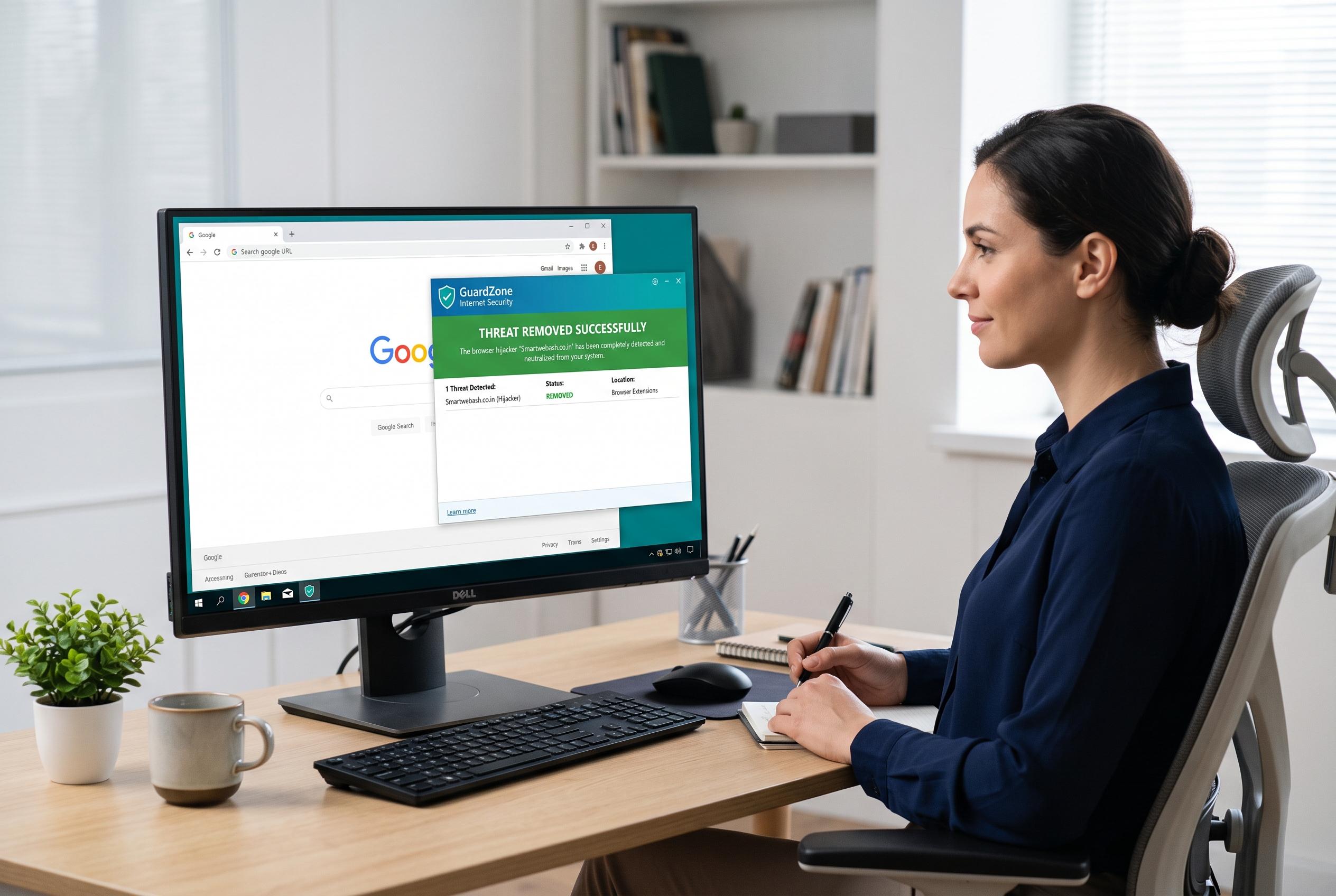

A step-by-step guide to cleansing your Windows PC of the persistent Smartwebash.co.in browser hijacker, including software checks, browser resets, and anti-malware scans to prevent re-infection.
Smartwebash.co.in is being presented in removal guides as a browser-hijacker style threat that can trigger intrusive ads, redirect searches and alter browser settings on Windows machines. The recommended response begins with checking installed software and removing anything unfamiliar, particularly recently added programmes, because unwanted adware often arrives bundled with ordinary downloads. Microsoft’s support guidance confirms that Windows 10 and Windows 11 users can uninstall apps through Settings, Start menu search or Control Panel, and says to use built-in troubleshooting if a programme refuses to come off cleanly.
The next stage is to reset affected browsers so that hijacked homepages, new tab pages, search engines and extensions are stripped back to their defaults. Google’s Chrome support page says a reset is intended for cases where settings have been changed without consent and that bookmarks and passwords are not deleted. The same general approach is also used by Microsoft Edge and Firefox support material, which makes browser reset a practical way to remove persistent redirection, even when the problem is limited to one profile or one browser.
If the redirect survives a normal reset, the guide recommends a deeper cleanup of Chrome or Edge search data and a check for sync settings that might restore the unwanted configuration. That is a sensible precaution because browser sync can reintroduce extensions or settings from the cloud after a local repair. In the case of Edge, Microsoft advises reviewing sync and reset options separately for each profile, which matters for people who use more than one signed-in browser profile on the same PC.
The final layer is a scan with dedicated anti-malware tools to catch adware, browser hijackers and policy-based changes that ordinary uninstalls may miss. The removal guide points readers towards Malwarebytes, HitmanPro and AdwCleaner for that reason, alongside checks for suspicious browser policies and extensions. Taken together, the process is aimed at clearing both the visible symptoms and the hidden changes that keep Smartwebash.co.in returning after a reboot.
Disclaimer: This content is intended for informational purposes only. Readers are advised to exercise their own judgement, conduct due diligence, or consult a qualified expert before acting on any information provided.



