

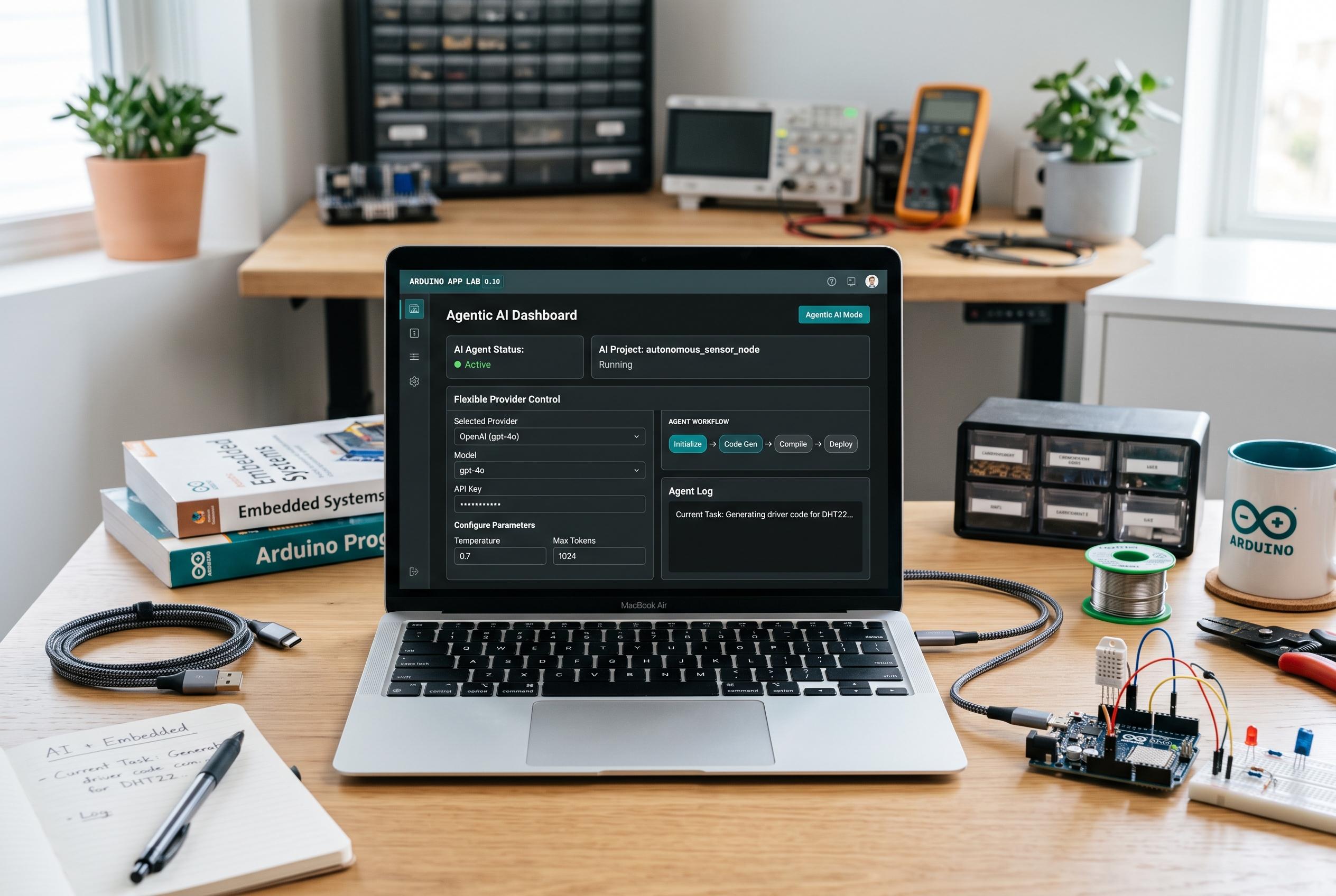

Arduino releases App Lab 0.10, featuring a new agentic AI mode capable of inspecting workspaces, editing files, and managing apps, marking a significant leap in embedded development environments.
Arduino has unveiled App Lab 0.10, a major update to its development environment for the UNO Q that adds an agentic AI mode designed to do more than answer prompts. According to Arduino’s announcement, the new mode can inspect a workspace, create and edit files, run an app and react to errors as they appear, with support built on the Model Context Protocol and integrated with App CLI. Arduino said the feature understands App Lab, Apps, Bricks and Sketches, positioning it as a hands-on coding assistant rather than a simple chat interface.
The company says Agentic Mode operates on a bring-your-own-key basis, so developers connect their own AI provider account and retain control over usage costs. Claude is supported at launch, with more providers promised later. That approach reflects a broader trend in AI-assisted development tools, where vendors are increasingly separating the orchestration layer from the model provider to give users more flexibility and clearer billing control.
App Lab 0.10 also adds Language Server support, which brings familiar editor functions such as autocomplete, auto-formatting, hover documentation, go to definition and find all references across Arduino sketches, Python, HTML, CSS and JavaScript. Arduino says this language support is not available in SBC Mode on UNO Q. For developers, the change should reduce friction when moving between embedded logic and web-style interfaces in the same project.
The release also shortens the path to Arduino Cloud. Users can now register an UNO Q board from the Settings page inside App Lab instead of leaving the application. Arduino says that once provisioned, the board is ready for IoT-enabled apps. In parallel, the Examples library has been reorganised into three tiers: Inspirations for full applications, Examples for core techniques and Bricks Examples for single-function demonstrations. The company says the new structure is meant to help users move from exploration to implementation more quickly. Arduino App Lab 0.10 is available to download now, with the full changelog in the release notes.
Disclaimer: This content is intended for informational purposes only. Readers are advised to exercise their own judgement, conduct due diligence, or consult a qualified expert before acting on any information provided.



