

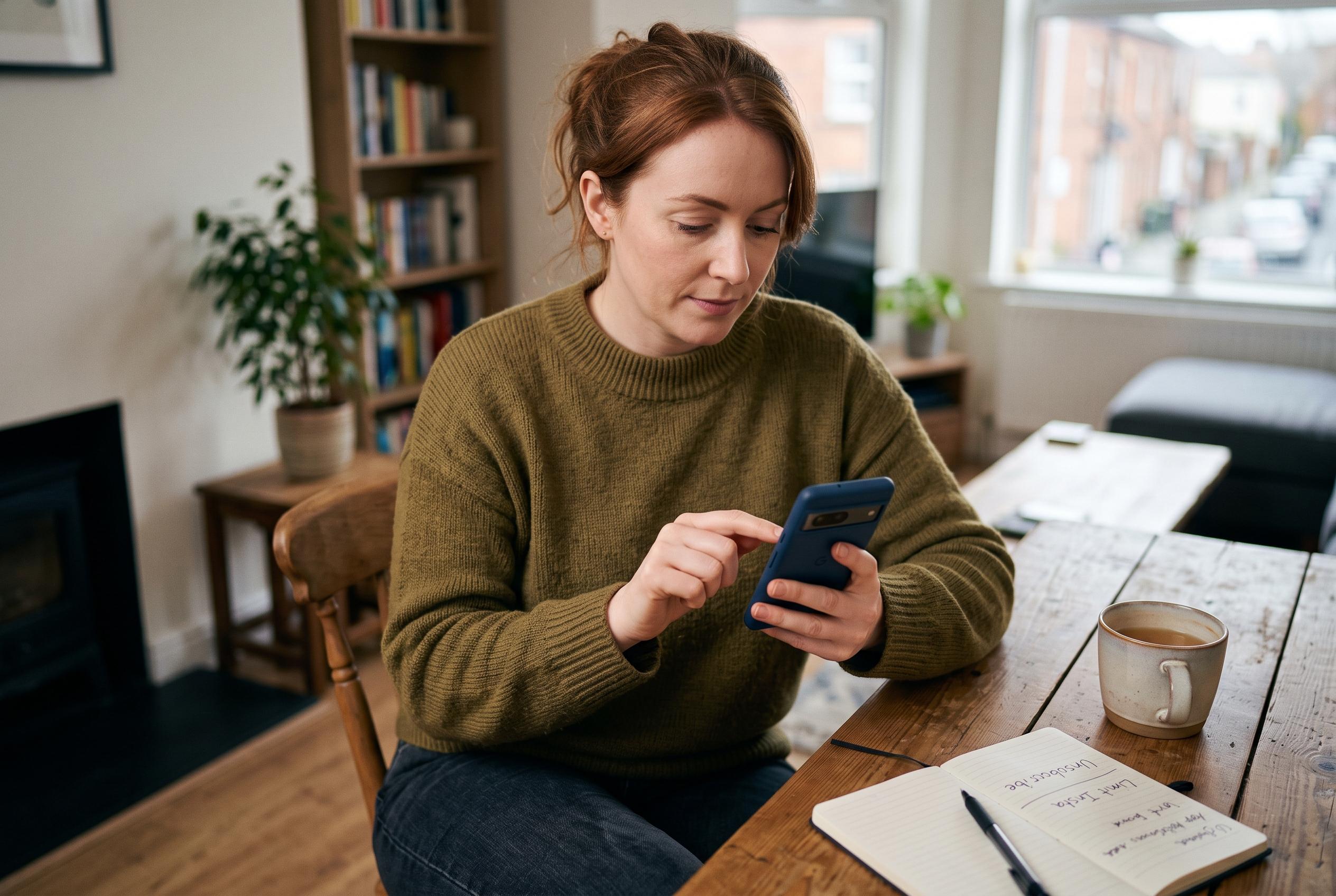

With growing concerns over digital overload, Irish users are turning to practical strategies like auditing app interruptions rather than just tracking screen time, aiming to regain control over their smartphone use.
Irish phone users are increasingly trying to regain control over digital overload, and the most useful measure may not be time spent on screens but how often an app breaks the day. Deloitte’s Digital Consumer Trends survey, as reported by The Irish Times, found that 70% of Irish respondents believe they spend too much time on their phones, while 24% have set screen-time limits. A separate report covered by ITBrief said 65% had turned off notifications from at least one app, suggesting that interruption, not just usage, is now the more telling problem.
That is the point behind a practical approach to app hygiene: audit the interruptions first. A phone can feel exhausting because of a handful of genuinely useful alerts, dozens of marketing pings or one persistent chat thread that never settles. Counting those interruptions gives a clearer picture of an app’s cost than a simple daily screen-time total.
The first step is to observe a normal day without changing settings. Each time the phone lights up, vibrates or adds a badge, note what triggered it and what it seems to want the user to do. A bank warning, a parcel update, a streak reminder and a promotional nudge all demand attention, but they serve very different purposes. That distinction matters because one app can create several categories of interruption, only some of which deserve immediate permission.
The next step is to separate service alerts from product advertising. A useful alert closes an information gap: a taxi has arrived, a document has been approved or a payment has failed. A product prompt, by contrast, is often designed to drive engagement, prompt a return visit or create urgency around inactive content. The best practice is to review both the operating-system settings and the app’s own controls, because many services split account alerts, marketing messages, community updates and recommendations into different buckets. If those categories are vague, the safest move is to switch them off until they prove their value.
It is also worth checking what the alert reveals on the lock screen and whether it completes the task cleanly. A notification that opens the correct page but then pushes the user into a feed or a second layer of unrelated content still consumes attention. Expired alerts should also disappear or become clearly historical. Badges that continue to imply urgency after the moment has passed teach people to ignore the few notifications that really matter.
The same analysis applies when services use existing channels rather than a separate app. Palaura, which describes itself as an AI matchmaker, works through iMessage. That may avoid another download, but it does not reduce interruption by itself. It simply moves the product into a channel that may already contain work, family and urgent messages. The relevant questions remain unchanged: how often does it interrupt, what permissions does it need and can the user stop those alerts independently?
A useful rule is to set a seven-day notification budget. Immediate account alerts may stay on. Progress updates can remain active only while a task is open. Social prompts can be batched into fixed windows. Product nudges can start at zero and earn their way back only if a missed message creates a real problem. As the Deloitte data suggests, many people already sense that their phones ask for too much attention. The harder task is deciding which interruptions protect a commitment and which merely compete for it.
Disclaimer: This content is intended for informational purposes only. Readers are advised to exercise their own judgement, conduct due diligence, or consult a qualified expert before acting on any information provided.



