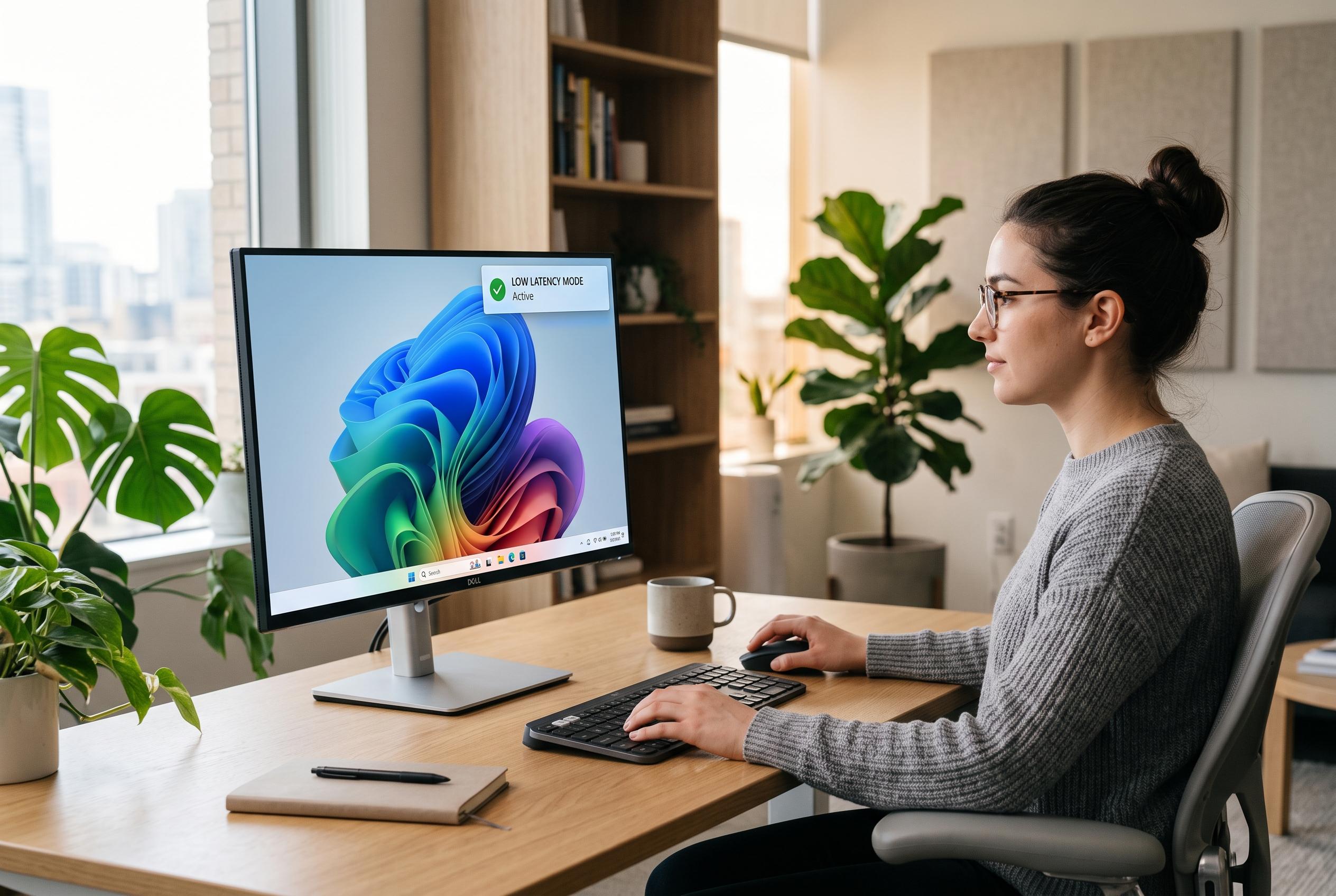

Microsoft’s August Windows 11 update introduces a significant expansion of the Low Latency Profile, promising faster app launches and system interactions, along with improvements to Voice Access and search functionalities.
Microsoft is rolling out its August Windows 11 update, and while the patch is modest overall, it includes several changes that should be noticeable in day-to-day use. According to TechRadar, the strongest addition is a performance tweak that extends faster launch behaviour from parts of the interface to full applications. The update also improves Voice Access in noisy environments and refines Windows search.
The most notable change is the expansion of Low Latency Profile, a feature Microsoft first introduced in June for selected system elements such as the Start menu and Notification Centre. Windows Central says the August 2026 Patch Tuesday release now applies the same CPU-boosting approach to apps, temporarily increasing processor speed when software opens so it loads more quickly. That rollout is gradual, so not every PC will see it at once.
Performance claims around the feature have been substantial. Windows Central previously reported that Microsoft said LLP could make app launches up to 40% faster and some system interactions 70% quicker, although the company has been deploying it in stages. The feature is intended to improve responsiveness without user intervention, and Microsoft appears to be testing it carefully before wider release.
Voice Access is also getting a useful upgrade. TechRadar reports that Microsoft has added Voice Isolation, which is designed to filter out background noise and other voices so the system can focus on the speaker. Windows Central says the feature includes an optional setup step for recognising a specific voice, while a simpler noise-filtering mode works without extra configuration.
Search in Windows 11 is becoming more forgiving too. Microsoft is improving app search so that misspellings and partial names are more likely to return the correct result, while settings search will surface more relevant options first, according to TechRadar. These are small changes individually, but they address a long-standing weakness in Windows: finding the right tool or setting quickly.
The rest of the update is a mixture of refinements. Windows Central says Microsoft has added new precision touchpad gestures, restored a manual Energy Saver threshold setting for laptops, simplified Lock screen widgets to show weather by default and changed taskbar notification badges to use the Windows accent colour rather than red. The update also adds support for peripheral fingerprint sensors in Windows Hello and introduces a parental controls notice during setup.
Disclaimer: This content is intended for informational purposes only. Readers are advised to exercise their own judgement, conduct due diligence, or consult a qualified expert before acting on any information provided.