

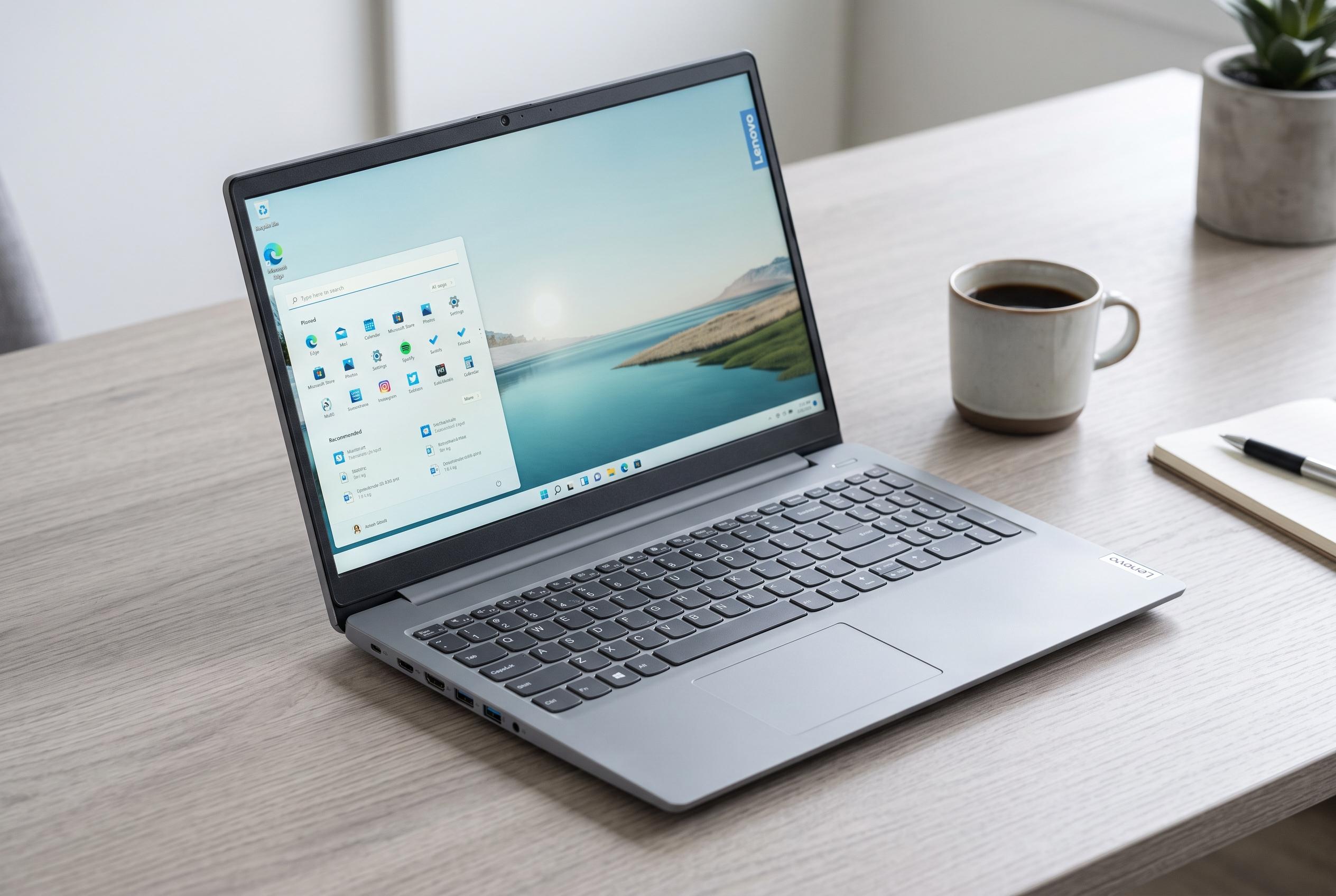

Lenovo’s IdeaPad Slim 3i Gen 11 provides a sensible mix of price, portability, and performance for everyday tasks, but 경쟁 in a saturated mid-range market highlights its limitations and alternatives.
Lenovo’s IdeaPad Slim 3i Gen 11 sits in a crowded part of the market: a mainstream Windows laptop that aims to balance price, portability and enough performance for everyday work. In Pocket-lint’s review, the machine came in at $900, although it was also being sold for about $700 at Best Buy at the time, which makes a meaningful difference to its appeal. Lenovo’s own product information places the model in the 15-inch class and highlights a WUXGA touchscreen, a 16:10 panel and a design that leans towards practical rather than premium styling.
The configuration reviewed by Pocket-lint used Intel’s Core 7 350, 16GB of RAM and a 512GB SSD, which is a sensible specification set for office work, study and general browsing. Lenovo’s listing for the range shows that the broader IdeaPad Slim 3i Gen 11 family also includes Intel Core Ultra options, suggesting the line is intended to stretch from budget-friendly builds to more capable variants. That flexibility may help buyers, but it also makes direct comparison important because value depends heavily on the exact configuration.
In day-to-day use, the review found the laptop responsive and comfortable for light productivity. Multiple Chrome tabs, word processing and routine multitasking did not noticeably slow it down. The touchscreen was a highlight, especially when used instead of the touchpad, and the keyboard earned praise for its tactile feel even though its layout was not universally liked. Lenovo’s published specifications also point to a white backlit keyboard and a 180-degree hinge, features that reinforce the laptop’s practical brief.
Battery life also appears to be one of the stronger points. Pocket-lint said the laptop could comfortably last through a standard workday, while charging was fast enough to restore most of the battery in a little over 30 minutes. Lenovo’s product pages add that the machine includes a privacy shutter on the camera and a mix of ports that includes USB-A, USB-C, HDMI and a headphone jack, which should suit users who still rely on older accessories.
The compromises are less subtle. Pocket-lint criticised the single USB-C port, the presence of a number pad that makes the keyboard feel cramped and a fan that becomes noticeably loud when the machine is charging or under load. TechRadar’s separate review of the IdeaPad Slim 3i also pointed to modest speakers and limited colour performance, while PCWorld noted that lower-end IdeaPad Slim 3i variants can struggle more when the processor and memory are scaled back. Taken together, the evidence suggests the range is built for everyday computing, not demanding creative or gaming work.
That makes the buying case fairly straightforward. According to Pocket-lint, the IdeaPad Slim 3i Gen 11 is a reasonable purchase if you want a no-frills laptop for writing, streaming and routine office tasks, especially if you can find it on discount. But Lenovo’s own wider IdeaPad line gives buyers alternatives with similar performance and, in some cases, better port selection or a less cluttered keyboard. For shoppers comparing configurations, the smarter move may be to treat this model as one option among several rather than the automatic default.
Disclaimer: This content is intended for informational purposes only. Readers are advised to exercise their own judgement, conduct due diligence, or consult a qualified expert before acting on any information provided.



