

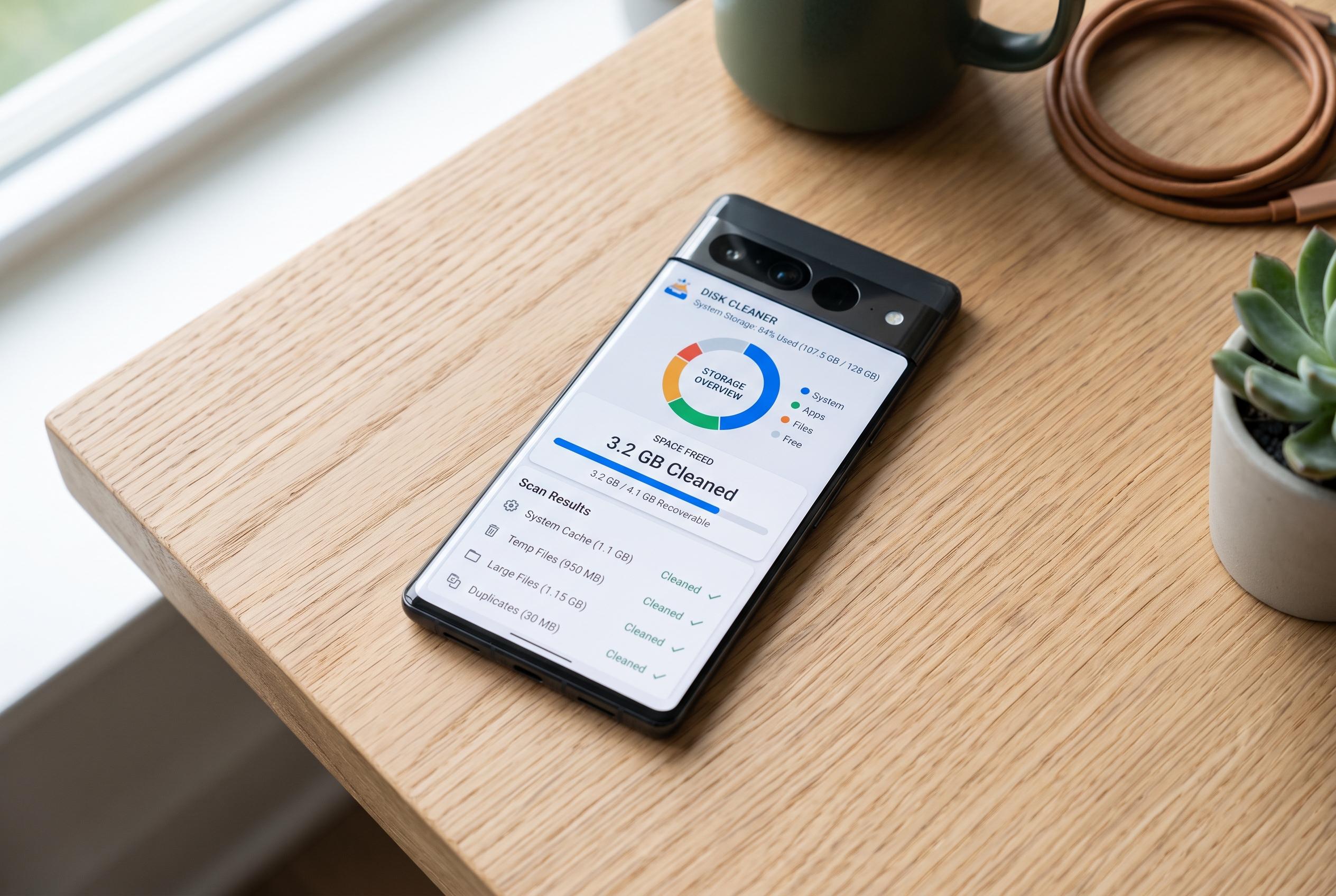

As storage capacity on high-end Android phones fills up quicker than expected, users turn to specialised apps like Disky and SD Maid 2/SE to identify and clean space hogs, revealing a more manageable approach to device maintenance.
Android storage fills up faster than many users expect, even on premium phones with ample default capacity. A recent example from Android Police described a Pixel 10 Pro that was close to the 100GB mark after about six months, despite limited app installs and Google Photos backup being enabled. The broader point is familiar: cloud storage, external drives and upgrading to a larger handset all help, but they are not always convenient or affordable.
For users who want to see where the space has gone, Android Police highlighted Disky as a straightforward storage analyser. The app is available only through F-Droid, asks for the permissions it needs to inspect files and app usage data, then quickly presents a pie chart and a size-ranked list of storage consumers. According to F-Droid, Disky is designed to identify storage hogs clearly and without clutter, but it does not delete files itself, so users still need a separate file manager to remove data.
The same article also pointed to SD Maid 2/SE as a more capable alternative for users who want cleanup tools as well as analysis. The app, which is offered on Google Play and F-Droid, includes features such as CorpseFinder for leftover files from uninstalled apps, AppCleaner for caches and expendable files, SystemCleaner for configurable junk removal and Deduplicator for duplicates. The developer says some functions sit behind a paid upgrade, including automation features such as scheduled cleaning.
The practical lesson is that Android storage problems are often easier to diagnose than users assume. An analyser such as Disky can show whether apps, downloads or camera folders are the main culprit, while SD Maid 2/SE can go further for people prepared to pay for more automation. In the Pixel 10 Pro example, apps alone accounted for nearly 45GB, with the DCIM and Downloads folders also taking sizeable shares, which underlines how quickly ordinary use can consume space.
Disclaimer: This content is intended for informational purposes only. Readers are advised to exercise their own judgement, conduct due diligence, or consult a qualified expert before acting on any information provided.



