

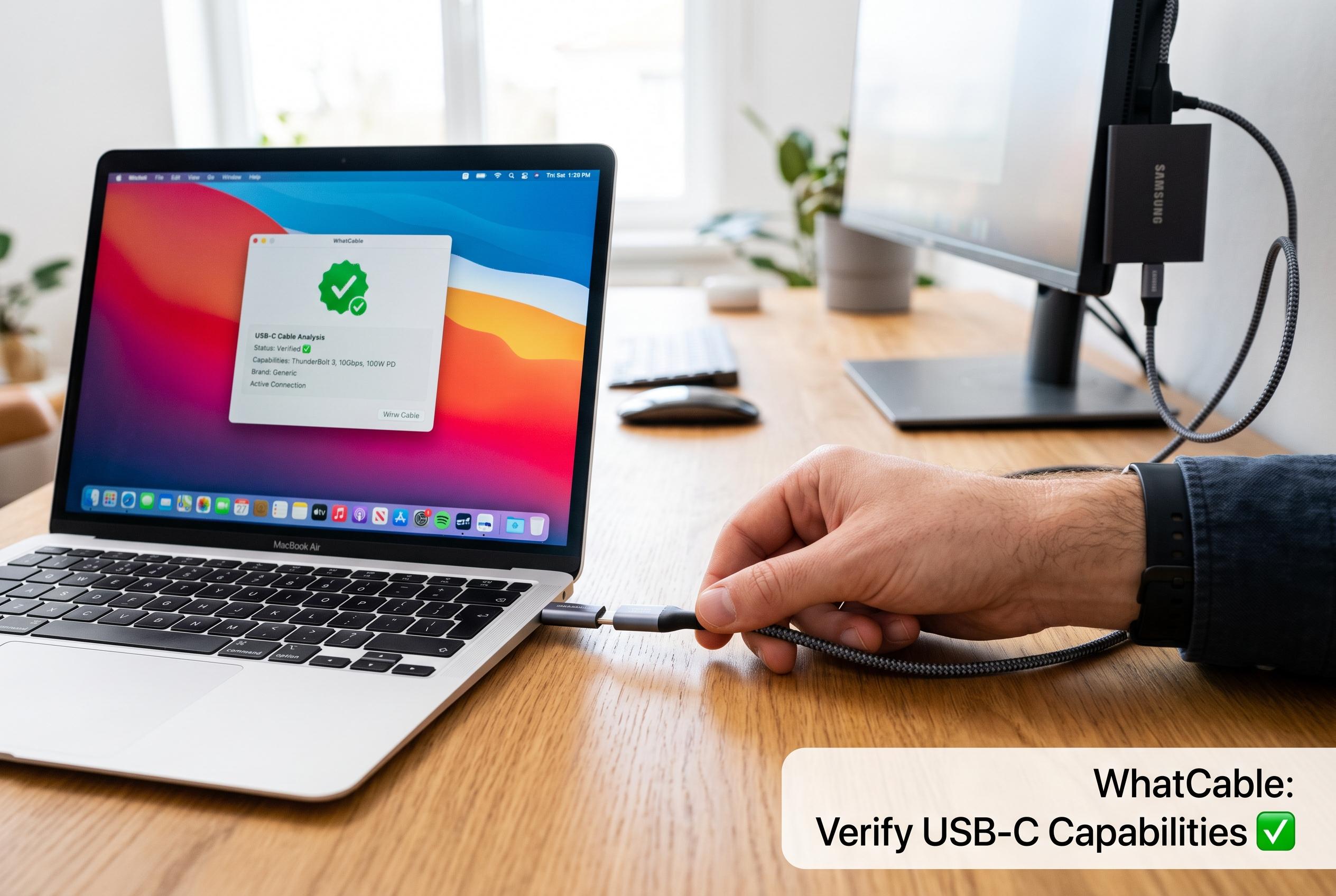

WhatCable emerges as a low-cost, open-source solution for Mac users to identify misleading USB-C cables, addressing a common blind spot in device charging and data transfer compatibility.
WhatCable is emerging as a practical answer to one of the more annoying blind spots in USB-C ownership: cables rarely tell the truth about themselves in a way users can easily verify. According to reviews in Cult of Mac and Spider-Mac, the free Mac application reads the cable’s own identification data and presents the likely charging and data capabilities in a plain interface, while also offering a paid Pro tier for more advanced diagnostics.
The appeal is straightforward. Dedicated cable testers can cost roughly $16 to $50, yet WhatCable’s basic version is free and open source, which gives it unusual reach for a niche utility. Boing Boing said the software is especially useful when several USB-C leads look identical but support different speeds, power levels or protocols, making it easier to sort everyday cables from higher-spec models.
The limits are just as important. Clubic reported that cables rated below 60 watts often do not include the e-marker chip that software tools rely on, which means they may reveal little or nothing. A counterfeit e-marker can also still deceive any software-only check. The official WhatCable blog says the app looks beyond the cable itself and examines the wider connection chain, including the Mac, dock, charger and connected device, but that does not remove the basic hardware constraints.
For now, the software remains a Mac-only tool, and several reports note that Windows users still have to rely on physical testers instead. That makes WhatCable less a universal solution than a useful, low-cost option for Mac owners who want a quick way to spot misleading USB-C cables and avoid guessing what each one can really do.
Disclaimer: This content is intended for informational purposes only. Readers are advised to exercise their own judgement, conduct due diligence, or consult a qualified expert before acting on any information provided.



