

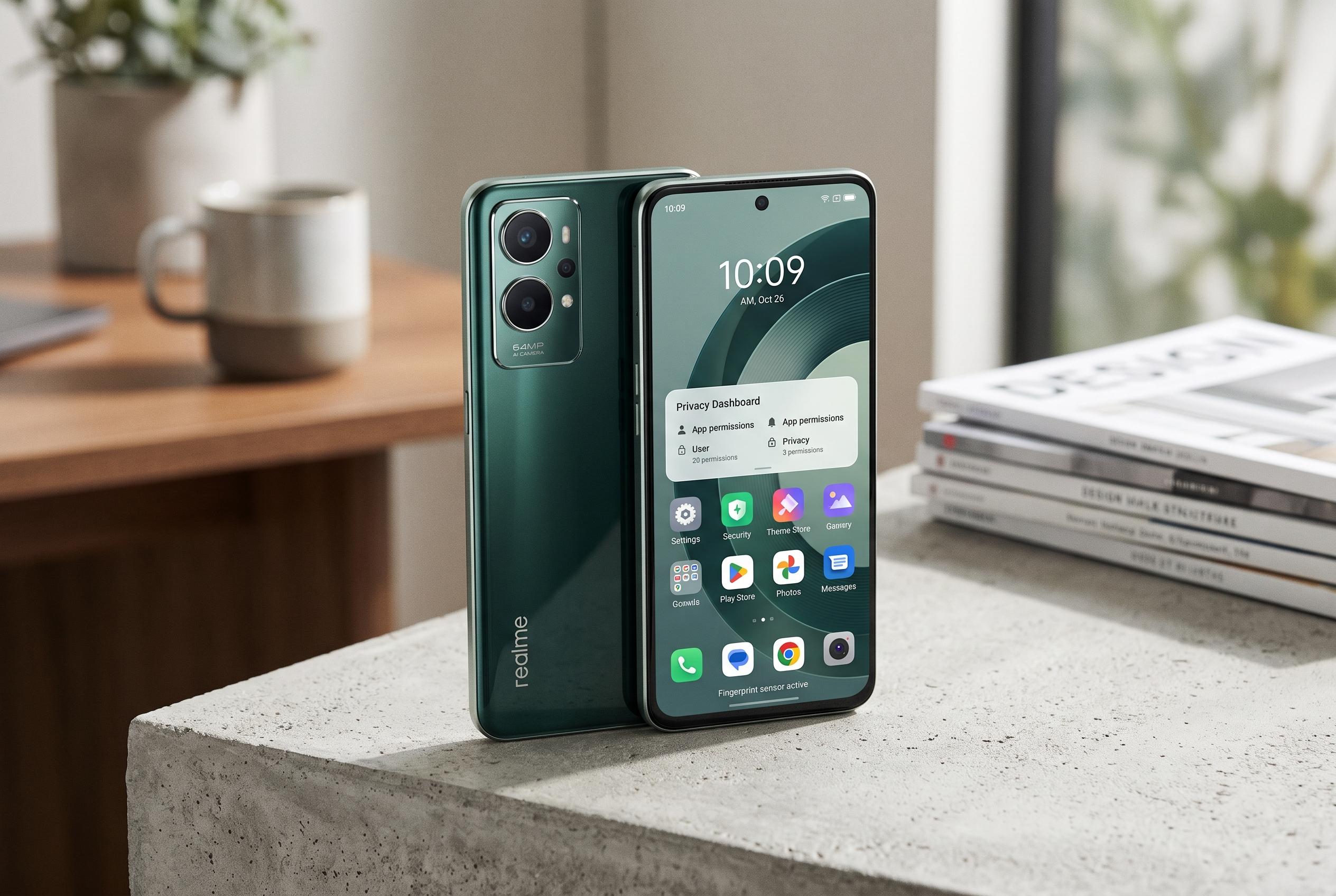

The Realme C100 debuts as an affordable handset boasting robust software tools and security options, elevating its appeal beyond basic specifications to offer personalised daily use features.
The realme C100 is being positioned as a low-cost handset with a strong emphasis on battery life, durability and everyday practicality. Reports from Gadgets360, Gizguide and other specification trackers describe a large 6.8in display, a 50MP main camera, a high-capacity battery and Realme UI 7.0 based on Android 16, with the exact configuration varying by market. That hardware gives the phone a broad feature set, but the more interesting value lies in the software tools that let owners tailor how it behaves in daily use.
Several of the most useful options are hidden inside the accessibility and convenience menus. According to the Spanish guide, the power button can be turned into a shortcut key, with a double press assigned to tasks such as clearing cached files, opening a specific app, launching the recorder or switching to silent mode. The same menus also include an outdoor mode that raises brightness and volume, while attempting to keep the interface responsive in bright light or noisy environments. Realme’s gesture tools go further, allowing hands-free call handling and vertical scrolling in some social and video apps by moving a hand in front of the front sensor.
Security features are another major part of the package. The phone can be set to sound an alarm if it is unplugged, if headphones are removed or if someone tries to take out the SIM card. It can also demand a password before switching off, which helps keep tracking and remote-lock functions available if the device is lost. Apps can be hidden behind a separate privacy code and individual applications, such as banking or messaging tools, can be locked with a second layer of authentication. The guide also notes a remote-control function for Google TV sets, turning the handset into a basic television controller over the local network.
For performance and customisation, the C100 includes a GT mode for heavier gaming or demanding apps, although the trade-off is higher heat output and faster battery drain. There are also gestures that work while the display is off, including letter drawings that can launch the camera, start selected apps or trigger calls, plus shortcuts for the torch and screenshots. On the home screen, icons can be grouped and moved in batches, making it easier to reorganise a cluttered layout. For buyers, the broad appeal is clear: the C100 is not just about battery capacity or price, but about the number of small tools that make a budget phone more adaptable.
Disclaimer: This content is intended for informational purposes only. Readers are advised to exercise their own judgement, conduct due diligence, or consult a qualified expert before acting on any information provided.



