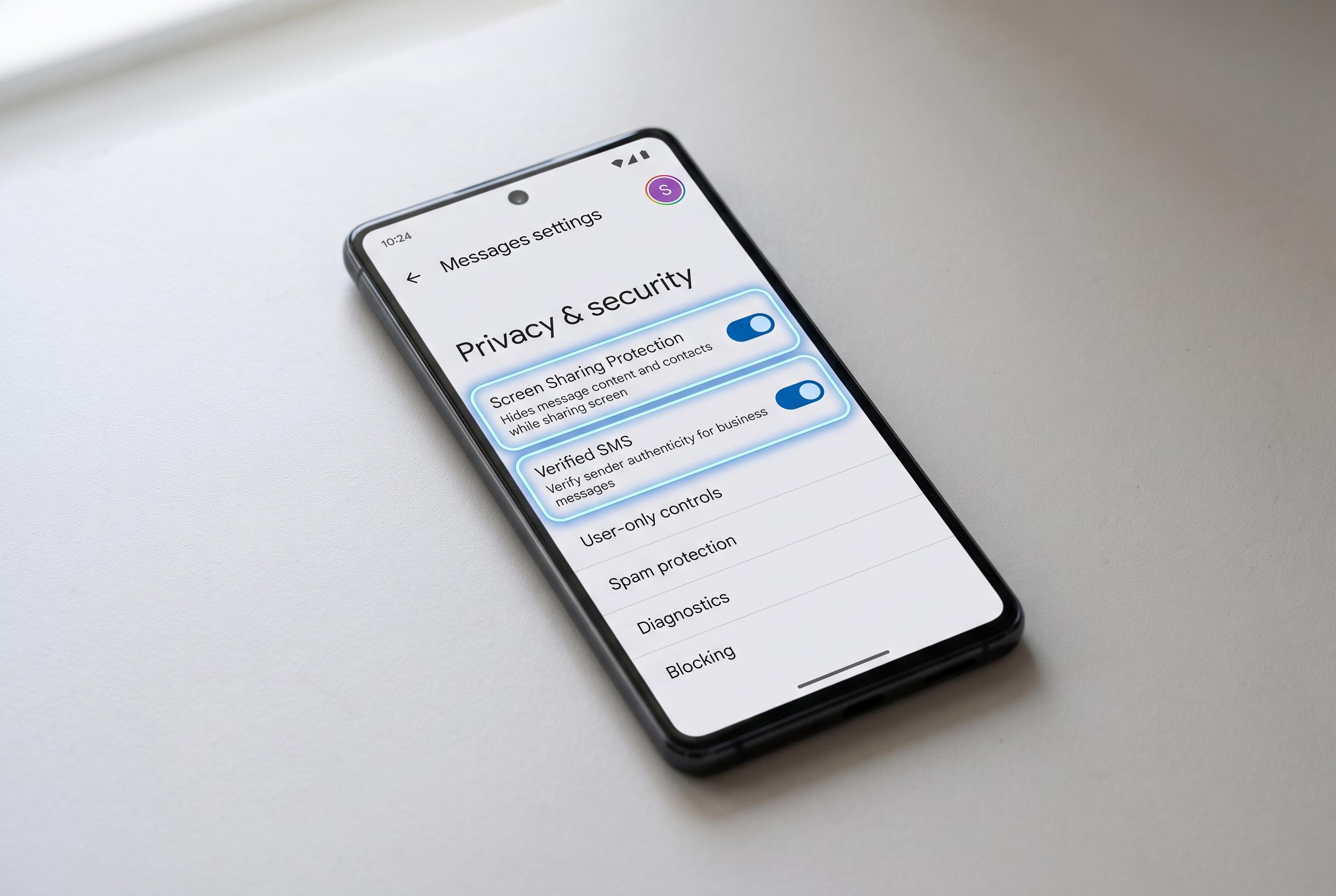

Google Messages is adding new privacy controls to allow users to manage automation, content warnings, and profile visibility, addressing concerns over data exposure amid expanding AI-powered features.
Google Messages is one of Android’s more capable default apps, but several of its newer features trade convenience for exposure. The most obvious example is Gemini integration. Google says the assistant can generate replies and suggestions from recent chats while keeping processing on the device, but it still adds another layer of automation to a messaging app many people prefer to keep simple. If that is not useful, the Gemini button can be hidden in Messages settings.
Another feature worth reviewing is sensitive content warnings. Google’s support material says Messages can detect images that may contain nudity, blur them and warn the user, with detection handled on the device rather than sent to Google’s servers. That on-device design reduces some concerns, but it is still a scanning layer some users may not want, especially if they do not need it. In practice, it is also not foolproof and can create unnecessary friction when it flags harmless images.
The same privacy trade-off applies to Google’s AI-powered reply tools. Smart Reply, suggestion prompts and Magic Compose are intended to speed up texting, but they analyse conversation context and can make messages feel generic. Google’s documentation says these features are built to work locally on the device, yet they still depend on extra components such as AICore and are easy to disable if users want fewer automated interventions and less storage use.
Profile visibility is another setting worth tightening. By default, Google Messages can share a user’s name and account photo with people they text, which may be more disclosure than necessary. Limiting that information to contacts, or hiding it from everyone, gives users more control over what appears the first time they message someone. Lock-screen previews deserve the same scrutiny. Showing message contents on a locked phone can expose one-time codes, sender details and private exchanges to anyone nearby, so hiding message content until the device is unlocked is the safer default for people who value privacy.
Disclaimer: This content is intended for informational purposes only. Readers are advised to exercise their own judgement, conduct due diligence, or consult a qualified expert before acting on any information provided.