

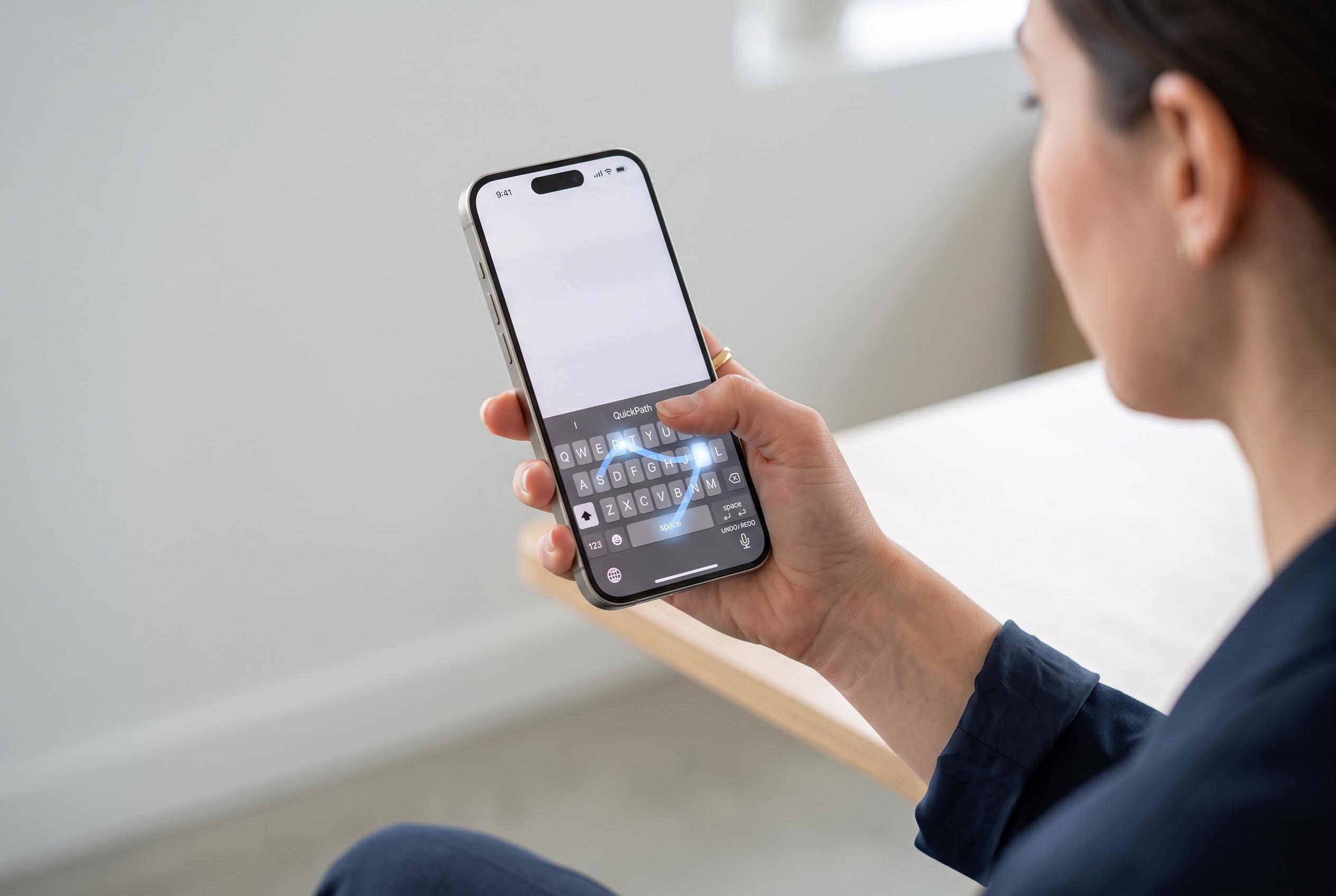

Apple’s latest iPhone keyboard updates introduce swipe-to-type, cursor control via space bar, and intuitive copy-paste gestures, revealing hidden tools that could transform user texting and editing experiences.
Apple’s iPhone keyboard includes several shortcuts that can make everyday typing faster and more precise, especially for people who write messages, emails or social posts throughout the day. In a recent AP One Tech Tip, the news agency highlighted a set of built-in tools that are easy to miss because they sit inside Apple’s settings and editing gestures rather than on the main keyboard itself.
One of the most useful is Slide to Type, Apple’s version of swipe typing. When the feature is switched on in Settings under General and Keyboard, users can form words by moving a finger from letter to letter instead of tapping each key. Apple’s support material says the method is designed to speed up text entry, while troubleshooting guides note that it can depend on the selected language and software version.
The same keyboard can also act as a trackpad. By pressing and holding the space bar, the keyboard letters disappear and the user can move the cursor across the text field with greater accuracy. Apple says that technique is useful for editing text, while its help pages also describe standard selection methods such as double-tapping for a word and triple-tapping for a paragraph.
For copying and pasting, Apple’s gesture controls add another layer of convenience. The company’s support pages say users can copy and paste through on-screen menus or by using three-finger pinch gestures, with a pinch-in motion copying selected text and a spread-out motion pasting it elsewhere. Apple also documents Universal Clipboard, which lets people copy text or images on one Apple device and paste them on another when Wi-Fi, Bluetooth and Handoff are enabled and the devices share the same Apple ID.
Disclaimer: This content is intended for informational purposes only. Readers are advised to exercise their own judgement, conduct due diligence, or consult a qualified expert before acting on any information provided.



