

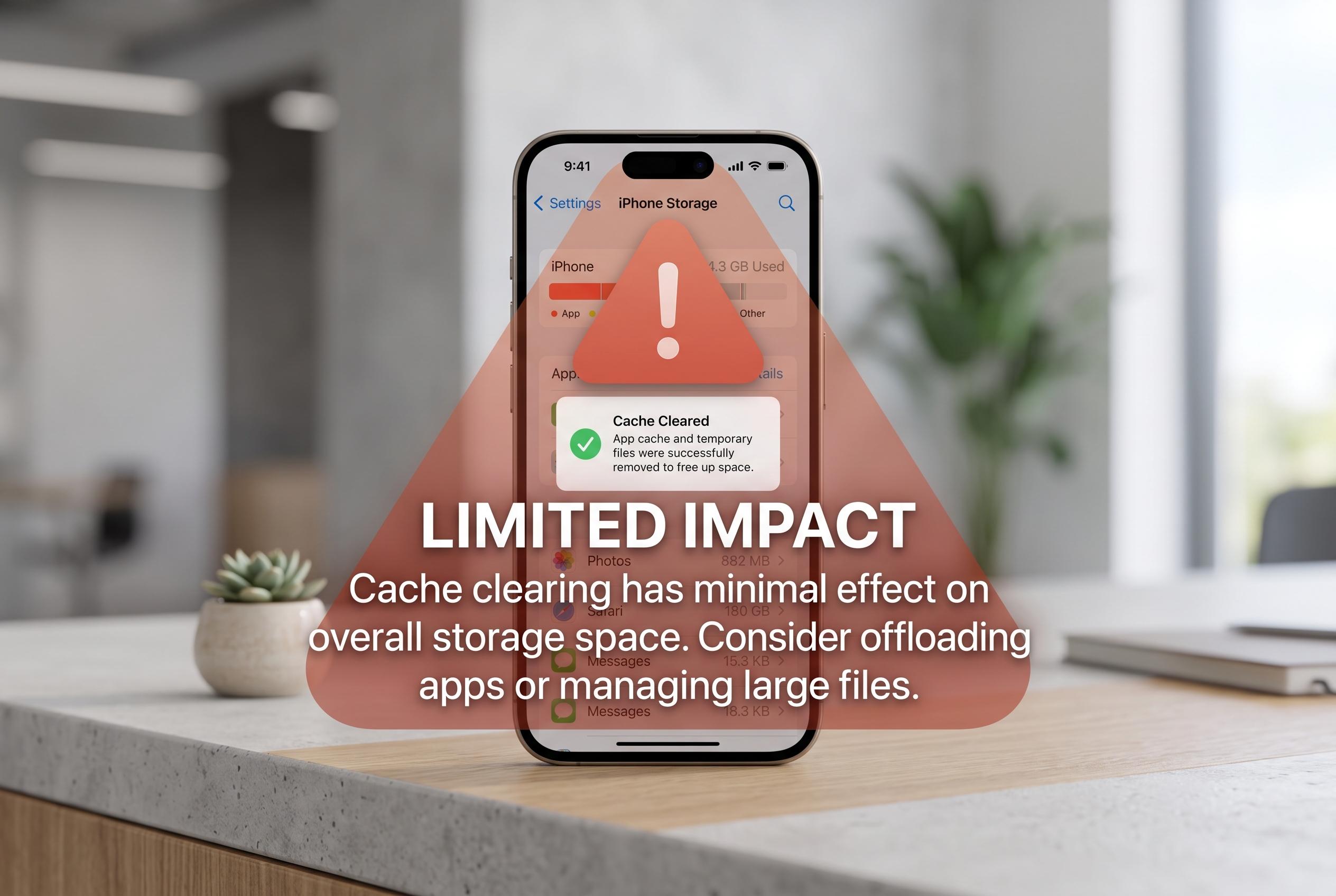

Temporary files often mislead users into thinking they are the main cause of storage issues, but experts warn that deleting cache has limited impact on freeing space. The real culprits are large downloads and app data, requiring more direct management.
An iPhone running short of storage is not usually being defeated by cache alone. That temporary data can help an app open faster or stop a browser from misbehaving, but clearing it is rarely the most effective way to recover meaningful space. Apple’s support guidance and how-to explainers from other tech publications all point in the same direction: cache is useful, but it is not the main source of a full device.
iOS and individual apps save temporary files so they do not have to fetch the same images, page elements or repeated data every time. That makes the phone feel quicker, but the trade-off is that a small amount of storage is used in the background. According to Apple, Safari lets users remove browsing history, cookies and cache through its settings, although that process also clears other site data and will usually force sign-ins and permissions to be set again.
The bigger distinction is between browser cache and the system cache. On the iPhone, Apple does not provide a dedicated control for clearing system-wide temporary files. The practical method is a restart, which can flush some transient data without deleting anything permanent. In other words, it may help with glitches, but it is not a storage-cleaning shortcut in the way many users expect.
Some apps do offer better controls. Reports from DevX, PhoneArena and Tom’s Guide note that services such as Spotify, Telegram, Discord and TikTok include built-in cache management, while Chrome on iPhone allows users to clear cached images and files without wiping all browsing history. Telegram is often cited as the most detailed, with controls that break storage use down by file type and conversation. Where an app offers no such option, users may need to offload or delete and reinstall it, which is more disruptive but can free more space.
The more important lesson is that the real storage drain is often self-inflicted. Downloaded music, podcasts, offline video and large message attachments usually occupy far more room than cache ever will. That is why clearing temporary files is best treated as a troubleshooting step for a misbehaving app or browser, not as a weekly routine. For most iPhone owners, the faster route to breathing space is to remove the files they chose to keep.
Disclaimer: This content is intended for informational purposes only. Readers are advised to exercise their own judgement, conduct due diligence, or consult a qualified expert before acting on any information provided.



