

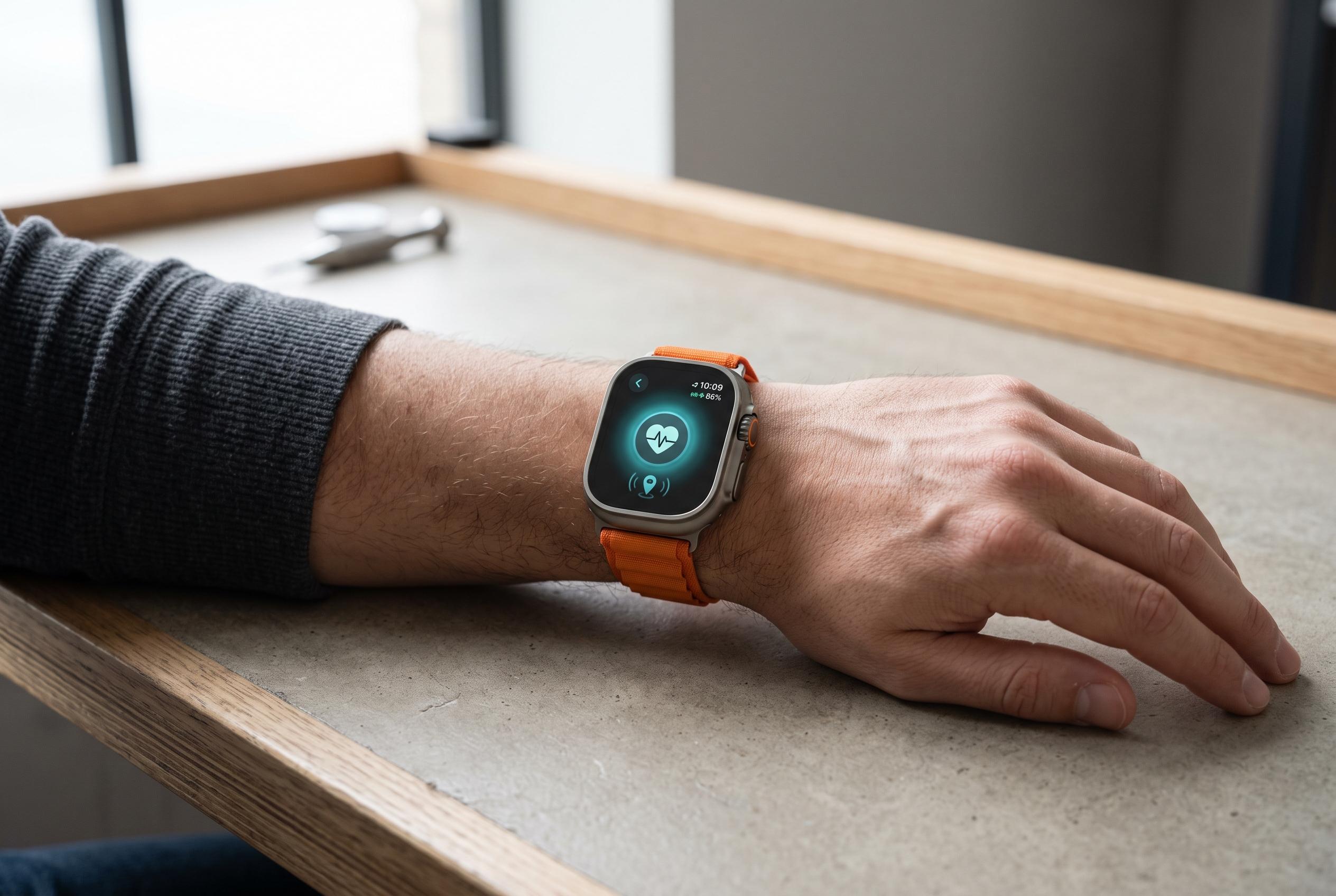

While marketed as rugged gear for outdoor enthusiasts, Apple Watch Ultra’s safety tools like Fall Detection, Crash Detection, satellite connectivity, and the siren offer essential support for everyday emergencies, from school runs to power outages.
Apple Watch Ultra is often marketed as rugged kit for climbers, divers and trail users, but its most practical protections are more ordinary. Apple’s safety tools are just as relevant on a school run, a late-night walk home, a commute, a broken-down car or a medical emergency at home. The watch combines Emergency SOS, Fall Detection, Crash Detection, Medical ID and Check In with hardware features such as a loud siren and an integrated torch. On Ultra 3, Apple adds satellite connectivity for places where mobile signals and Wi‑Fi are unavailable.
Fall Detection is a good example of a feature that matters far beyond sport. Apple says compatible watches can alert emergency services after a hard fall, then place a call automatically if the wearer does not respond. That may help in a bathroom slip, on icy pavement, from a ladder or during any incident that leaves a person unable to reach a phone. Apple enables the feature automatically for users aged 55 and over when age is entered during setup or in the Health app, while younger users can switch it on manually. It is not foolproof, but it adds a second chance when a person cannot call for help quickly.
Crash Detection serves a similar role in vehicles. Apple says the watch uses motion sensors, GPS, microphones and other data to identify severe collisions, then sounds an alarm and starts a countdown before calling emergency services if the wearer does nothing. The system is designed for serious crashes in passenger vehicles, not every bump or sudden stop. Still, it may help when an iPhone has been thrown out of reach, damaged or left elsewhere in the car. Apple also warns that accidental activations can happen, so users should stay on the line and explain if help is not needed.
Ultra 3’s satellite functions extend that safety net into places where normal networks fail. According to Apple, Emergency SOS via satellite can contact emergency services outside cellular and Wi‑Fi coverage, while Messages via satellite and Find My over satellite can help users update family or share a location. Apple says the service requires a clear view of the sky, is available only in selected countries and regions, and can be tested through a built-in demo. That makes it useful not only for remote hiking but also for rural roads, storms, outages and transport disruptions.
The watch’s siren is another feature that is easy to think of as wilderness-only, yet it may also help in a car park, on a dark street, in a power cut or during a building evacuation. Apple says it can be heard from up to 600 feet, or about 180 metres, away. The torch offers a quieter alternative, improving visibility near a stranded vehicle or lighting a dark corridor during an outage. Together, they give the wearer a way to attract attention even when shouting would not be effective.
Medical ID remains one of the most useful parts of the system because it can speak when the wearer cannot. Apple says it can display allergies, conditions, medicines, blood type, age, donor status and emergency contacts from the emergency screen without requiring the passcode. In supported regions, some of that information can also be shared with emergency services. Its value depends on being kept current; stale medication details or outdated contacts can mislead responders at the worst possible moment.
Apple’s quieter health alerts add another layer. The company says the watch can warn about high or low heart rate, irregular rhythm and noise exposure, while supported models can also record an ECG. Ultra 2 and later can send sleep apnoea notifications in eligible regions, and Ultra 3 adds hypertension notifications where available. These are not diagnostic tools, but they can surface issues a wearer may not notice. Check In works in a different way, notifying a chosen contact when a journey ends, a workout finishes or a set period passes, which can reassure family without constant tracking.
The common thread is preparation. Apple recommends reviewing Medical ID, emergency contacts and detection settings before they are needed. For Ultra 3 owners, the satellite demo is worth trying in calm conditions, not beside a disabled car or during a blackout. The safety features are most effective when they are configured in advance and understood before anything goes wrong.
Disclaimer: This content is intended for informational purposes only. Readers are advised to exercise their own judgement, conduct due diligence, or consult a qualified expert before acting on any information provided.



