

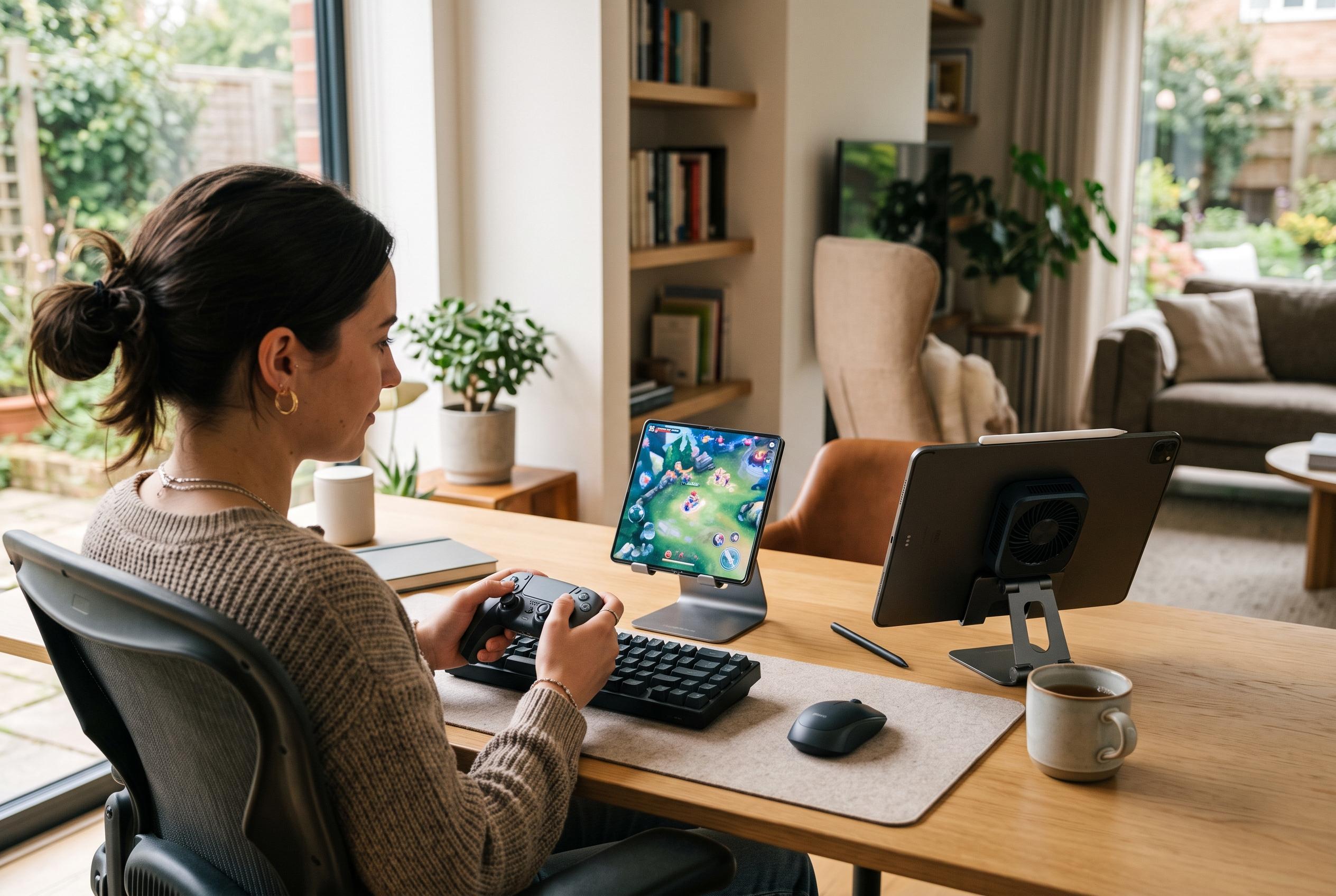

Testing across Huawei’s latest phones, foldable and tablet shows how screen size, cooling and software features shape the gaming experience , with keyboard support bringing both promise and risk.
Huawei’s case for mobile gaming is stronger than it may first appear. Newzoo’s 2025 Global Games Market Report puts the worldwide player base at 3.6 billion and says mobile remains the largest segment by revenue, underlining why handset makers continue to treat gaming as a core feature rather than a niche use case. Against that backdrop, Huawei’s own devices show how much difference screen size, cooling and software integration can make in practice.
On its phones and tablets, Huawei splits gaming tools across the AppGallery-based GameCenter and a separate in-game overlay buried in settings. That extra layer is less obvious than on some rival Android skins, but it does provide practical functions that matter to regular players: screen recording, notification suppression, screenshots and peripheral support. In other words, the company is trying to bridge the gap between casual play and a more console-like experience.
PUBG Mobile is the clearest example of how hardware shape affects comfort. On the nova 16s Pro, the game runs smoothly on a 6.84-inch flat LTPO OLED panel at 120Hz, with the article’s testing showing a steady 62fps at maximum settings and little heat build-up. The larger point is not just raw speed: flat screens are simply easier for touch controls than curved designs, and Huawei’s default button layout still benefits from manual resizing to reduce missed inputs.
The Mate X7, Huawei’s foldable flagship, is the most interesting gaming device of the trio. Its inner display gives players more vertical space, which makes PUBG Mobile easier to read and more comfortable to control once the buttons are reconfigured. In testing, the handset delivered between 80 and 91fps on the internal screen, although recording the session reduced the displayed rate to 60fps because the screen recorder itself becomes the limiting layer. The device is also easier to hold than a tablet, even if it runs warmer under sustained load.
Huawei’s MatePad Air 2026, by contrast, plays to the strengths of a tablet form factor. The article notes that it uses a Kirin T93B chip, a tablet-optimised version of the Kirin 9030 Pro found in the Mate X7, and benefits from better cooling. In PUBG Mobile it was able to sustain 90fps on high graphics settings, and the stand cover makes it much easier to use on a desk. That said, the same ergonomics that help with precision controls make it less suitable for gaming on the move.
The same pattern appears in Genshin Impact, which has long served as a benchmark for mobile hardware. All three Huawei devices handled the game well, but the most stable results came from the nova 16s Pro and the MatePad Air 2026, both of which were able to run higher settings with smooth frame rates. The Mate X7 performed respectably, yet the article suggests its thinner foldable design and then-outdated software state made it a little less consistent than the conventional phone.
Huawei’s support for keyboard-and-mouse play on the tablet is more ambitious, but also more complicated. The setup process requires activating the game centre overlay, switching to an external control mode and then mapping each physical key or mouse button to an on-screen action. It works best in PUBG Mobile, where Huawei’s presets are already tuned well, but it is less convincing in some other shooters. The biggest catch is that PUBG appears to interpret the feature as unfair play, which can lead to temporary account restrictions.
The wider library described in the article shows both the strengths and the limits of Huawei’s gaming story. Cloud gaming through MTS Fog Play works better in Microsoft Edge than in the service’s own Android app, while ports such as Red Dead Redemption and Disco Elysium run adequately on Huawei hardware despite the platform’s lack of Google services in some markets. Classic and retro-inspired titles like Evoland 2 and Machinarium also fit the company’s devices well, particularly on phones with good touch response and on screens that can handle point-and-click interfaces without distortion. The overall picture is of a manufacturer that is gradually improving gaming support, even if the experience still depends heavily on the title, the form factor and the user’s willingness to configure things manually.
Disclaimer: This content is intended for informational purposes only. Readers are advised to exercise their own judgement, conduct due diligence, or consult a qualified expert before acting on any information provided.



