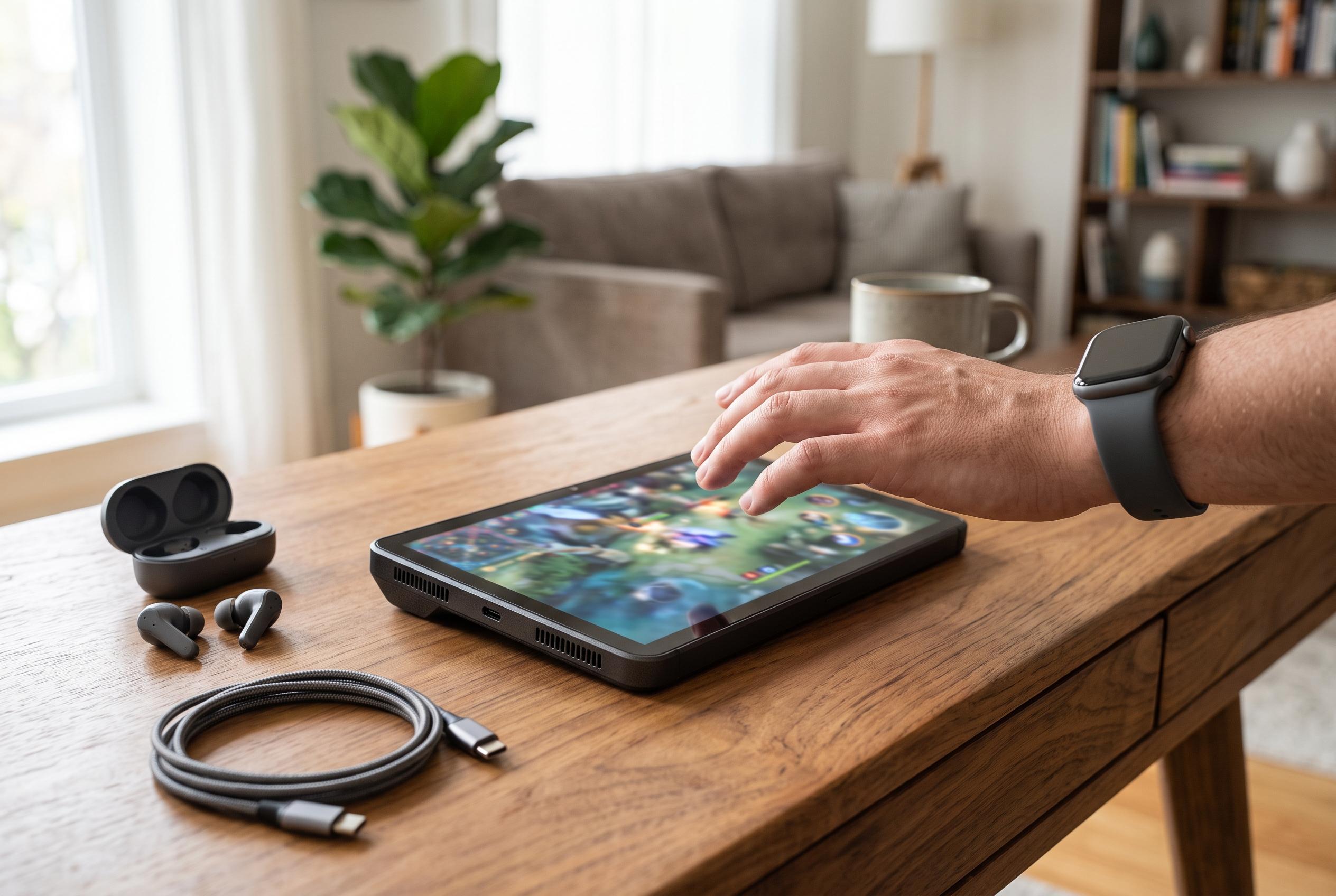

The Legion Tab Gen 5 combines flagship performance, a 165Hz display and all-day battery life in a portable design, though heat, the lack of 5G and its premium price remain compromises.
Lenovo’s Legion Tab Gen 5 is a reminder that a gaming tablet does not need to be oversized to feel serious. In PhoneArena’s review, the 8.8-inch device came across as a compact machine with a metal chassis, a weight of roughly 360g and a build that feels reassuringly solid in hand. That smaller footprint is one of its most practical advantages: it is easier to carry than the larger tablet format that now dominates the market, and it is more natural to hold for extended play.
The screen is another major strength. Although it uses an IPS LCD panel rather than OLED, PhoneArena said the display still looks excellent, with high resolution, strong responsiveness and a 165Hz refresh rate that helps keep motion smooth. NanoReview reached a similar conclusion, describing the panel as a high-quality 8.8-inch IPS LCD with the same refresh rate. For readers who worry that LCD will feel like a compromise, the consensus suggests that this is one of the better implementations in the category.
Performance is clearly the Legion Tab Gen 5’s core selling point. The tablet is powered by Qualcomm’s Snapdragon 8 Elite Gen 5, and both PhoneArena and other reviews describe it as well above the level of a typical Android tablet. PhoneArena’s benchmark results placed it below RedMagic’s Astra 2 in some tests, but still comfortably ahead of most competing tablets in sustained graphics and CPU workloads. Notebookcheck likewise praised the raw performance, while noting that the compact form factor can concentrate heat under load. That trade-off is important: the Legion Tab Gen 5 is fast, but long, demanding sessions are still likely to generate warmth.
Lenovo has tried to make the software as useful as the hardware. According to PhoneArena, the tablet runs Android 16 with Lenovo’s ZUI 18 layered on top, and its Desk mode is one of the more convincing desktop-style interfaces available on a tablet. It adds a larger taskbar, resizable windows and a more flexible multitasking layout. The gaming tools are also practical rather than gimmicky, with options such as key mapping, gesture control overrides and a performance mode intended to raise frame rates without pushing the device into obviously unsafe territory.
Battery life appears to be one of the tablet’s strongest practical assets. The Legion Tab Gen 5 has a 9,000mAh battery, which is unusually large for such a compact device. PhoneArena reported strong results in its battery testing, and Notebookcheck similarly found that the tablet can last for long periods under lighter workloads. Charging is brisk as well, with 68W wired support; PhoneArena said a half-hour charge can take the battery to 53%, and a full charge takes around 1 hour and 14 minutes. That makes the tablet more suitable for heavy daily use than many smaller competitors.
The rest of the hardware is a mixed but sensible package. PhoneArena said the rear camera system is adequate for a gaming tablet, though not especially ambitious, and the front-facing camera is positioned on the short edge, which makes portrait orientation more convenient for video calls. NanoReview and Notebookcheck both note that the device does not include 5G, which may disappoint buyers who want mobile data in addition to Wi-Fi. Even so, Lenovo has added practical touches such as dual USB-C ports, microSD expansion and support for the Tab Pen Plus, which broadens the device’s appeal beyond gaming. Gizmochina reported that the US version launched at $849 for the 12GB/256GB configuration, placing it firmly in premium territory. For buyers who want a compact Android tablet that can game hard, multitask well and last all day, that price may be easier to justify than it first appears.
Disclaimer: This content is intended for informational purposes only. Readers are advised to exercise their own judgement, conduct due diligence, or consult a qualified expert before acting on any information provided.