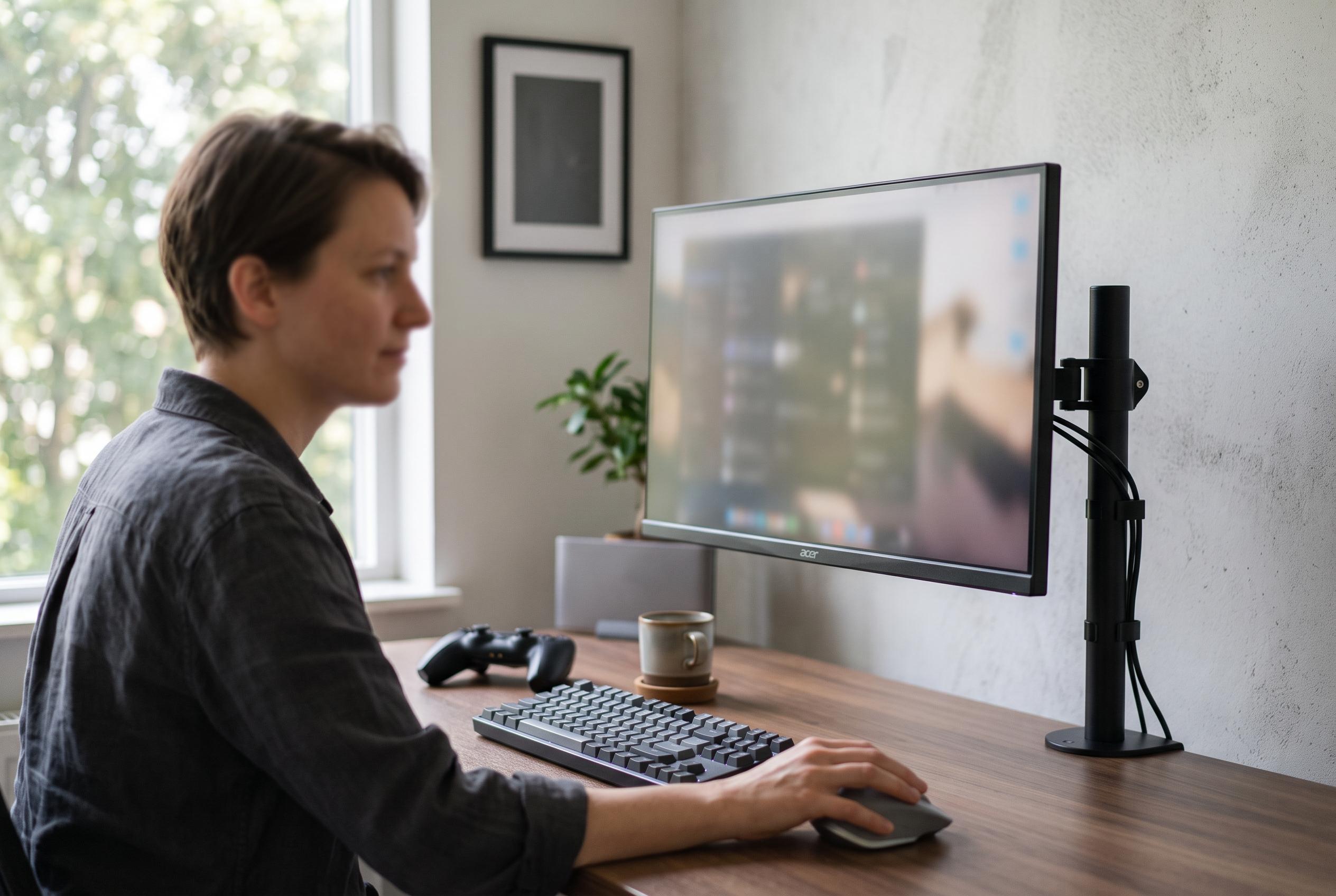

In 2026, sub-$500 4K monitors have evolved, offering native 3840 x 2160 resolution, 120Hz+ refresh rates, ergonomic stands, and adaptive sync, reshaping affordable display options for work and gaming.
The market for affordable 4K monitors has moved on. A sub-$500 display no longer has to mean a basic 60Hz panel with limited ergonomics and little else to recommend it. In 2026, the better models in this bracket offer native 3840 x 2160 resolution, refresh rates of 120Hz or above, adjustable stands and adaptive sync, while still making clear compromises elsewhere. According to the roundup, the real trade-offs are now concentrated in panel type, motion performance and connectivity, not in whether the screen can deliver a genuinely usable 4K image.
The strongest all-round choice in the list is the SANSUI ES-G27D1U, a 27-inch Fast IPS monitor rated for 4K at 160Hz, with a 1080p dual mode that reaches 320Hz. The review says its appeal lies in how balanced it feels across mixed use: crisp desktop text, responsive motion and enough brightness and colour coverage to handle everyday content work without looking compromised. It also stands out for its port selection, with two HDMI 2.1 inputs and two DisplayPort 1.4 connections, plus a height-adjustable stand with pivot, swivel and tilt. The same roundup notes, however, that the top refresh rate depends on the source device and that overdrive tuning is not as refined as on more expensive gaming panels.
For buyers who want more screen space rather than a faster 27-inch panel, the CRUA CR320QC is presented as the best 32-inch option. Its 1500R curve and VA panel bring deeper blacks and stronger contrast than IPS rivals, which the review says is particularly useful in darker rooms and for film work. The trade-off is familiar: VA response behaviour can smear on dark-to-light transitions, and off-axis performance is weaker. That makes it a better fit for media viewing and general use than for fast competitive gaming, even though it still supports 160Hz and AMD FreeSync.
Samsung’s Odyssey 27-inch 4K model is positioned as the highest-rated gaming display in the group. The review points to its 144Hz Fast IPS panel, G-Sync Compatible and FreeSync Premium Pro support, and useful software features such as Dynamic Black Equalizer and an on-screen Game Bar. It is also one of the few monitors in this bracket to include two USB 3.0 ports, which adds convenience for peripheral-heavy desks. Even so, the article makes clear that its 350-nit brightness is modest for HDR use and that owners still need a sufficiently powerful GPU to sustain 4K at 144Hz in demanding games.
The KTC H27P22S occupies the value end of the high-refresh segment. It matches the 27-inch 4K Fast IPS formula with 160Hz, HDR400 and a full ergonomic stand, and the review treats it as one of the most accessible ways to get a very fast 4K desktop panel. But it also flags the usual budget concerns: quality-control complaints, overdrive settings that can produce ghosting and overshoot, and firmware menus that may require adjustment out of the box. The article suggests a careful inspection on arrival, which is good advice for any panel in this part of the market.
For users who want one screen for both desktop clarity and esports-style speed, the Amzfast dual-mode model is described as a particularly flexible option. It switches between 4K at 160Hz and 1080p at 320Hz, and the review says its 10-bit output and 93% DCI-P3 coverage make it more credible for light creative work than many gaming monitors. Still, the article is blunt about the limitation of the lower-resolution mode: the image softens noticeably because the display is not natively 1080p. That means the model is best suited to people who genuinely want a single monitor to alternate between productivity and high-refresh gaming, rather than those who want the cleanest possible esports image.
The Dell S2725QS is framed as the safest recommendation for most buyers. With a 27-inch IPS panel, 4K resolution, 120Hz refresh and a well-designed stand, it addresses the main weakness of older budget 4K monitors without pushing the price into premium territory. The review praises its strong 1500:1 contrast for an IPS panel, its usable built-in speakers and Dell’s exchange policy. Its weakness is motion performance in faster games, where 4ms to 8ms grey-to-grey response is said to leave visible ghosting. Even so, for work, browsing and general desktop use, the article treats it as the most sensible default choice.
At the other end of the spectrum, the ViewSonic VX3276-4K-MHD and LG’s 60Hz IPS models show that 4K under $500 still has a place in productivity-first setups. ViewSonic’s 32-inch screen offers a larger canvas, broad input support and a three-year warranty, but refresh rate is limited to 60Hz. That makes it unsuitable for users who have already adapted to higher refresh rates. The LG 27US500-W and 27UP650K-W, meanwhile, cater to different kinds of general-use buyers: one is the more affordable entry point, while the other is the better option for colour-sensitive work thanks to its wider DCI-P3 coverage and DisplayHDR 400 certification. Neither is intended for competitive gaming, but both fit the needs of office users, creators and anyone who values image clarity over motion performance.
The broader message of the roundup is that buyers should choose by use case, not by the highest refresh number on the box. IPS remains the best default for most desks because it balances colour accuracy and viewing angles. VA is still compelling for contrast in darker rooms. Higher refresh rates matter most if you play fast games or simply dislike sluggish scrolling. HDMI 2.1 has become important for console owners who want 4K at 120Hz, while USB-C with power delivery is still notably absent at this price, so laptop users should expect to keep a dock in the setup. The article also warns that HDR badges on this class of monitor should be treated cautiously: without local dimming, they provide only a limited improvement over standard dynamic range.
In practical terms, the best choice depends on which compromise you can live with. For the widest mix of work and play, the SANSUI ES-G27D1U leads the field. For a larger, more cinematic screen, the CRUA and ZZA curved 32-inch models are the most distinctive. For straightforward productivity, the Dell and LG screens are easier to recommend than older 60Hz alternatives. The conclusion is clear: this is the first price band where 4K monitors can feel genuinely modern, provided buyers are willing to prioritise the features that matter most to their desk rather than chasing an unrealistic all-in-one spec sheet.
Disclaimer: This content is intended for informational purposes only. Readers are advised to exercise their own judgement, conduct due diligence, or consult a qualified expert before acting on any information provided.