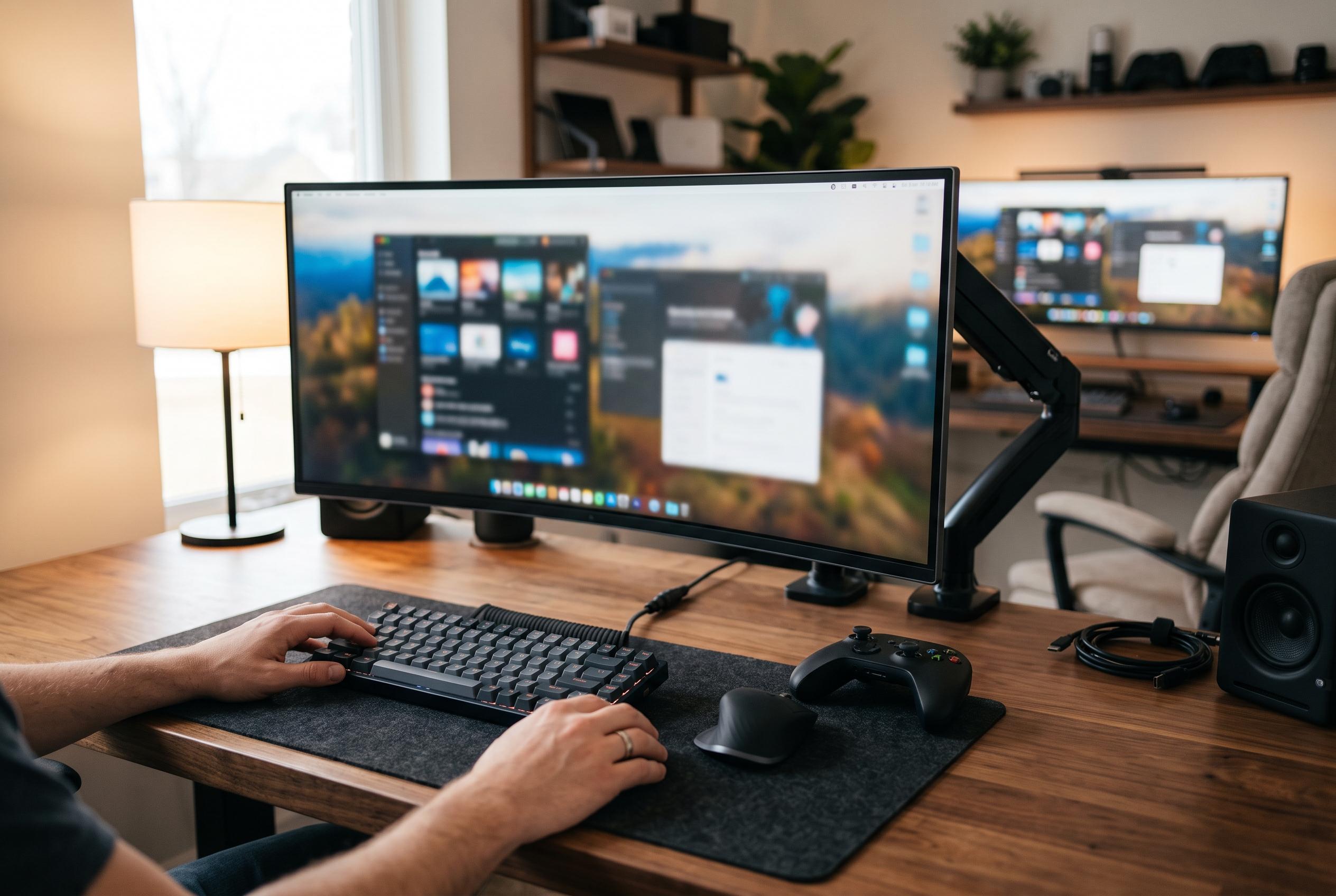

As Amazon’s Prime Big Deal Days arrives, ultrawide monitors like the CRUA 49-Inch DQHD and Samsung Odyssey G93SC stand out as top options for work and gaming, offering innovative features and premium performance at discount prices.
Amazon’s Prime Big Deal Days puts ultrawide monitors into sharp focus, and the CRUA 49-Inch DQHD emerges as the most expansive option to watch. According to the manufacturer’s product page, it combines a 5120×1440 DQHD panel, a 32:9 aspect ratio, a 120Hz refresh rate and a 1500R curve, all on a 49-inch screen built for users who want two 1440p workspaces without a bezel between them. The listing also highlights AMD FreeSync, 120% sRGB coverage, built-in speakers and a height-adjustable stand with wall-mount compatibility. The appeal is simple: it offers the largest usable desktop in this group without moving into OLED pricing.
That size comes with practical demands. A 49-inch 32:9 panel is not a casual desk upgrade, and the article’s guidance is right to frame desk depth, mounting strength and viewing position as part of the purchase decision. The CRUA’s VA-style panel should be viewed head-on for the best result, which is typical of this category, while its 120Hz refresh makes it more comfortable for motion than a standard office screen. For buyers whose work is mostly spreadsheets, editing timelines or trading dashboards, the width matters more than any single gaming feature.
At the premium end, the Samsung Odyssey G93SC is the clearest alternative for people who want speed as well as size. T3’s review describes it as a 49-inch QD-OLED ultrawide with a 5120×1440 resolution, a 240Hz refresh rate and a 0.03ms response time, while also noting Picture-by-Picture support, HDMI 2.1 ports and a three-port USB hub. That combination makes it the strongest choice in the group for fast gaming and for users who want the deep blacks and high contrast that OLED can deliver.
The trade-off is that the Samsung is a more exacting purchase than the CRUA. QD-OLED brings the best contrast and movement clarity in this roundup, but it also raises the cost and makes brightness, weight and burn-in considerations more relevant. In practice, that means the G93SC is best suited to buyers who know they can support a heavier 49-inch display and who want a panel that can serve both as a gaming screen and a serious desktop monitor.
For office and study desks, the Samsung ViewFinity S50GC remains the most sensible 34-inch choice in the article’s shortlist. Its 3440×1440 resolution is enough for a document, inbox and spreadsheet to sit side by side, and the wider 21:9 format gives a meaningful upgrade over a conventional 16:9 monitor without requiring the space of a 49-inch model. The article is also right to stress that the fixed stand is its main limitation, because many productivity buyers want height adjustment as much as they want screen width.
More broadly, the sale period rewards buyers who match the panel to the job rather than chasing the biggest refresh number on the page. The best 34-inch productivity monitors in this group focus on USB-C convenience, ergonomic stands and easier cable management, while the 49-inch models prioritise two-full-desktop layouts, wider field of view and stronger multitasking. For sim racing, content timelines or dual-machine desks, a 5120×1440 panel makes sense; for long reading sessions and general office work, 3440×1440 is usually the more practical resolution.
Prime Big Deal Days itself is also part of the calculation. The article notes that the sale runs from 6 to 7 October 2026 and that most offers require Prime membership, so the useful comparison is not just which monitor is best on paper, but which one fits a desk, a graphics card and a budget on the day the discount appears. On that basis, the CRUA 49-Inch DQHD is the widest-value play, the Samsung Odyssey G93SC is the performance choice, and the ViewFinity S50GC is the least complicated route to a cleaner office setup.
Disclaimer: This content is intended for informational purposes only. Readers are advised to exercise their own judgement, conduct due diligence, or consult a qualified expert before acting on any information provided.