

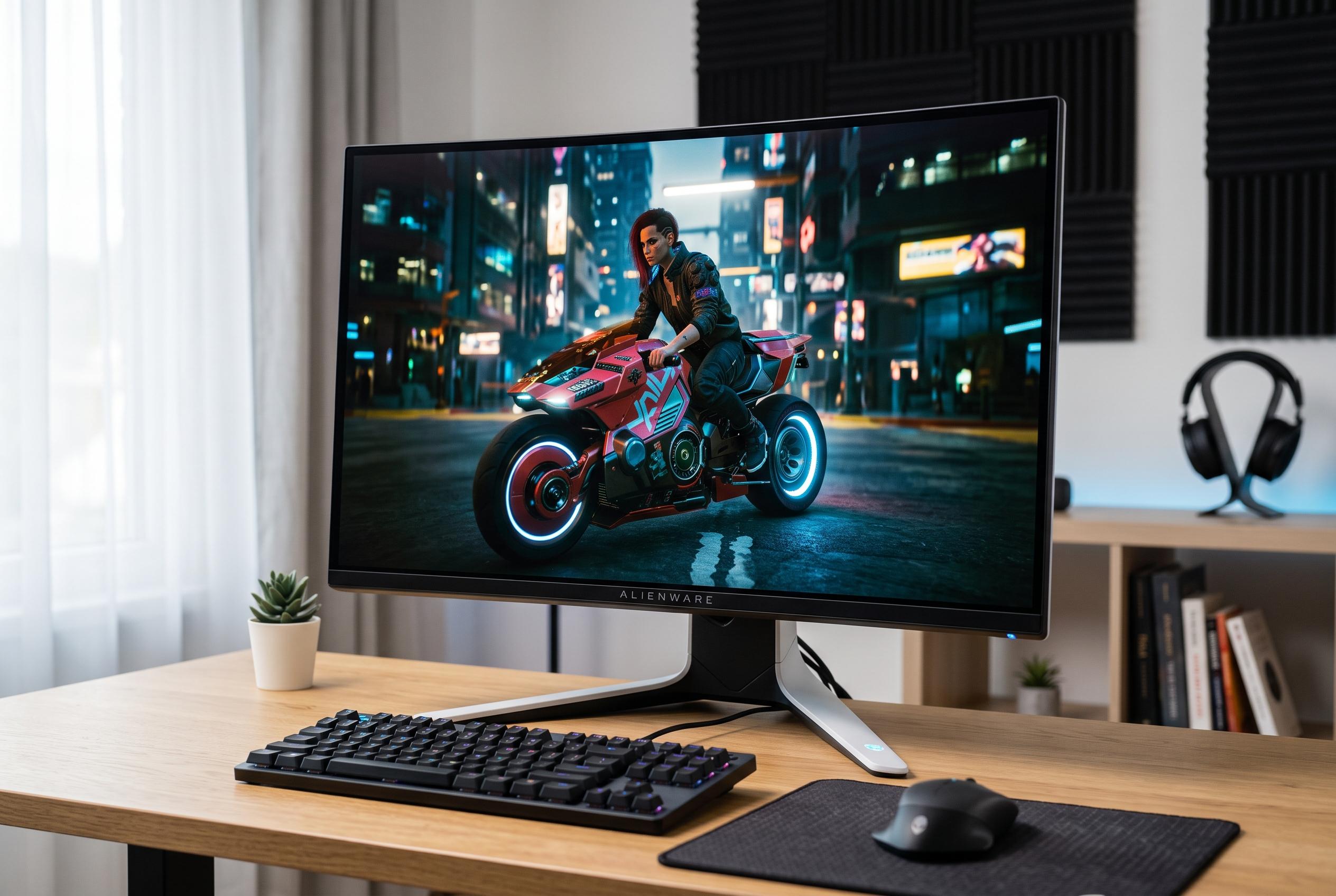

Dell introduces two distinct Alienware monitors catering to different gamers: the high-end AW3225QF with 4K QD-OLED technology for ultimate image quality, and the more accessible AW3225DM with 1440p VA LCD panel for balanced performance and value.
At first glance, Dell’s Alienware AW3225QF and AW3225DM look like close relatives. In practice, they serve different buyers. The AW3225QF is the more ambitious display: a 31.6-inch 4K QD-OLED panel with a 240Hz refresh rate. The AW3225DM is a 31.5-inch 1440p VA LCD model that tops out at 180Hz. That split shapes almost every meaningful buying decision, from image quality and HDR to console support and GPU demand.
The most important difference is panel technology. According to Dell, the AW3225QF uses QD-OLED, which allows each pixel to emit its own light and switch off fully, producing deep blacks and high contrast. The AW3225DM uses a VA LCD panel, which can still deliver strong contrast for an LCD screen, but cannot match OLED black levels. In darker games and dim rooms, that gap is especially visible.
Resolution is the next major divider. The AW3225QF’s 3840 x 2160 panel gives it far higher pixel density than the AW3225DM’s 2560 x 1440 screen, making text, desktop elements and game detail look sharper at 32 inches. TechSpot’s review of the AW3225QF underlines how much image clarity improves at this size, though the trade-off is heavier GPU demand. By contrast, the AW3225DM is easier to drive at high frame rates, which makes it more practical for mid-range hardware.
Refresh and response times also favour the QD-OLED model. Dell lists the AW3225QF at 240Hz with a 0.03ms grey-to-grey response time, while the AW3225DM reaches 180Hz with a 1ms response time. That means the AW3225QF should deliver cleaner motion and less blur in fast games, while the AW3225DM remains a fast monitor by any mainstream standard. RTINGS’ coverage of the AW3225DM points to its gaming strengths, but also makes clear that VA panels can show more dark smearing than OLED in rapid motion.
HDR is another area where the AW3225QF stands apart. Dell says the QD-OLED model supports Dolby Vision and DisplayHDR 400, and its self-emissive pixels allow bright highlights and dark backgrounds to sit beside one another with far less haloing. The AW3225DM can accept HDR signals, but it is fundamentally limited by LCD-level contrast and less precise light control. For users who care about cinematic games, the AW3225QF is the stronger display by a wide margin.
The two monitors also differ in practical ownership costs. OLED burn-in remains the main concern with the AW3225QF, particularly for buyers who keep static desktop elements on screen for long periods. Dell offers three-year burn-in coverage, which reduces the risk, but does not remove it. The AW3225DM avoids that issue entirely because it uses LCD technology. That makes it a more comfortable choice for long work sessions, dashboards and office use.
Connectivity is broadly similar, though the AW3225QF is the more capable console-friendly option. Dell lists two HDMI 2.1 ports on the AW3225QF, alongside DisplayPort 1.4 and USB connectivity, while the AW3225DM offers two HDMI ports, one DisplayPort 1.4 and USB connections. In Dell’s own positioning, the QF model is clearly aimed at premium PC and console gaming, while the DM model is pitched as a simpler, high-refresh alternative for users who do not need 4K.
On balance, the AW3225QF is the better monitor overall. It offers superior sharpness, deeper blacks, cleaner motion and much better HDR, while also being the stronger choice for PS5 and Xbox Series X owners who want 4K gaming at 120Hz. The AW3225DM makes more sense if you want a large curved Alienware display, solid SDR performance and easier performance demands on your graphics card. In short, the AW3225QF is the performance and image-quality pick; the AW3225DM is the more pragmatic value choice.
Disclaimer: This content is intended for informational purposes only. Readers are advised to exercise their own judgement, conduct due diligence, or consult a qualified expert before acting on any information provided.



