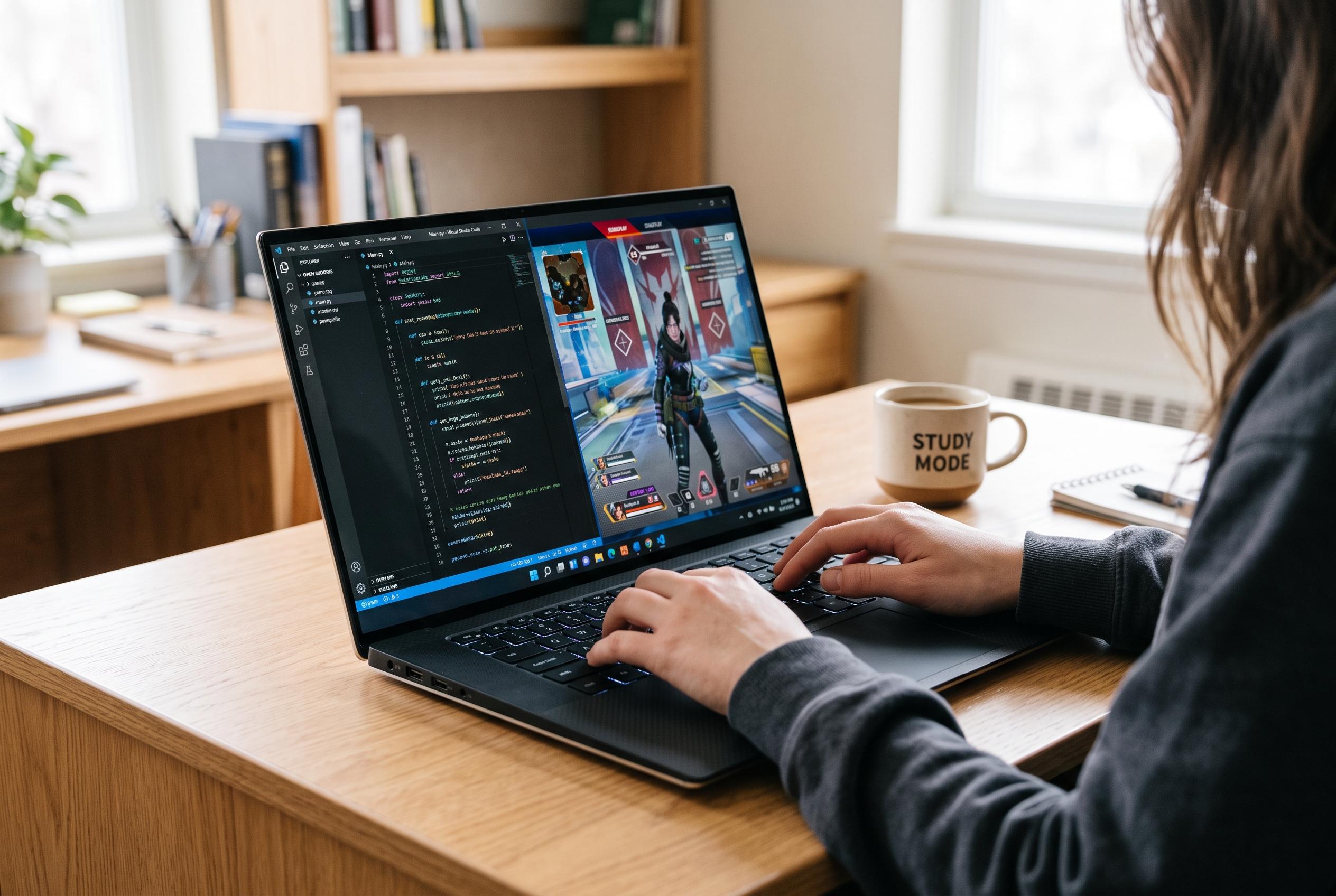

Rutgers research highlights the growing overlap between gaming and coding skills, prompting students to seek versatile laptops that balance gaming capabilities with upgrade options and portability.
Gaming and programming may look like separate hobbies, but Rutgers researchers have found they can reinforce the same problem-solving habits that help in IT careers. Eliza Peterson, a research analyst at Rutgers EERC, said students often underestimate how much game play can build confidence and practical skills, while a software engineer at J.P. Morgan described hobbyist coding as a foundation that carried into professional work. For computer science students trying to balance coursework, side projects and the occasional game, that overlap matters.
The harder part is choosing a machine that does both jobs without draining a student budget. In practical terms, that usually means starting with Windows rather than macOS if gaming is a priority, because the PC ecosystem still supports far more titles and gives students more flexibility when setting up development tools. Memory is the next major decision: 8GB is too limiting for most CS workloads, 16GB is the sensible minimum and 32GB is better once virtual machines and containers enter the picture. A comfortable keyboard also matters more than many buyers expect, because coding turns a laptop into an all-day writing tool.
For a single do-everything option, Lenovo’s LOQ 15 stands out. The company positions it as a relatively affordable way to get an NVIDIA GeForce RTX 5060 GPU, which makes it capable of modern gaming as well as CUDA-based machine learning work. At $1,299.99, it undercuts many similarly equipped rivals, but the trade-off is weight and stamina: at 5.3 pounds, it is not an easy carry, and battery life of roughly 2.5 to 3.5 hours means students will still be hunting for outlets between lectures.
If lecture-hall portability comes first, Lenovo’s Yoga 7i 2-in-1 Aura Edition is the more sensible choice. Lenovo says the convertible design is built for flexible use, while the 16-inch OLED touchscreen, 120Hz refresh rate and Dolby Vision make it a strong everyday display for note-taking, study and media. It is also better suited to long days away from a charger, and its Core Ultra platform should be more than enough for routine coding tasks. The weakness is predictable: integrated graphics cannot match a proper gaming GPU, so this is a productivity-first laptop with only light entertainment ambitions.
Apple’s latest MacBook Air, launched in March 2026 with the M5 chip, remains the obvious macOS option for students whose coursework and software stack support it. Apple says the new model uses a 10-core CPU and 8-core GPU, runs without a fan and offers up to 18 hours of battery life, which makes it especially appealing for all-day campus use. But its June 2026 price rise to $1,399 has made the machine harder to justify, and the fixed memory means buyers need to choose carefully at purchase time because upgrades are not an option later.
For students worried about future-proofing, Framework’s Laptop 13 offers a different kind of value. The company has built it around easy repair and upgrade, with a modular design that can be opened with a screwdriver and expanded later if coursework becomes more demanding. Framework says the machine weighs 2.9 pounds, can last up to 14 hours on a charge and runs well with Linux, making it attractive to students who want a light laptop that can grow with them. The caveat is that the upgrade model depends on parts remaining available, although Framework community members note that replacement components do return to stock.
There are also clear models to avoid. The MacBook Neo may look tempting on student pricing, but its 8GB of soldered memory and phone-grade chip make it a poor choice for anyone expecting to run virtual machines or heavier development tools. Likewise, older RTX 4050 and RTX 3050 gaming laptops are increasingly hard to recommend when newer models offer better longevity. At the extreme end, oversized gaming machines and premium flagships may be powerful, but they are usually too expensive, too heavy and not especially practical for a student who needs to carry a laptop across campus every day.
Disclaimer: This content is intended for informational purposes only. Readers are advised to exercise their own judgement, conduct due diligence, or consult a qualified expert before acting on any information provided.