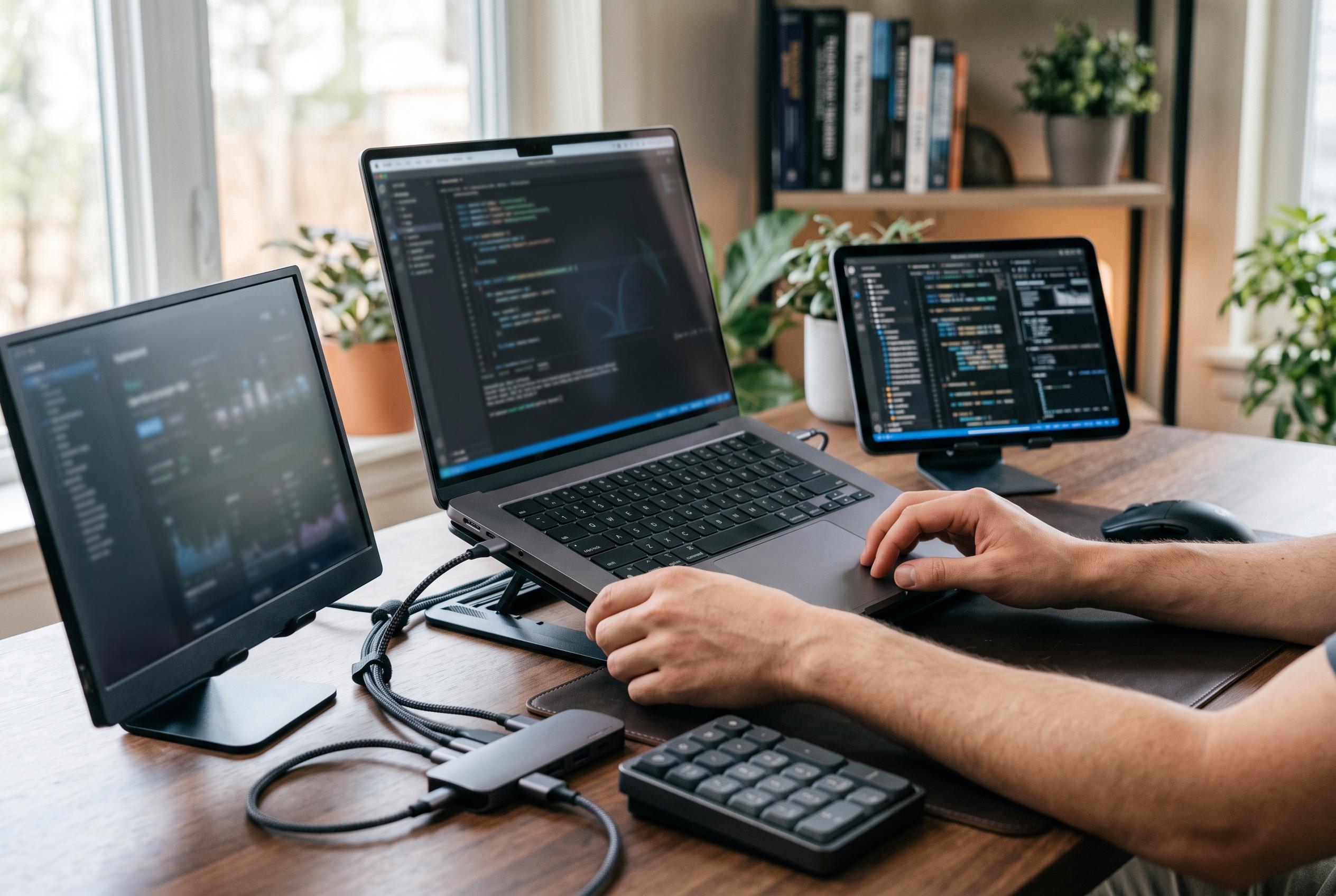

ThorstenMeyerAI.com’s latest comparison of mobile workstations highlights the importance of configuration over raw performance for AI and professional tasks, with the HP ZBook X G1i leading the pack but featuring complexities for buyers.
ThorstenMeyerAI.com’s latest buying guide for a mobile workstation aimed at AI and other demanding professional tasks places the HP ZBook X G1i at the top of its list, but the wider picture is more nuanced than a simple ranking suggests. The guide is best read as a configuration comparison rather than a proof of performance, because it focuses on listed hardware rather than independent AI benchmarks or sustained workload testing.
That distinction matters for buyers trying to match a laptop to a specific workflow. AI work can mean anything from running local models and preprocessing data to editing video, using GPU-accelerated creative tools or simply relying on cloud services. Those tasks do not place the same demands on a machine, so the presence of a discrete GPU, more memory or a faster processor does not automatically translate into better results for every user.
The HP ZBook X G1i is presented as the most balanced option in the roundup, and HP’s own specifications help explain why it would appeal to professionals. The machine is built as a 16-inch mobile workstation with Intel Core Ultra processor choices, up to 64GB of memory, and discrete NVIDIA RTX PRO graphics options, alongside Windows 11 Pro and Intel vPro support. HP also lists an NPU for Intel AI Boost, which may help with some on-device AI features, although that is not the same as confirming strong performance in specialist AI workloads.
For buyers seeking raw graphics capability, the guide highlights the Lenovo ThinkPad P1 Gen 7. Lenovo lists it as a 16-inch workstation with Intel Core Ultra 7 155H, up to 32GB of LPDDR5x memory, and graphics options up to the RTX 3000 Ada generation. TechRadar’s review of the model describes it as a premium workstation with strong performance, a refined build and a high-quality display, while also noting that its fans can become noisy and that its price sits at the high end of the market.
The roundup also gives weight to portability and configuration flexibility. ThorstenMeyerAI.com singles out the Dell Precision 3490 as the compact choice, and it includes separate entries for the Precision 7680 with 32GB and 64GB of RAM. That approach underlines a practical point: the model name alone tells buyers very little. Exact SKU, memory ceiling, storage size, GPU tier, thermal design and driver support all affect whether a machine is genuinely suitable for professional work.
Other entries in the list reinforce that message. The guide includes two ThinkPad P14s Gen 6 configurations, a ThinkPad P16s with an OLED touchscreen and a renewed ZBook Power with an older RTX A1000. The supplied material does not provide enough detail to compare all of them on equal terms, nor does it establish battery life, display accuracy or real-world AI performance. As a result, the list is useful as a starting shortlist, but not as a substitute for checking full vendor specifications, software compatibility and independent reviews before buying.
Disclaimer: This content is intended for informational purposes only. Readers are advised to exercise their own judgement, conduct due diligence, or consult a qualified expert before acting on any information provided.