

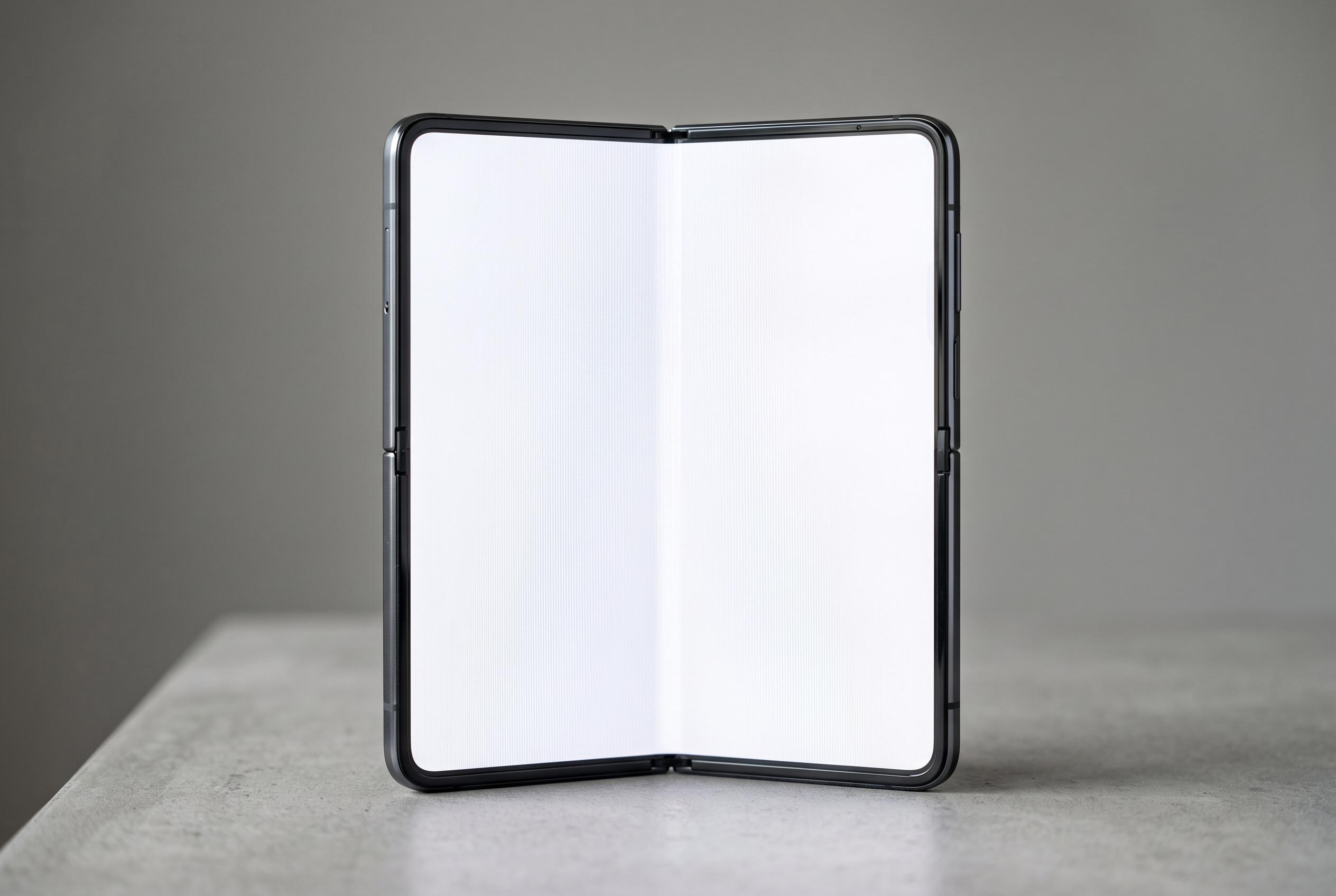

Testing of the Motorola Razr Fold reveals that PWM flicker remains a significant issue for some users, highlighting ongoing challenges with OLED screen comfort even at higher PWM frequencies.
PWM flicker remains one of the most persistent drawbacks of OLED panels, and Notebookcheck’s testing of the Motorola Razr Fold suggests the problem is still relevant for foldable phones with two such displays. According to the German review, the main inner screen dims brightness using pulse-width modulation at 180Hz, a rate that is higher than on some OLED phones but still low enough to trigger discomfort in users who are sensitive to flicker. Industry explainers from OLED-Info and Android Central note that PWM works by rapidly switching the display on and off to control brightness, which can reduce visible smoothness and, in some people, contribute to eye strain, headaches and fatigue.
Notebookcheck said the effect is not just theoretical. The review found a modulation amplitude of 18%, which it described as a relatively large swing and one that can make the flicker more noticeable. That matters most during long sessions, such as reading at night or scrolling through social media for extended periods. Guides from Circadian Shield and OLEDTest.org make the same broader point: PWM-related symptoms often build over time, so a screen that feels fine for a few minutes can still become tiring after hours of use.
The Razr Fold does compare reasonably with rivals, but not enough to remove concern. Notebookcheck said Samsung’s Galaxy Z Fold7 uses 240Hz PWM, while some competitors reach 360Hz. Higher frequencies do not eliminate flicker, but they reduce the chance that the eye reacts to it. The outer display on the Razr Fold may be even less forgiving, with an even lower flicker frequency than the inner panel, according to the review.
That leaves the phone in a familiar position for OLED devices: strong image quality, but a potential accessibility problem for some buyers. Notebookcheck praised the panel for brightness and colour accuracy, yet still warned that anyone who has experienced screen-related discomfort before should test the device in person before buying. Resources such as ScreenTester.io and Android Central also advise users who are flicker-sensitive to check displays carefully, look for higher PWM frequencies or alternative dimming methods and avoid assuming that all OLED screens behave the same.
Disclaimer: This content is intended for informational purposes only. Readers are advised to exercise their own judgement, conduct due diligence, or consult a qualified expert before acting on any information provided.



