

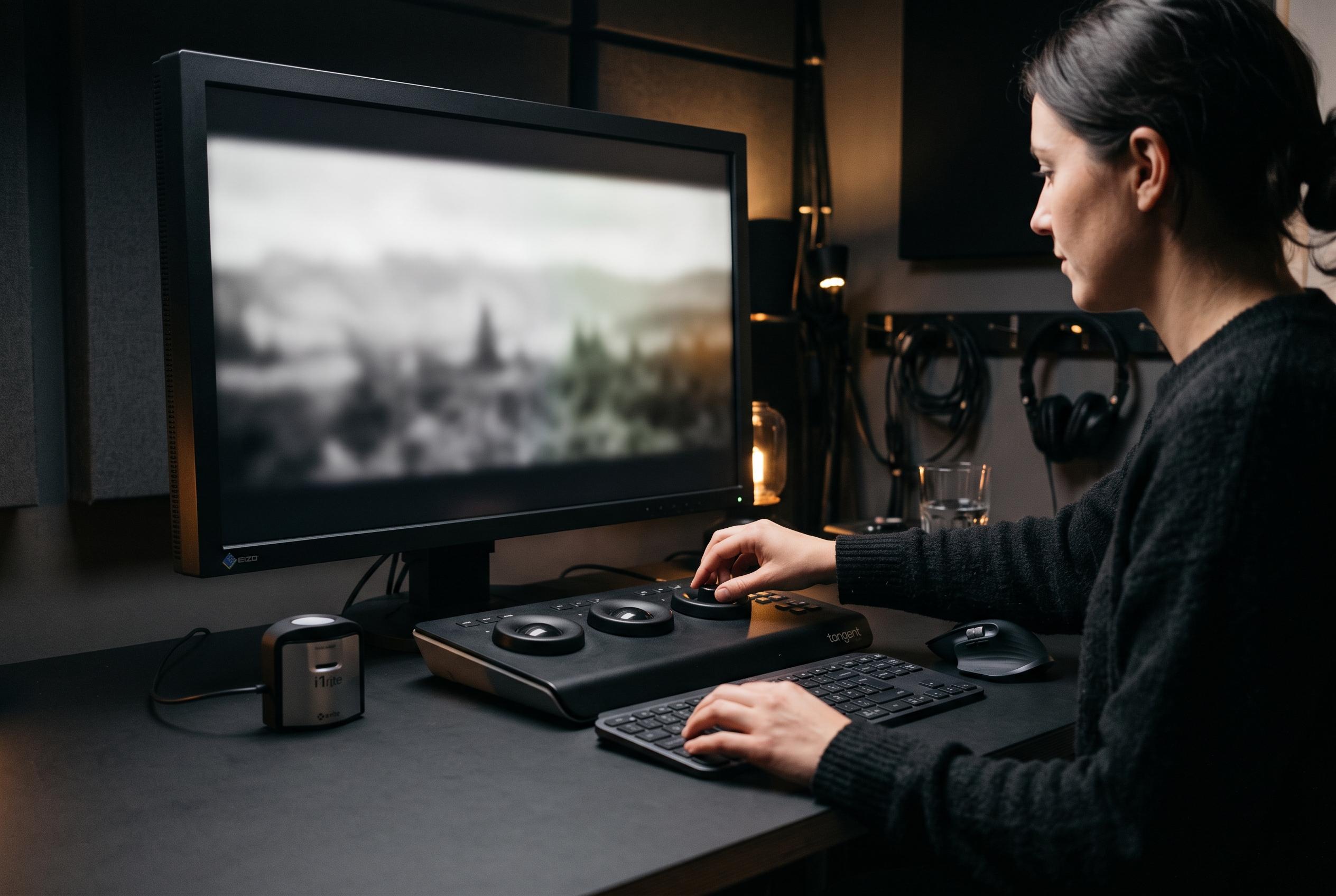

A new guide from Short Film Central emphasises colour consistency and practical features over raw specifications, highlighting the importance of trust in selecting monitors for professional video editing.
Choosing a monitor for video editing is less about headline specifications than about trust. Short Film Central’s updated 2026 guide argues that colour accuracy, panel consistency and practical connectivity matter more than raw GPU power, and that point is well made by the kinds of failures editors recognise: grades that look fine in the suite, then fall apart on another screen. The guide focuses on displays that keep Delta E low, cover the right colour spaces and remain usable in real edit bays rather than in marketing copy.
At the top of the list, the ASUS ProArt PA278QV is presented as the best value choice for editors working mainly in SDR. Its 27-inch 1440p IPS panel, factory calibration and strong sRGB and Rec. 709 coverage make it a sensible fit for short films, documentaries and online delivery. The guide notes that it lacks wide-gamut ambition, but that is precisely why it is dependable for most editors: it stays close to the standards used for streaming and broadcast.
For Mac-based workflows and colour-managed work, the ASUS ProArt PA279CRV is positioned as the stronger all-round option. The appeal is not only its 4K resolution and 99 per cent DCI-P3 coverage, but also its USB-C implementation with 96W power delivery, which supports single-cable desk setups. The guide also highlights the Dell UltraSharp U3223QE as a studio-grade alternative, with IPS Black technology, better contrast for dark scenes and a built-in dock and KVM switch for users moving between more than one computer.
Budget buyers are not ignored. Short Film Central recommends the Dell S3225QS for editors who want a large 32-inch 4K canvas with strong contrast, while the LG 27UP650K-W and LG 27US500-W cover cheaper entry points into 4K editing. The INNOCN 27C1U-D is presented as a low-cost USB-C option for Mac users, although the guide is careful to flag reliability concerns. That balance of value and caution is useful; it reflects the reality that the cheapest monitor is rarely the safest one for client work.
The guide’s wider buying advice is straightforward and technically sound. IPS remains the safest default for consistency, IPS Black improves shadow detail, and VA panels are best reserved for solo setups where viewing angle is less of an issue. For most editors, 4K with Delta E under 2 and at least 95 per cent DCI-P3 is the practical target, while true HDR mastering still requires far more capable hardware than most budget panels can provide. In other words, the best monitor is the one that matches the delivery format, not the loudest specification sheet.
Disclaimer: This content is intended for informational purposes only. Readers are advised to exercise their own judgement, conduct due diligence, or consult a qualified expert before acting on any information provided.



