

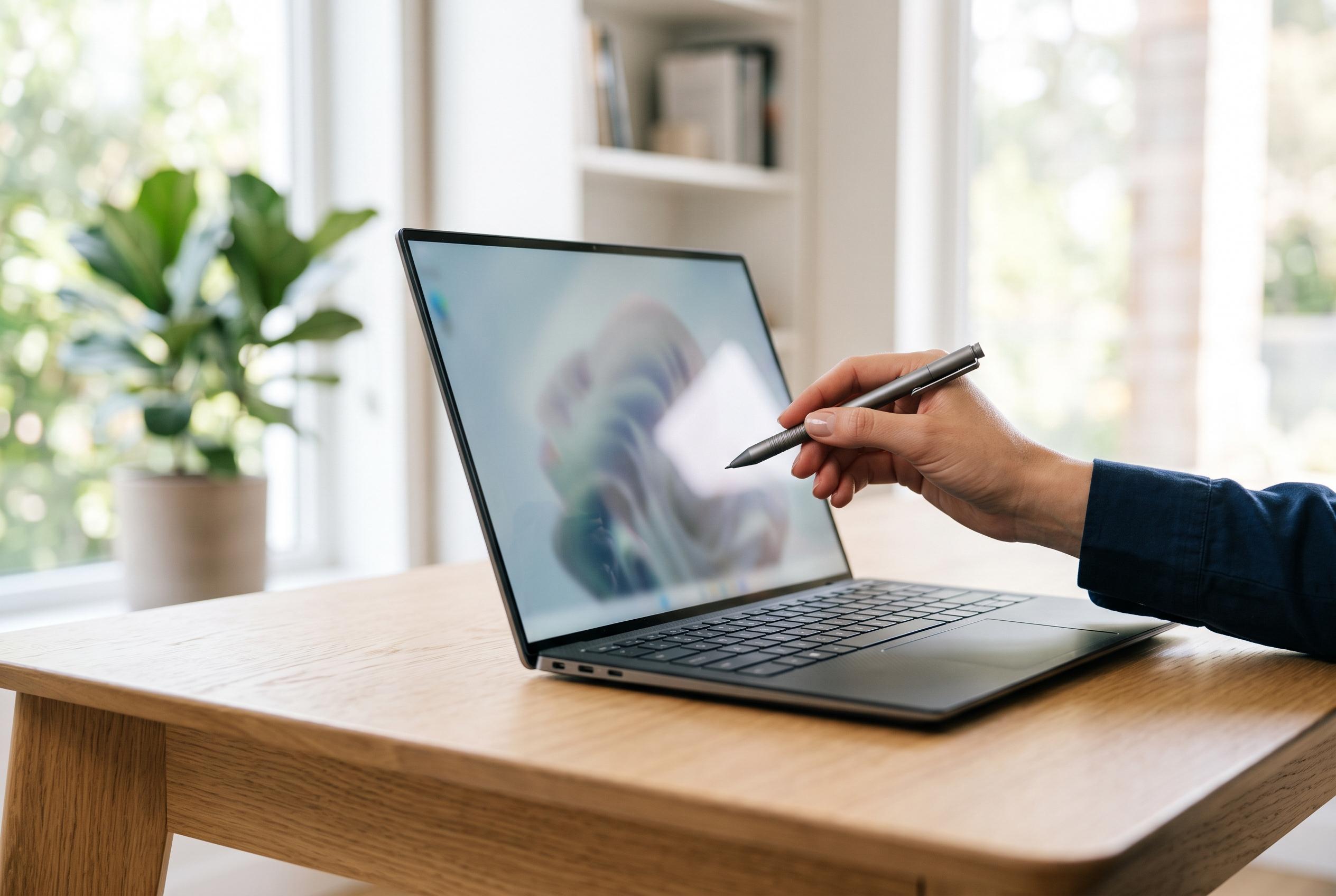

The widespread adoption of touch-screen laptops brings new considerations about design, usability, and specifications, with differentiations between capacitive and resistive panels shaping consumer choices amid evolving features and ergonomics.
Touch-screen laptops are no longer a niche category, but they are still not a default choice. PCMag’s review team says the key question is not whether a screen can register taps and swipes, but whether that input method suits the way a person actually works. In practice, the most common implementation is capacitive touch, which relies on the electrical properties of a finger or compatible stylus and supports multi-touch gestures such as pinch-to-zoom. Resistive panels, by contrast, work by physical pressure and remain relevant mainly in specialised uses rather than mainstream notebooks.
That technical distinction matters because laptop design is uneven. Many budget clamshells still omit touch entirely, while mainstream business models may offer both touch and non-touch variants within the same family. In those ranges, buyers often need to check the exact configuration rather than the product line name. PCMag notes that 2-in-1 convertibles and detachables are different: touch is essential there, because tablet or tent modes leave the keyboard out of reach. By contrast, gaming laptops rarely benefit from touch input, and large-screen machines are often judged too heavy or costly to make the feature worthwhile.
The trade-offs are practical as well as technical. A touch layer usually adds some battery load, weight and thickness, though PCMag points out that newer silicon and efficient panels are improving endurance. The bigger issue may be ergonomics. If most of the day is spent in spreadsheets, code or other precision work, reaching for the display can feel awkward. If the machine is used for video, browsing or note-taking, touch can be more natural, especially when the laptop is folded into a more stable viewing position.
Stylus support is another dividing line. A basic touch panel only handles taps, swipes and pinches; serious sketching or handwriting needs pen support, and in many cases that means a 2-in-1 model. Active pens may add pressure sensitivity, buttons and other features that make them better suited to drawing and annotation than simple fingertip input. PCMag also highlights the small but important matter of storage, since a pen that is not built into the chassis or held magnetically is easy to misplace.
There is also a visual compromise. Most touch screens use glossy surfaces, which help with responsiveness and can make colours seem more vivid, but they are more vulnerable to reflections and fingerprints than matte panels. That is one reason the same laptop family may ship in several display variants, some touch and some not, with different brightness, resolution and power characteristics. For buyers, the safest approach is to verify the exact screen specification before ordering, particularly if the model can be configured in more than one way.
Disclaimer: This content is intended for informational purposes only. Readers are advised to exercise their own judgement, conduct due diligence, or consult a qualified expert before acting on any information provided.



