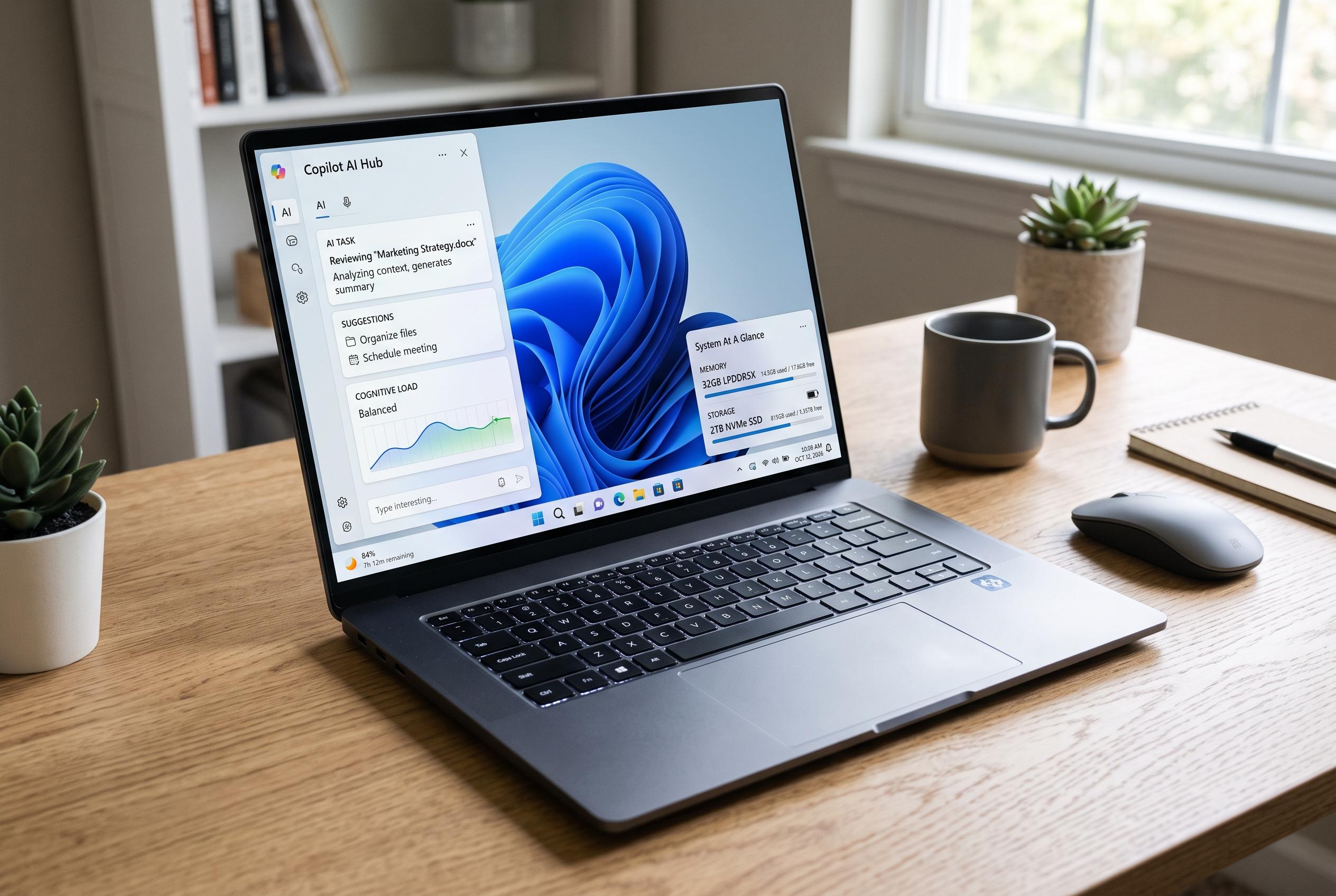

As the market for Windows laptops evolves in 2026, buyers face a crowded landscape of AI labels and technical jargon. Experts emphasise the importance of balancing AI capabilities with essential hardware features like memory, storage, and battery life to choose the best device for everyday use.
Choosing a Windows laptop in 2026 is no longer just a matter of checking the processor, memory, storage and battery size. The market is now crowded with labels such as AI PC and Copilot+ PC, plus technical terms like NPU and TOPS that can make even a straightforward purchase feel obscure. The useful distinction is between marketing language and specifications that actually affect day-to-day use. According to Microsoft, Copilot+ PCs are a defined class of Windows 11 machines built around an NPU capable of more than 40 TOPS, with 16 GB of memory and 256 GB of SSD storage as baseline requirements.
That threshold matters because the NPU, or neural processing unit, is the chip block designed to handle AI tasks more efficiently than the main CPU. Microsoft says Copilot+ hardware is intended for on-device features such as live translation, image generation and Windows AI tools that run locally rather than entirely in the cloud. But TOPS alone does not tell a buyer whether a laptop is good for the things that matter most, such as productivity, software compatibility or endurance away from a charger. The practical lesson is simple: AI capability is useful, but it should not outrank screen quality, keyboard comfort, storage capacity or battery life.
The bigger hardware choice in Windows laptops now sits between Qualcomm’s ARM-based Snapdragon X family and the x86 platforms from Intel and AMD. Qualcomm’s machines tend to lead on battery life and now reach very high NPU figures in their latest chips, while Microsoft says more than 90% of commonly used Windows applications now have native ARM versions. Even so, specialised software, driver-heavy tools and some corporate setups can still create compatibility issues. Intel and AMD retain a clear advantage for buyers who want the safest route for legacy Windows software, with Intel’s Core Ultra line and AMD’s Ryzen AI processors both offering Copilot+ class performance and broader compatibility by design.
Memory and storage remain more important than the advertising around AI features. Sixteen gigabytes of RAM is now the practical minimum for a serious Windows notebook, especially if it is being sold as an AI PC, and 32 GB is preferable for photo editing, coding or heavier multitasking. Storage is even easier to judge: 256 GB is the floor for Copilot+ certification, but it is tight for real-world use, with 512 GB a more sensible starting point and 1 TB a better fit for large media libraries, games or local AI work. Many modern laptops also have soldered memory, which means buyers should choose carefully at the point of purchase because upgrades may not be possible later.
Battery claims should also be read with caution. Marketing figures are usually based on ideal conditions, while mixed use tells a more realistic story. Snapdragon X systems can deliver striking endurance, and some are rated for well over a full working day, but Intel and AMD machines are more typically in the 12-to-16-hour range in everyday use. That is still enough for most people, but the gap is meaningful for travellers and mobile workers. In the end, the best laptop is not the one with the biggest AI number. It is the one with the right balance of display, input quality, thermal behaviour, ports, memory, storage and battery life for the work it actually has to do.
Disclaimer: This content is intended for informational purposes only. Readers are advised to exercise their own judgement, conduct due diligence, or consult a qualified expert before acting on any information provided.