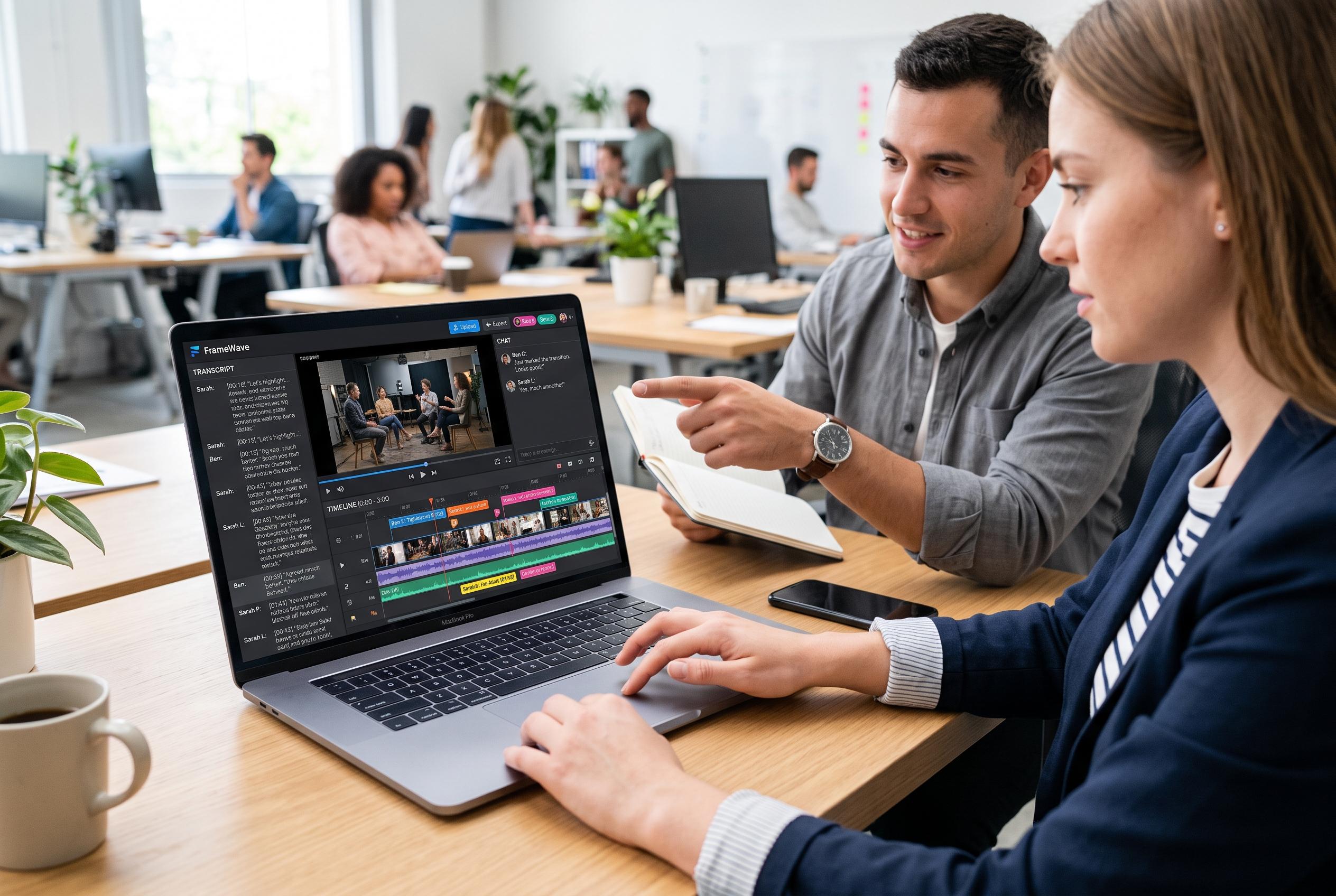

Async launches a transcript and chat-focused browser editor, offering a faster, collaborative alternative to traditional desktop video editing software, challenging established players like DaVinci Resolve and Adobe Premiere Pro.
For desktop creators looking beyond CapCut, the clearest answer is not another phone-style editor forced onto a bigger screen. It is a tool that matches the way the project is actually made. In Async’s own comparison, the company positions its browser-based editor as the strongest all-round choice for most users because it replaces much of the traditional timeline work with transcript and chat-based editing, while still running on Mac and Windows without an install.
That distinction matters because desktop editing needs vary sharply. Some users want the fastest path from recorded footage to a publishable cut. Others need a free professional suite, a client-ready workflow or a shared workspace for teams. The comparison published by Async places DaVinci Resolve at the top of the free category, Adobe Premiere Pro at the professional end of the market and Kapwing as the most collaboration-focused browser option.
Async’s main selling point is that it changes the editing model. According to the company, users can upload or record footage, then cut by deleting words from a transcript or by asking for changes in chat. Features such as silence removal, AI subtitles, reframe tools, clip extraction, translation, dubbing and audio enhancement are built into the same workspace. In testing described by Async, a first usable cut of a 12-minute recording was completed in under 10 minutes, with publishing handled from the same interface.
DaVinci Resolve remains the strongest free alternative for people who want a conventional editing suite rather than an AI-first workflow. Blackmagic Design says the free version includes a full editor, colour grading tools, audio post-production and visual-effects features, with the paid Studio version adding more advanced AI and high-end finishing tools. The trade-off is complexity. Resolve is powerful, but it demands more from both the user and the hardware.
Adobe Premiere Pro is the familiar choice for agency work, client projects and mixed-format productions. Adobe says the software supports deep format compatibility and integrates closely with the wider Creative Cloud ecosystem. Its newer tools, including generative extend, media intelligence, object masking and speech enhancement, are designed to speed up professional workflows rather than simplify them for beginners. It remains subscription-only and carries a steeper learning curve than many CapCut users will want.
For Mac users, Final Cut Pro still has a strong case even though it is not part of the source comparison’s top-line summary. In practical terms, the Apple editor is usually favoured by people who want fast native performance and a one-time purchase rather than a recurring fee. But it is locked to Apple hardware, which makes it irrelevant for Windows users and less flexible than browser-first options.
Canva and VEED sit in a different part of the market. Canva is better for branded social content built from templates and shared design assets than for detailed timeline work. VEED, meanwhile, is strongest when captions, subtitles and quick browser-based edits are the priority. The company says its free plan includes watermarked exports capped at 720p, which makes it useful for testing but less attractive for regular production.
Kapwing is the team option. Its browser-based workspace is designed for shared editing, comments and collaborative review, and the company says its tools include smart cut, auto-subtitles in more than 60 languages, AI B-roll and repurposing tools for short-form social clips. The free tier is extremely limited, but the platform becomes more relevant once multiple people need to work on the same project.
The broader lesson from Async’s comparison is that CapCut’s desktop alternatives split into three groups: transcript-led tools such as Async and Descript, conventional editors such as Resolve, Premiere Pro and Final Cut Pro, and browser-based workflow tools such as Kapwing, VEED and Canva. The right choice depends less on brand familiarity than on whether the bottleneck is manual editing, technical control or collaboration.
For most creators who want speed, browser access and minimal setup, Async is the most direct replacement. For users who need serious colour work at no cost, DaVinci Resolve is the benchmark. For teams, Kapwing is the clearest shared workspace. And for professional finishing, Premiere Pro still remains the standard reference point.
Disclaimer: This content is intended for informational purposes only. Readers are advised to exercise their own judgement, conduct due diligence, or consult a qualified expert before acting on any information provided.