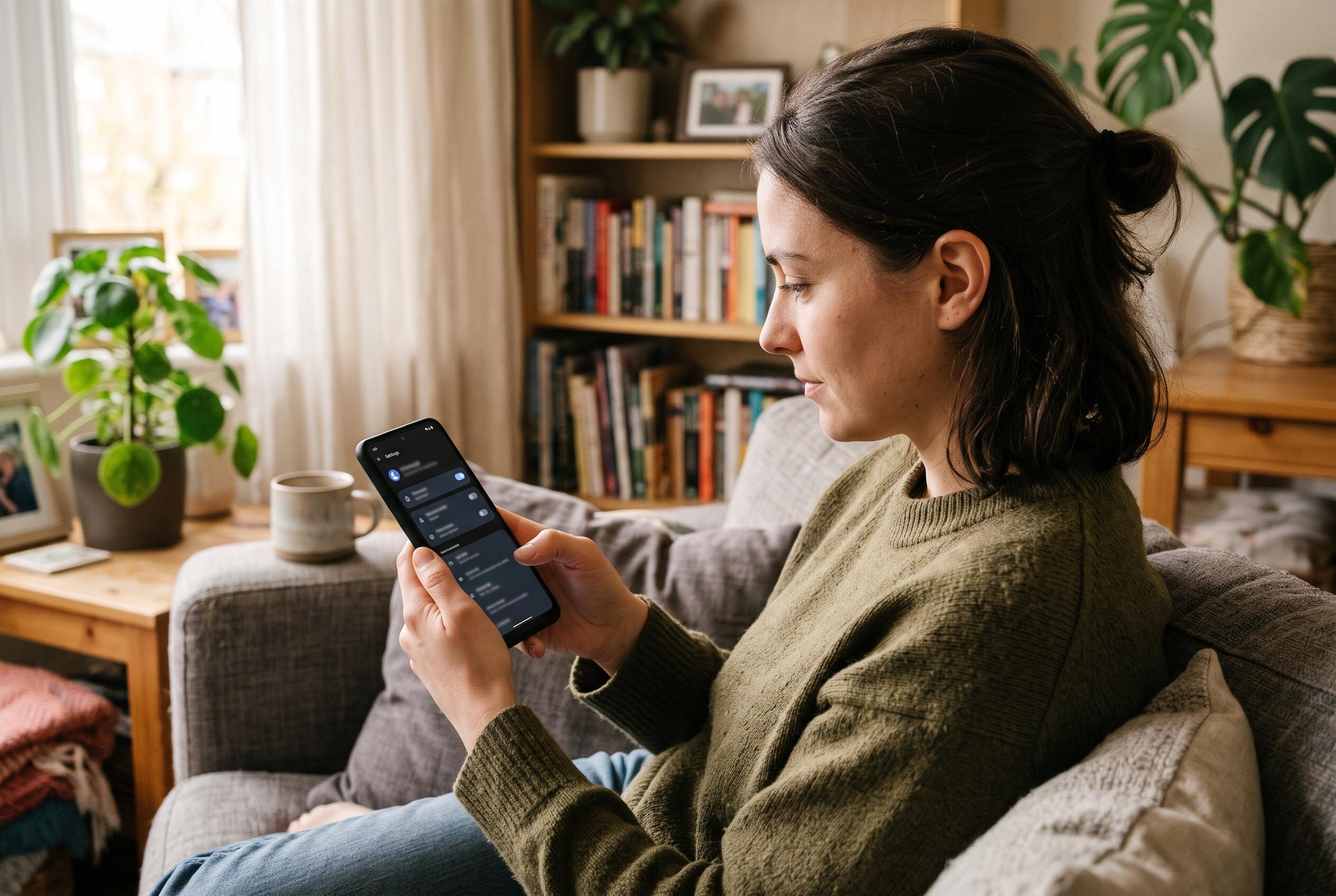

Brave blocks ads and trackers by default on Android, but hidden data-sharing controls, Google-linked safety checks and stored private-tab downloads mean users must adjust settings to get closer to its privacy pitch.
Brave markets itself as a privacy-first browser, and on Android it does deliver strong default protection from the first launch. In testing by Android Police, the browser blocked ads, trackers, third-party cookies and fingerprinting before any settings were changed, and its standard Shields mode handled a busy news page without any manual tuning. That puts it ahead of many mainstream Android browsers, although the comparison also showed that its stricter protection mode can break log-ins and checkout flows.
Even so, the app is not as hands-off as its pitch suggests. Android Police found that five Brave settings related to data collection and advertising were enabled on a fresh install, while the initial setup only surfaced two of them. The remaining options, including daily usage pings, sponsored adverts and New Tab Page ads, were tucked away in the settings menus. Brave says some of these controls are anonymous or privacy-preserving, but they still require the user to switch them off manually if the aim is to minimise data sharing.
The browser’s limits are also visible in areas that are easy to overlook. Android Police noted that Brave’s Android Safe Browsing checks rely on Google Play Services, which can expose the device’s IP address to Google. The same review found that Brave’s protections against repeat-site tracking were incomplete with the default configuration, because its Shred feature was left off on the test device. Turning on automatic shredding for tabs or the app itself is therefore an important part of making the browser behave more like its privacy branding implies.
Private browsing also needs careful interpretation. Brave’s own wording suggests that private tabs leave little behind on the device, but Android Police showed that downloads remain stored on the phone even after the private session is closed. Brave warns about that at the moment of download, yet the file still appears in local storage and can be opened later from the gallery or file manager. That is a normal limitation of private mode rather than a unique flaw, but it is a reminder that “private” does not mean invisible to the device owner.
Taken together, the broader reviews paint a consistent picture. TechRadar and SecureRank both describe Brave as a capable Chromium-based browser with strong anti-tracking defaults, while also noting compatibility trade-offs and the occasional need to adjust settings. AndroidGuys adds that the browser is efficient on data and battery, while other comparisons suggest it remains most attractive to users who value privacy more than tight integration with Google services. On that evidence, Brave looks best understood as a browser that gets unusually close to its privacy promise, but only after a brief visit to the settings menu.
Disclaimer: This content is intended for informational purposes only. Readers are advised to exercise their own judgement, conduct due diligence, or consult a qualified expert before acting on any information provided.