

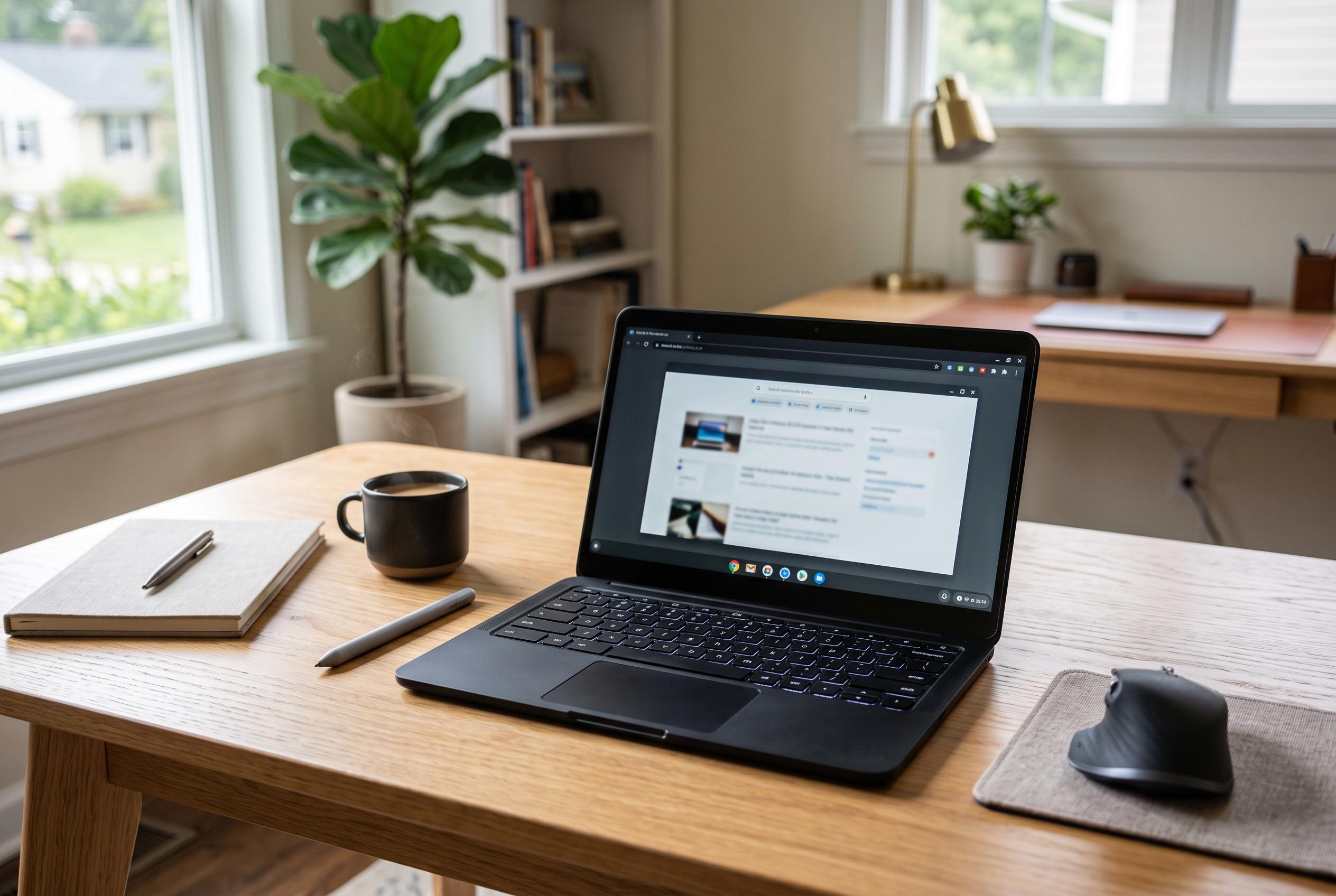

As Chromebook hardware and positioning become more specialised in 2026, the category is narrowing its appeal to users committed to browser-based workflows, with Google emphasising hardware standards and security for tailored use cases.
The strongest case for a Chromebook in 2026 is narrower, and more credible, than the old sales pitch that it can replace every laptop for everyone. Reviewers at WIRED argue that the category now makes most sense either below the $500 mark or for buyers who deliberately want a lighter, browser-led machine with fewer moving parts than Windows. Google has also pushed that positioning further with Chromebook Plus, a badge intended to set a minimum hardware standard. On Google’s current Chromebook Plus page, the company says buyers receive 12 months of Google AI Pro and 5 TB of storage at no extra cost; earlier 2026 buying guides, including one from WIRED, described the bundle as 2 TB, suggesting that perk has since been revised. (wired.com)
That clearer market position matters because Chromebooks remain defined as much by what they do not do as by what they do well. PCWorld says ChromeOS has a much smaller attack surface than Windows, pointing to sandboxed processes and verified boot as core protections. But the same guide also stresses that a Chromebook and a Windows laptop become similarly exposed once their support window ends. Google’s Chromebook support documentation now says Chromebooks receive 10 years of automatic updates, and warns that once a device reaches its “Final software update” it stops getting ChromeOS and browser security fixes, even if verified boot still remains in place. (pcworld.com)
For many people, the real dividing line is workflow rather than price or security. Laptop Mag says the users most likely to be happy are those who “already spend most of their time in the Chrome browser”, which is a more useful rule than any claim about processors. Dave Parrack, writing in PCWorld about abandoning Windows for a Chromebook, said the appeal was not just quick boot times but a less disruptive working day: ChromeOS updates were lighter and quieter, while close ties to Android, Gmail, Meet, Calendar, Maps and Photos made it easier to move across devices. That argument is persuasive for anyone whose working life already sits inside Google’s services, and much weaker for buyers who still rely on specialised desktop software. (laptopmag.com)
That browser-first logic also changes how shoppers should read a specification sheet. PCWorld’s buying advice says memory matters more than the processor on a Chromebook because the machine’s main task is handling many tabs and web apps at once. It recommends a 13-inch or 14-inch display with 1080p resolution, rather than the cheaper 11-inch, 768p panels that still populate the bottom of the market. The same guide says less technical buyers can sensibly begin with Pentium or Celeron-class chips, while noting that Windows typically demands more local resources, with 16 GB of RAM now common on a “good” Windows laptop. In other words, Chromebook value is real, but only if buyers prioritise the parts that affect everyday usability. (pcworld.com)
Where the category still falls short is breadth. WIRED notes that Chromebooks now span everything from 11-inch tablets to 16-inch clamshells, yet the Windows ecosystem remains far broader, especially in gaming and specialist categories. The same publication says the value proposition becomes harder to defend once the budget rises by a few hundred dollars, because buyers then run into mid-range Windows machines with more generous storage, broader software compatibility and fewer accessory limitations. Google’s current Chromebook Plus messaging leans heavily on AI features, cloud gaming and a growing app catalogue, but that is still not the same as the local software freedom a conventional PC buyer may expect. (wired.com)
The hardware story is similarly mixed. WIRED’s 2026 round-up says many Chromebooks are still plastic machines built from cheaper components, with touchpads and displays among the most common points of compromise. It adds that genuinely premium ChromeOS hardware remains unusual, even if Chromebook Plus has raised the floor. That caveat matters because low prices can conceal frustrating trade-offs in screens, webcams and input quality. At the same time, reviewers say there are signs of improvement: WIRED highlighted models such as Lenovo’s Chromebook Plus 14 and Acer’s Chromebook Plus 516 as evidence that better keyboards, touchpads and memory configurations are now reaching the segment at prices well below flagship Windows notebooks. (wired.com)
Battery life is another area where the popular Chromebook narrative deserves more caution. Laptop Mag argued that the claim of uniformly exceptional endurance is overstated, especially once prices rise. Its example was HP’s Dragonfly Pro Chromebook, which lasted 9 hours and 17 minutes in the magazine’s own test, slightly below its reported Chromebook average of 9 hours and 45 minutes. The Verge, cited by Laptop Mag, was harsher still, recording roughly two and a half hours on the same model. Monica Chin wrote that “outside of gaming and workstations, a battery life of less than five hours is not acceptable on a $1,000 device.” The point is not that Chromebooks are poor on battery, but that buyers should judge individual models rather than assume the category guarantees all-day longevity. (laptopmag.com)
So can a Chromebook serve as a main PC? Yes, but only for a clearly defined user. It is a sensible primary machine for someone whose day consists of web applications, documents, email, video calls and cloud storage, and Laptop Mag notes that education-focused Chromebooks can deliver many of the same security features as business models through Google Workspace for Education, without adverts in core services such as Drive, Classroom and Gmail. It is a less convincing answer for gamers, buyers with niche peripherals, or anyone who needs heavyweight local software. The Chromebook story in 2026 is therefore less about simplicity alone than about fit: these machines are maturing, but they are still at their best when the job already looks like ChromeOS. (laptopmag.com)
Disclaimer: This content is intended for informational purposes only. Readers are advised to exercise their own judgement, conduct due diligence, or consult a qualified expert before acting on any information provided.



