

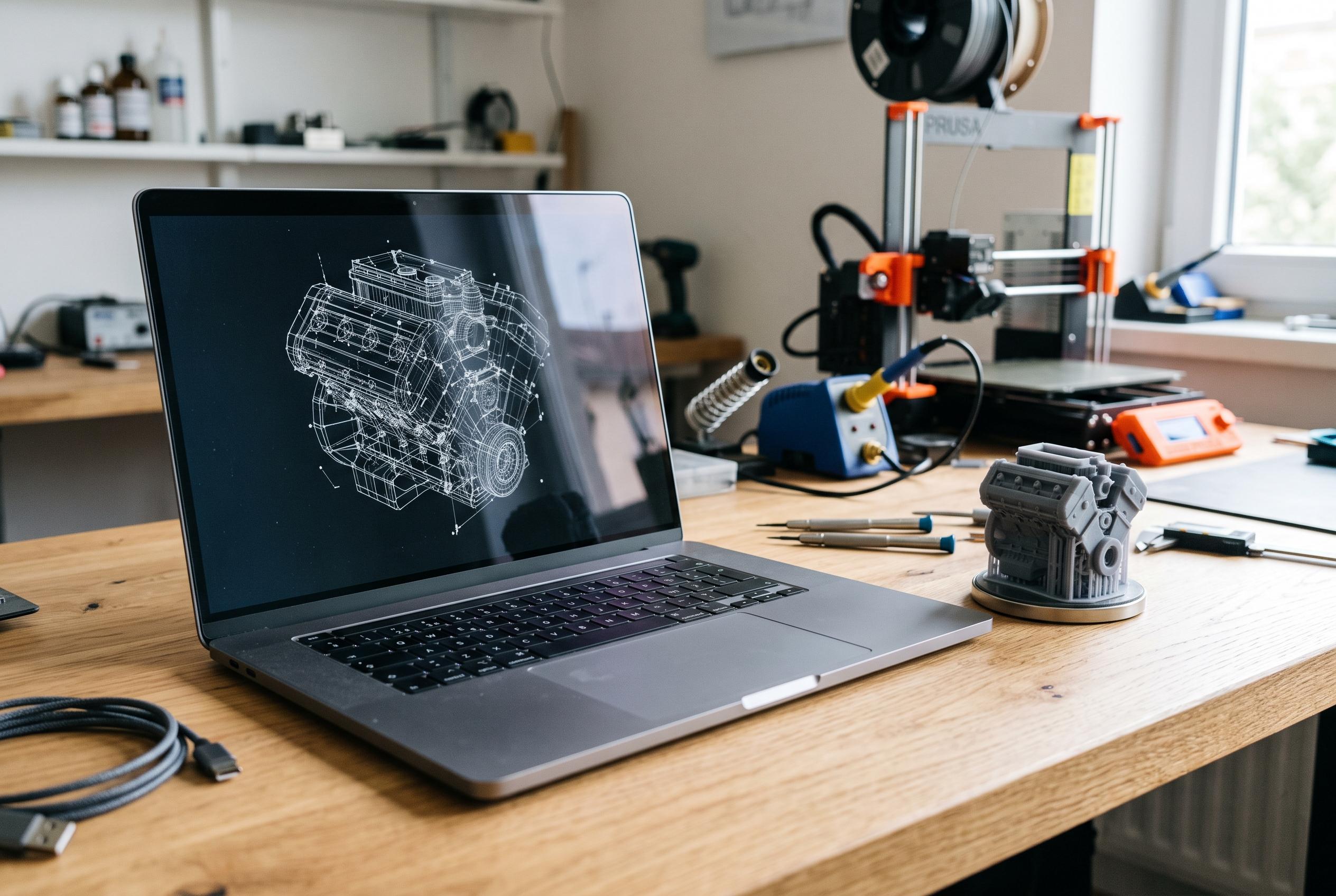

A new guide from Creative Bloq evaluates the best laptops for 3D printing at different experience and budget levels, emphasising the importance of balancing performance and portability for aspiring designers and hobbyists.
For anyone entering 3D printing, the laptop choice depends less on raw power than on how far the work is likely to progress. According to Creative Bloq’s latest guide, the simplest route is to separate basic slicing from full 3D design: preparing existing models for print is relatively light work, while building original CAD files places much heavier demands on CPU, GPU and memory. That distinction shapes the budget recommendations.
Creative Bloq places the Acer Nitro V 16S AI at the top of its list, arguing that it offers the best balance of price and headroom for users who may move beyond basic slicing. The site says the machine handles Blender, character creation tools and general creative workflows well, while its 16-inch WQXGA display and capable cooling make it a sensible long-term purchase for hobbyists and semi-professionals. The trade-off is cost and battery life, with the guide noting that it is not the cheapest option and lasts only around six hours.
For beginners, Creative Bloq recommends the HP Victus 15 as the most accessible starting point. The guide says it is inexpensive enough for first-time users, yet still includes dedicated Nvidia graphics and enough performance for light CAD tasks as well as slicing. The publication also notes that its base specification can feel limited for more demanding design work, and that the 1080p screen is adequate for routine printing but less ideal for very small, highly detailed models.
If portability matters, the Asus TUF Gaming A15 is presented as the most durable budget choice. Creative Bloq says it feels more rugged than many similarly priced gaming laptops, and its battery life is a particular strength, with testing suggesting close to ten hours under typical workload simulation. That makes it more suitable for workshops, classrooms and maker spaces, where a laptop may need to be carried frequently and used away from a desk.
Creative Bloq also includes the Apple MacBook Air with M5 silicon for users already invested in macOS. The guide highlights its bright 15-inch display, strong colour coverage and unusually long battery life, alongside the fact that the base model now ships with 16GB of unified memory. However, it warns that important Windows-only programmes such as 3ds Max and SolidWorks remain unavailable on Mac, which limits its usefulness for some professional CAD workflows. Broader 2026 buying guides for 3D modelling and game development reach a similar conclusion: serious three-dimensional work benefits from modern CPUs, dedicated graphics and at least 16GB to 32GB of RAM, even if the exact requirement varies by software and workload. Creative Bloq adds that storage needs are usually modest for 3D printing alone, since STL and G-code files are generally small, though larger libraries or mixed creative work can justify a bigger SSD.
Disclaimer: This content is intended for informational purposes only. Readers are advised to exercise their own judgement, conduct due diligence, or consult a qualified expert before acting on any information provided.



