

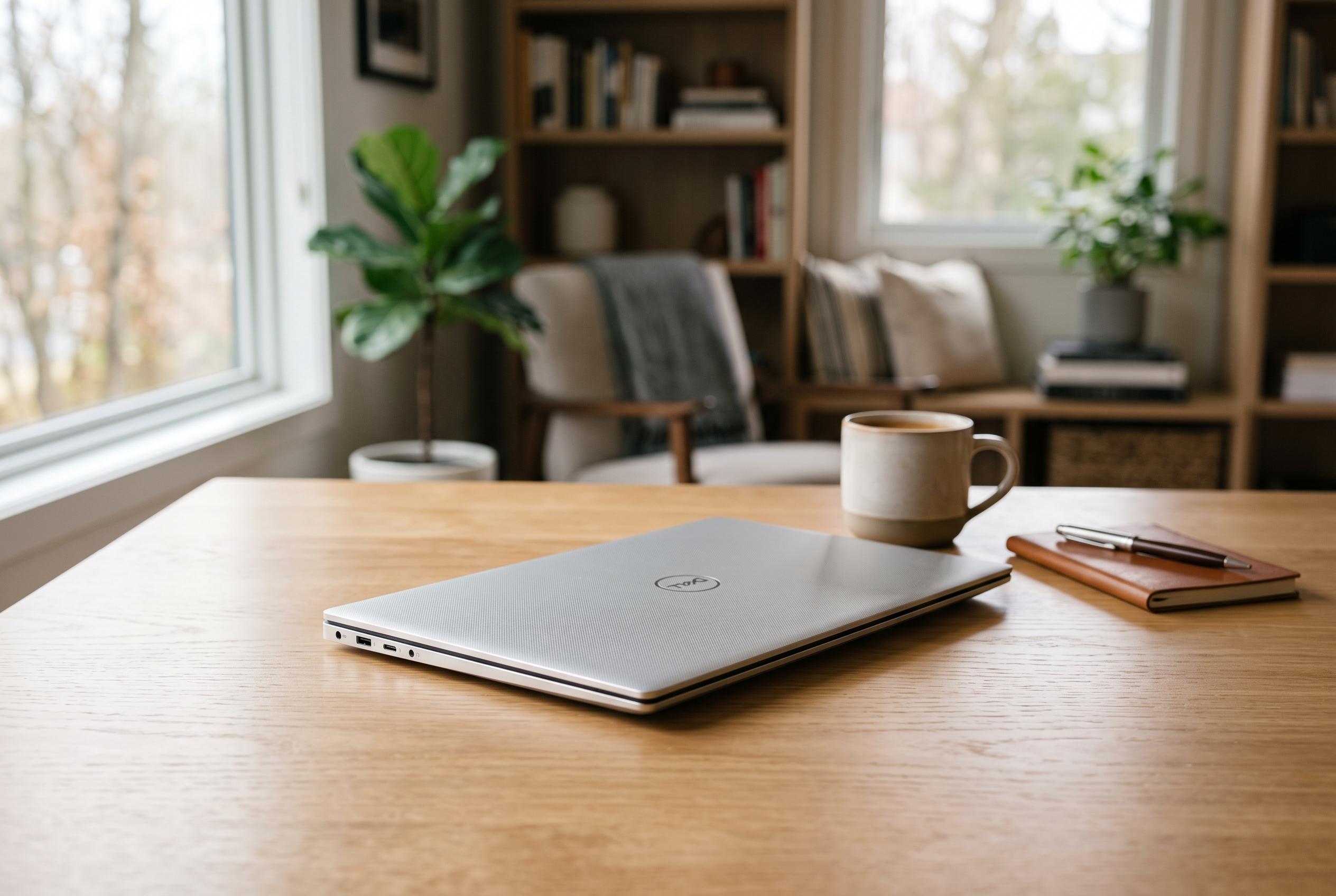

Dell’s upcoming XPS 13 for 2026 challenges perceptions with a compact, well-finished design and strong everyday performance, all at a more accessible price point in Japan, marking a notable shift in the Windows laptop market.
Dell’s 2026 XPS 13 looks like a rare thing in the Windows market: a compact notebook that feels properly finished without climbing into premium pricing territory. Gizmodo Japan said the machine combines a 13-inch-class display, a very slim chassis and Intel’s latest low-power notebook silicon, while still starting at a comparatively restrained price in Japan. The result is a laptop aimed squarely at everyday work rather than performance chasing, but one that avoids the cheapness usually associated with entry-level models.
That balance begins with the hardware. According to the review, Dell has not merely shrunk a larger XPS into a smaller shell. Instead, it has built an entry model around essentials, leaving out the more elaborate display and input options found on higher XPS machines. Even so, the CNC-machined aluminium body gives the notebook a solid, well-made feel, and its thin, 1kg-class design makes it notably easy to carry. Tom’s Guide described it as Dell’s thinnest and lightest XPS to date, while TechSpot also praised the build quality and portability.
The display is one of its strongest arguments. Gizmodo Japan reported that the 13.4-inch panel offers a 2,560×1,600 resolution, up to 120Hz refresh and touch support, with 500 nits of brightness and a 1080p infrared camera above the screen. Tom’s Guide likewise highlighted the 2.5K touchscreen as vivid and well suited to media consumption. In practice, that gives the XPS 13 a more premium everyday feel than many budget Windows machines, especially for scrolling, document work and general use.
Input quality also appears to be a real strength. The review said the keyboard uses a more traditional chiclet layout than the seamless designs seen on some larger XPS models, and found it comfortable for long writing sessions. The trackpad is less ambitious, but still usable, and the quad-speaker setup was described as unexpectedly loud and better than expected for the price. There are compromises, though: port selection is limited to USB-C connectors on either side, and the lack of a headphone jack will frustrate some buyers.
Performance is the area where the XPS 13’s positioning becomes clearest. The model reviewed used Intel’s Wildcat Lake platform, with the Core 5 320 chip sitting in the middle of the range. Gizmodo Japan said that routine work such as browsing, writing, meetings and light image editing ran well, especially on the 16GB version, but that the 8GB model would be the safer minimum for Windows 11’s memory demands only in a very narrow sense; in practice, the 16GB configuration is the sensible choice. Tom’s Hardware and TechSpot reached similar conclusions, saying the machine is a good fit for students and mainstream users but should not be bought for heavy multitasking on the base model.
Graphics and gaming remain clear weak points. Gizmodo Japan’s tests showed modest results in GPU-heavy tasks, weaker than Apple’s similarly priced laptop in rendering and video conversion, and poor frame rates in demanding games. That is consistent with Tom’s Guide’s view that the XPS 13 is not a machine for gaming or advanced editing. Battery life, however, helps the equation. The review said the notebook lasted around seven hours in real-world work with balanced settings, and could stretch further in power-saving use. Taken together, the XPS 13 is not the cheapest Windows laptop on sale, but it does make a convincing case for paying a little more up front for a lighter, better-built machine that should remain pleasant to use for longer.
Disclaimer: This content is intended for informational purposes only. Readers are advised to exercise their own judgement, conduct due diligence, or consult a qualified expert before acting on any information provided.



