

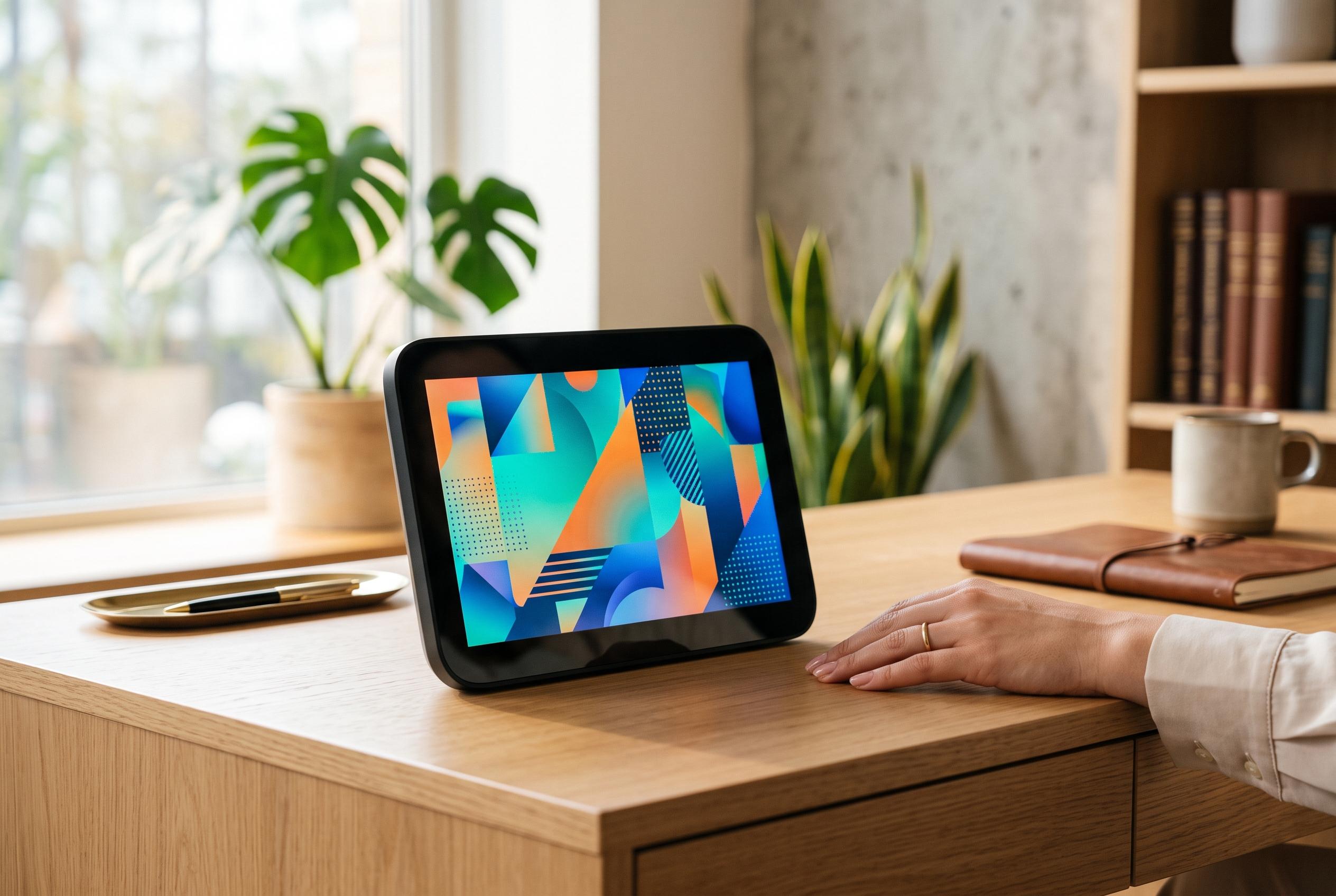

Divoom’s Times Frame offers a visually appealing, user-friendly alternative to traditional smart displays, combining aesthetics with customisation features designed for productivity without distraction.
The appeal of a desk display is simple: it should surface the time, weather and calendar at a glance, without turning into another source of interruption. In a review for Tom’s Guide, the writer argues that Divoom’s Times Frame does that better than the familiar smart displays from Google and Amazon by leaning into a narrower brief and a more visual design. The device pairs a transparent 10.1-inch IPS panel with a backlight that gives information a floating effect, making it feel more like a desk accessory than a small television.
That design is only part of the appeal. Divoom says the Times Frame is built around a Wi-Fi-connected photo-frame concept, with 64GB of storage, app-based uploads, and support for clocks, weather, finance tickers, calendars, countdowns and pixel art. The company also lists multi-user sharing and privacy features, while its own product pages say the frame is available in several finishes, including black, pink and beige.
What separates the Times Frame from a standard smart display is the way it is controlled. Instead of relying on touch-first interaction, it uses two physical dials on the right-hand side for brightness and clock-face selection, plus dedicated buttons for menus and back navigation. According to Tom’s Guide, that made it easier to use as a desk tool, particularly when paired with the Divoom app, which unlocks remote controls, community-made clock faces and more advanced customisation.
The software layer is also where the device becomes more than a novelty. Divoom’s own product pages describe a growing gallery of clock faces, live widgets and RGB edge lighting, while Tom’s Guide notes that the app can sync calendars and turn the frame into a Pomodoro timer or even a simple scoreboard. The result is a device with broader ambition than a digital clock, but one that is still deliberately less distracting than the more feature-heavy smart displays that many people already own.
Disclaimer: This content is intended for informational purposes only. Readers are advised to exercise their own judgement, conduct due diligence, or consult a qualified expert before acting on any information provided.



