

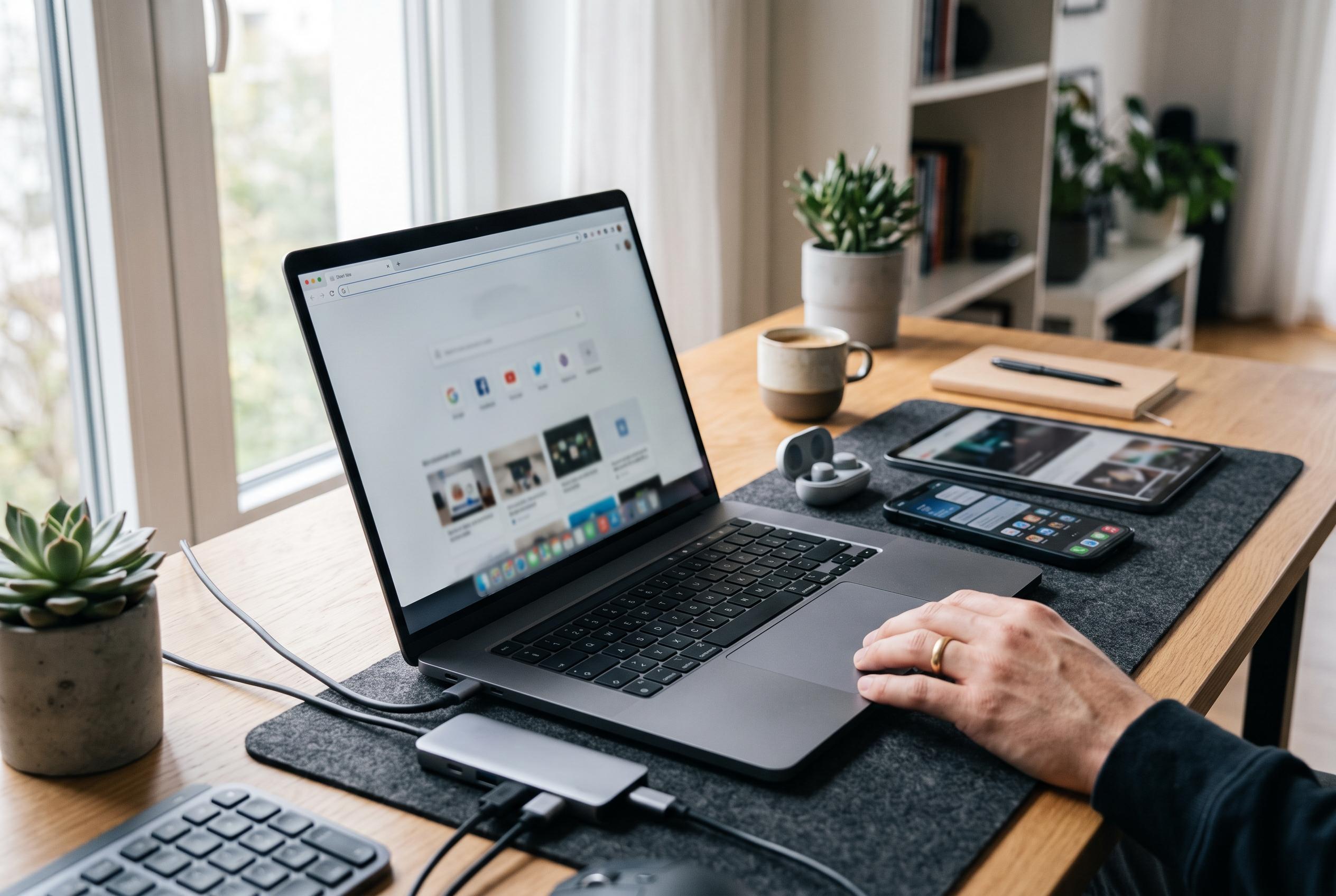

Google’s latest high-end Chromebook, Googlebook OS, challenges traditional premium laptops with advanced cross-device integration, full desktop browser, and native Linux support, prompting reconsideration of its $1,000 price tag.
I once thought paying four figures for a laptop built around Android would be hard to justify. My own experience with the original Pixelbook in 2018 had already pushed the limits of what I was willing to spend on a Chromebook, even though that machine gradually won me over with its premium hardware and, after several software refinements, a genuinely capable everyday experience. It still never fully replaced a conventional work laptop for everything I needed, but it proved that Google could make a compelling high-end portable computer when it focused on both design and performance. Industry reviews of the Pixelbook at the time echoed that view, praising its Kaby Lake processors, strong benchmark results and unusually polished build quality for the category.
That is why the pricing of Googlebook felt so difficult to swallow at first. The cheapest model starts at $899, while the rest of the first wave rises past $1,000 and reaches $1,299 depending on the vendor and storage tier. On paper, that places the device in direct competition with established premium laptops rather than budget or mid-range Chromebooks. For a product described as an Android laptop with Chrome OS influences, the question is not simply whether it is powerful enough, but whether Google has actually solved the longstanding trade-off between mobile app convenience and desktop productivity.
The answer appears to depend on what software layer you expect from it. According to the announcement and reporting around Googlebook OS, the platform includes the full desktop version of Chrome rather than a mobile browser dressed up for a larger screen. That matters because serious laptop users rely on extensions, profile switching, custom search engines and the broader behaviour of a desktop browser, not just access to web pages and phone apps. Googlebook OS also retains a more capable file system than a simple tablet-style interface, with support for external cloud storage and features such as widgets, a Magic Pointer and a Glowbar that may later be opened to third-party developers.
Google has also placed a great deal of emphasis on cross-device continuity. Reporting on the new platform says Android apps can hand off work between devices more fluidly, while selected apps can be mirrored without being permanently installed on the laptop. Just as significant for more technical users, Googlebook OS ships with a full, secure Linux terminal environment, complete with native networking and port access. That moves it beyond the limited Linux containers familiar from Chrome OS and into territory that could support coding tools, package managers and desktop software such as GIMP. The new system is also presented as a security-led design, combining Android’s app permissions and sandboxing with Chrome OS-style defences including Verified Boot, on-device malware detection and Google’s Titan security chip.
The result is that my view of the product has shifted. The old instinct was to dismiss a premium Android laptop as an overreach, especially given Google’s uneven record with first-generation hardware and software launches. But the current pitch is more coherent than I expected: long software support, tighter integration between phone and laptop workflows, a proper desktop browser, and Linux access that may genuinely matter to developers and power users. That does not prove the hardware will be worth the money in practice, but it does make the asking price easier to understand. I am still inclined to look closely at the cheaper Acer model, yet I am no longer convinced that $1,000 is unreasonable for what Google is trying to build.
Disclaimer: This content is intended for informational purposes only. Readers are advised to exercise their own judgement, conduct due diligence, or consult a qualified expert before acting on any information provided.



