

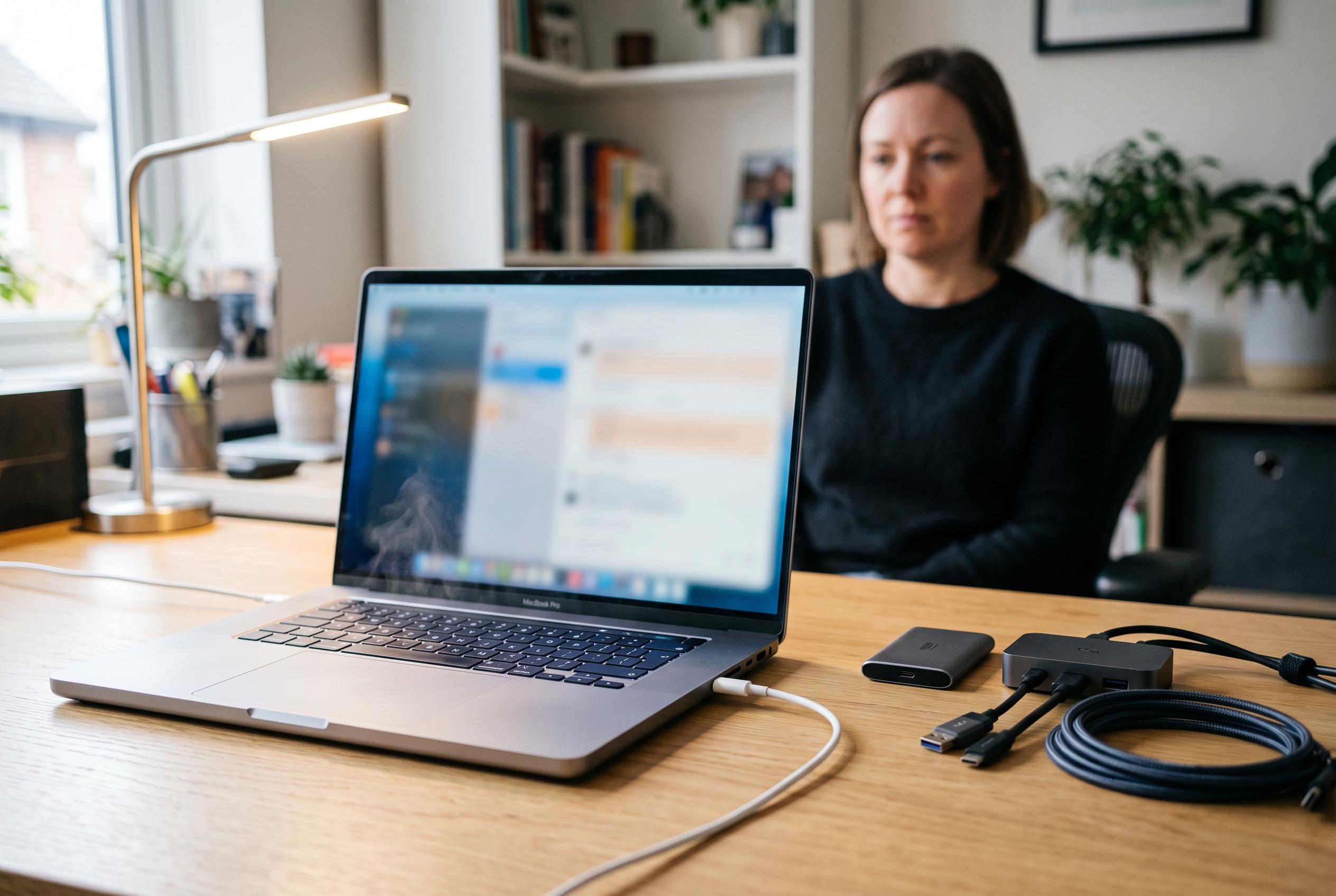

Notebookcheck’s intensive testing shows that high-demand tasks can lead to battery loss on MacBook Pro models despite being connected to power, highlighting limitations in charging capabilities and internal power management.
Notebookcheck’s tests suggest that a MacBook Pro can still lose battery charge while connected to mains power if the workload is heavy enough. On the 16-inch model with Apple’s M5 Max chip, the site recorded a drop of about 12% in one hour when the machine was pushed hard on both CPU and GPU.
The key point is that the charger was not the only limit. Notebookcheck measured power draw of roughly 150W, which is above the 140W rating of Apple’s standard 16-inch adapter. Even a 180W USB-C charger did not change the outcome, indicating that the notebook itself was not drawing more than its internal limit and was instead supplementing demand from the battery.
This is an edge case rather than normal behaviour. The tests combined sustained compute and graphics load, so they do not reflect everyday use such as browsing, writing or office work. But for users running rendering, video processing or similar professional tasks, the result is still relevant because it shows that the battery may be used as a buffer during prolonged peaks.
Notebookcheck had already seen a related pattern on the 16-inch MacBook Pro with M5 Pro. In that case, the machine briefly drew around 145W with Apple’s 140W adapter, later settling to about 134W. With a higher-rated charger, the peak rose only slightly, to roughly 147W, and the battery was still tapped for short periods. macOS continued to show a full charge, while the MagSafe indicator stayed green, which made the behaviour less obvious to the user.
The clearest limitation appeared on the 14-inch MacBook Pro with M5 Max. Notebookcheck said input power was capped at about 97W regardless of whether the machine was connected to Apple’s 140W charger or a third-party 180W USB-C unit. During a one-hour stress test, the battery lost around 15%. A lighter but still demanding Cyberpunk 2077 session also reduced charge by about 10% despite the laptop being plugged in. For buyers, the wider lesson is simple: a charger’s wattage is only part of the equation; the Mac must also be able to accept that power. Apple says the 14-inch M5 Pro and M5 Max models need at least a 70W source, with 96W required for fast charging, while the 16-inch versions are specified at 140W.
Disclaimer: This content is intended for informational purposes only. Readers are advised to exercise their own judgement, conduct due diligence, or consult a qualified expert before acting on any information provided.



