

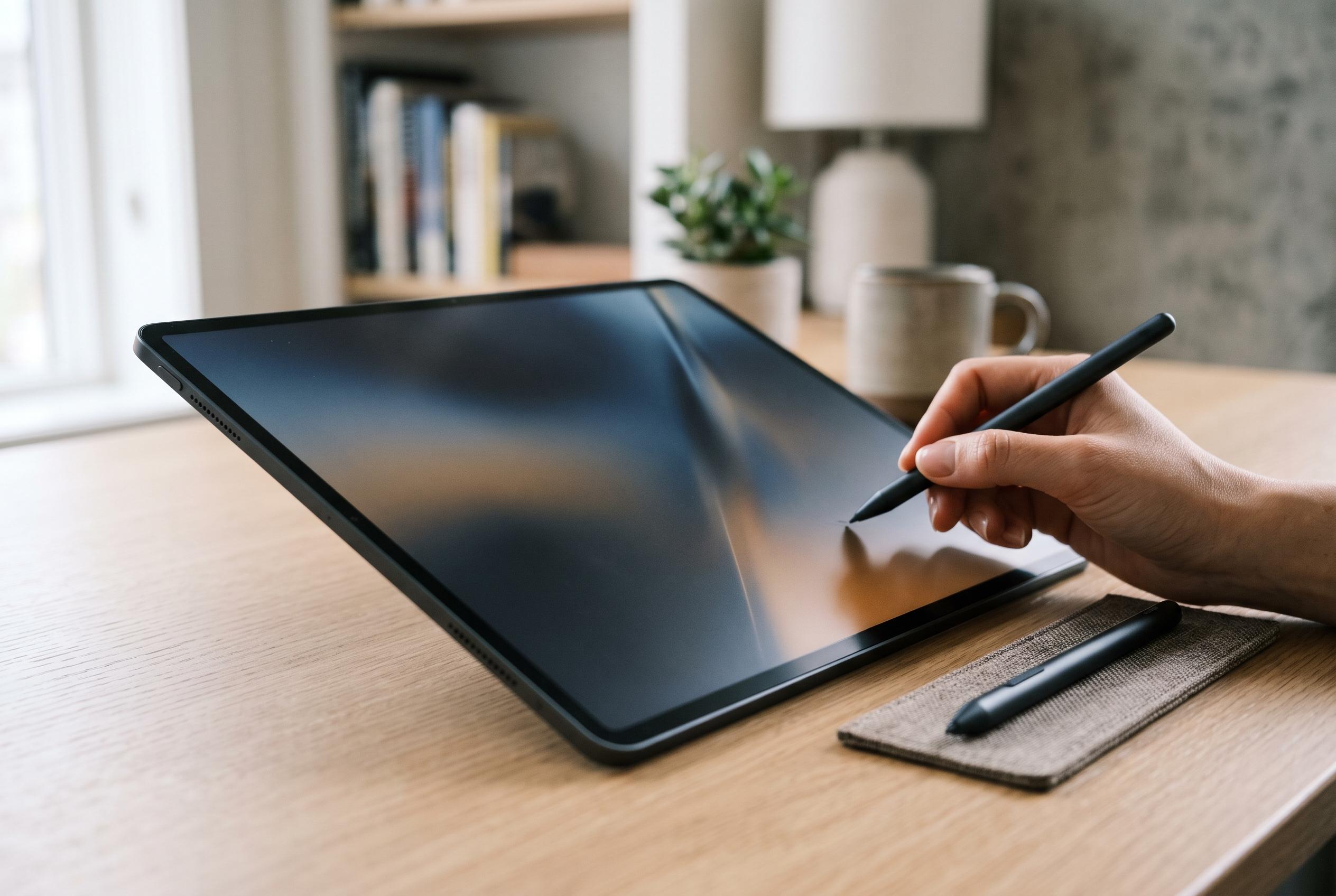

A 3K PaperMatte OLED display, 144Hz refresh rate and stylus-focused design set the tablet apart, but the lack of native Google services limits its appeal for some users.
Huawei’s MatePad Pro 12 (2026) is built around a simple proposition: make the screen the main reason to buy it. Techgenyz reports that the tablet pairs a 12-inch 3K OLED panel with a matte PaperMatte finish, a 144Hz refresh rate and peak brightness of up to 1,600 nits. That combination is aimed at readers, note-takers and creative users who want less glare and a more controlled feel under a stylus, rather than a conventional glossy tablet experience.
The display is also the device’s most distinctive practical feature. According to Gizmochina’s review, the PaperMatte coating reduces reflections enough to make the tablet easier to use in bright rooms and outdoor light, while preserving the contrast and colour expected from OLED. Huawei’s UK product page says the surface is designed to diffuse reflections for more comfortable viewing, and the company positions the panel as suitable for writing, annotating and organising ideas. In effect, the tablet is trying to bridge the gap between a media slate and a paper-like work surface.
That emphasis on portability continues in the hardware. Techgenyz says the tablet measures 4.7mm thick and weighs about 454g, with a CNC-machined aluminium body that feels rigid in hand. The slim chassis makes it easy to carry, but it also leaves less room for battery capacity. Huawei lists a 10,400mAh battery for the non-EU model, while noting that laboratory figures depend on configuration and test conditions. Gizmochina found that sustained heavy use, especially at the highest refresh rate, reduced endurance more quickly than the specification sheet might suggest.
Huawei is also clearly positioning the device as a pen-first tablet rather than a passive screen. Techgenyz reports that the third-generation M-Pencil Pro works with Huawei’s GoPaint app for drawing and handwriting, and that the stylus benefits from the slightly textured feel of the PaperMatte surface. Gizmochina said pressure response and the pencil’s squeeze gesture were useful in practice, particularly for switching brushes without breaking the drawing flow. The stylus and app pairing gives the MatePad Pro a more focused creative identity, although the pen is sold separately and adds to the total cost.
The keyboard accessory follows the same logic. According to Techgenyz, Huawei’s Glide Keyboard can be positioned in a laptop-style configuration for typing or folded into a studio arrangement for sketching. It includes a trackpad and is intended to make the tablet more useful for long documents, email and light productivity. Huawei’s product page likewise highlights keyboard-and-mouse support, but also says the Glide Keyboard is sold separately and that some features vary by region, device and software version. That means the accessory improves ergonomics, but it does not remove the limits imposed by the underlying operating system.
Software remains the tablet’s biggest compromise. Techgenyz says the MatePad Pro runs HarmonyOS 4.3 without native Google Mobile Services or the Google Play Store, even though Huawei offers AppGallery and APK installation as alternatives. Gizmochina found routine tasks such as browsing, email and media playback straightforward, but said services such as Gmail and YouTube required extra work to function properly. For buyers whose workflow depends on Google Drive, Google Docs, Classroom or Meet, that is a major issue. In the same review, Gizmochina said the Kirin T93 chipset handled everyday work smoothly, but was not the equal of top-end Snapdragon or Apple M-series hardware for demanding gaming or intensive 4K video editing.
Taken together, the MatePad Pro 12 (2026) looks like a specialist device with a clear audience. Techgenyz cites a European price of about €1,099, before the cost of the keyboard and stylus are added. For users who value a low-glare screen, strong build quality and stylus work above all else, it appears genuinely compelling. For anyone who needs seamless Google integration or desktop-class software compatibility, the tablet’s hardware strengths do not fully remove its software constraints.
Disclaimer: This content is intended for informational purposes only. Readers are advised to exercise their own judgement, conduct due diligence, or consult a qualified expert before acting on any information provided.



