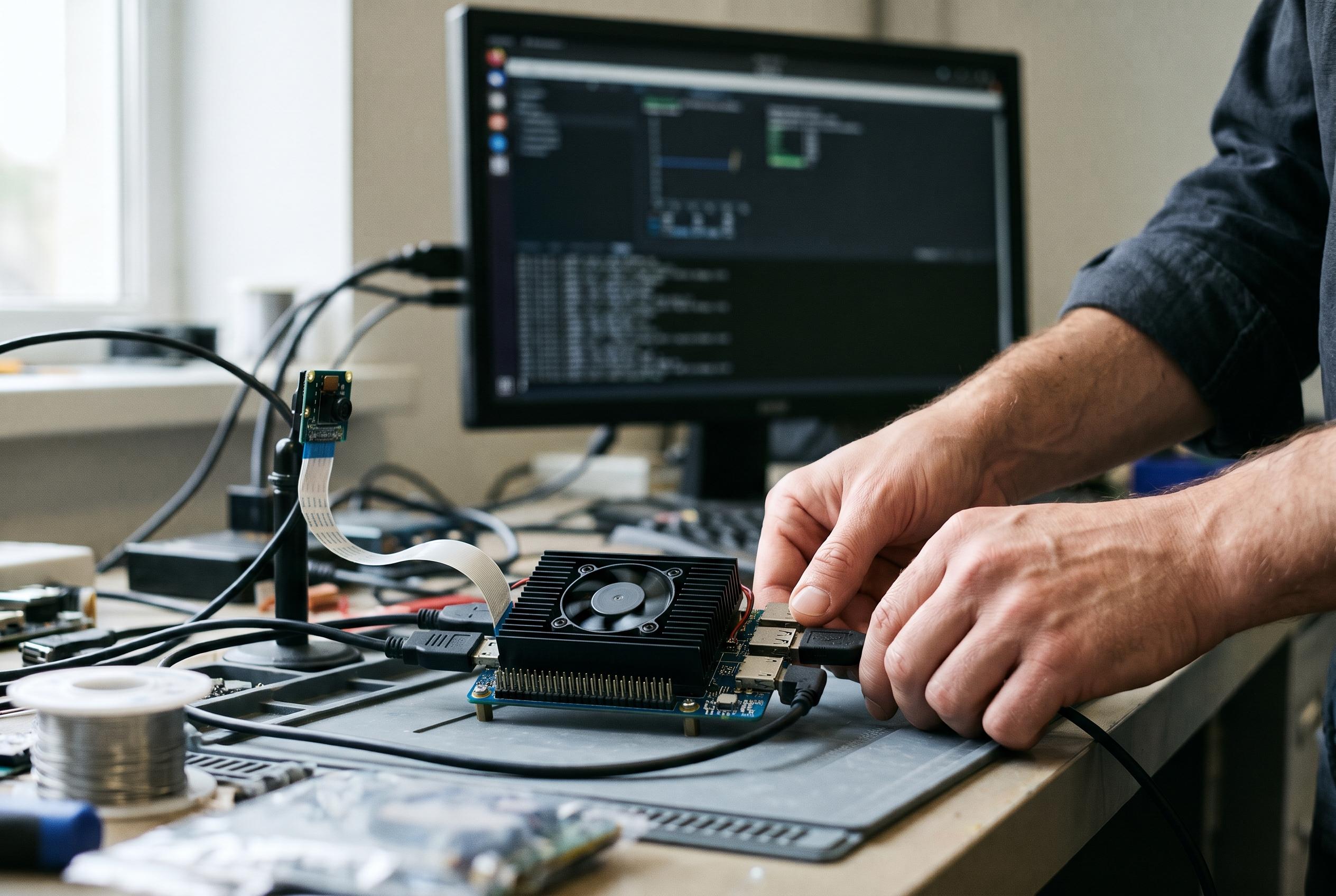

Ubuntu testing found strong GPU- and NPU-assisted vision performance and much faster LLM prompt processing, but CPU throttling, driver setup and modest live-camera frame rates temper the results.
The LattePanda Mu Ultra is a compact x86 compute module intended for local artificial-intelligence and computer-vision workloads. CNX Software tested the Core Ultra 7 256V version with Ubuntu 26.04, examining its CPU, integrated graphics and neural processing unit (NPU), as well as its performance in local language models and webcam-based vision tasks. Intel specifies this eight-core Lunar Lake processor with four performance cores and four low-power efficient cores, a maximum turbo frequency of 4.8GHz and 115 TOPS of peak combined AI performance. That figure is a manufacturer specification, not a measure of sustained application speed. (intel.com)
The reviewed system paired the compute module with LattePanda’s mini carrier board and active cooler; an NVMe drive and power supply are separate requirements. DFRobot lists the kit with the module, carrier board and cooler, while its product page describes expansion options including USB-C, 2.5Gb Ethernet and separate M.2 slots for storage and wireless networking. The review used a 500GB WD Blue NVMe SSD and reported that Ubuntu installed successfully. (dfrobot.com)
Linux support required more than a basic operating-system installation. LattePanda’s guidance recommends Ubuntu 24.04 LTS or later and Linux kernel 6.11 or newer, and notes that graphics drivers alone may not provide the compute libraries required for AI applications. In the review, Ubuntu 26.04.1 with kernel 7.0 recognised the processor, Arc graphics, Ethernet, audio and storage. The reviewer installed separate GPU and NPU components, then confirmed that OpenVINO could access the CPU, GPU and Intel AI Boost NPU. (docs.lattepanda.com)
Performance testing showed a significant caveat under sustained processor load: the CPU package reached 95–96°C during intensive benchmarks, with the performance-core frequency falling from about 4.7GHz to roughly 2.1–2.2GHz. The system still posted a Geekbench 7 CPU score of 2,007 for single-core and 6,813 for multi-core performance, but those results should be read alongside the observed thermal throttling. Intel lists the processor’s base power at 17W and maximum turbo power at 37W, making cooling a practical consideration for workloads that keep the CPU busy for extended periods. (intel.com)
The integrated Arc GPU proved particularly useful for prompt processing in llama.cpp. With a quantised 3-billion-parameter Llama model, GPU acceleration raised prompt-processing speed from 48.08 to 854.51 tokens per second, while text generation increased only slightly, from 13.59 to 14.14 tokens per second. With the larger 8-billion-parameter model, prompt processing rose from 19.40 to 303.38 tokens per second, while generation moved from 6.16 to 6.44 tokens per second. These results suggest that, in this test configuration, GPU offloading helped process input much faster but made a smaller difference to sequential output. (cnx-software.com)
The reviewer also ran models through OpenVINO, which detected all three processors. A small TinyLlama model generated at around 22–30 tokens per second, while the larger Qwen2.5 7B model delivered about 5–8 tokens per second. However, Geekbench AI did not complete its OpenVINO GPU test: it stopped with an OpenCL resource error, and the NPU was not available to that benchmark. The mixed results underline that accelerator support can depend on the software framework and drivers, rather than hardware detection alone. (cnx-software.com)
Computer-vision tests provided a stronger showing for the GPU and NPU. In synthetic, inference-only YOLO26 tests at 640 × 640 resolution, the Arc GPU reached 411, 210 and 116 equivalent frames per second across the nano, small and medium models; the NPU recorded 357, 189 and 68. CPU results were much lower. Ultralytics documents YOLO26 as a family of models available in different sizes and deployable through formats including OpenVINO, but these benchmark figures come from the reviewer’s test setup, not the model documentation. (github.com)
Those synthetic rates did not translate directly into live camera performance. In the webcam tests, processing and tracking overhead, together with the camera, constrained actual frame rates; the reviewer reported around 10 frames per second in most GPU and NPU runs. A separate depth-estimation demonstration using Depth Anything V2 reached about 25–30 frames per second with GPU acceleration. A gesture-controlled video application combining YOLO26, MediaPipe and OpenCV ran at roughly 28–30 frames per second at 640 × 480, slowing as the image resolution increased. (cnx-software.com)
Other everyday tests were broadly positive: the review reported smooth YouTube playback up to 4K, with only a small number of dropped frames at that display resolution, and a Speedometer 3.1 browser score of 19.7 ± 1.4. Taken together, the results present the Mu Ultra as a capable platform for local inference and edge-vision experimentation, particularly when workloads can use its GPU or NPU. Buyers should nevertheless account for the reported CPU throttling, the need to configure Linux compute drivers and the gap between synthetic inference rates and practical camera throughput. (cnx-software.com)
Disclaimer: This content is intended for informational purposes only. Readers are advised to exercise their own judgement, conduct due diligence, or consult a qualified expert before acting on any information provided.