

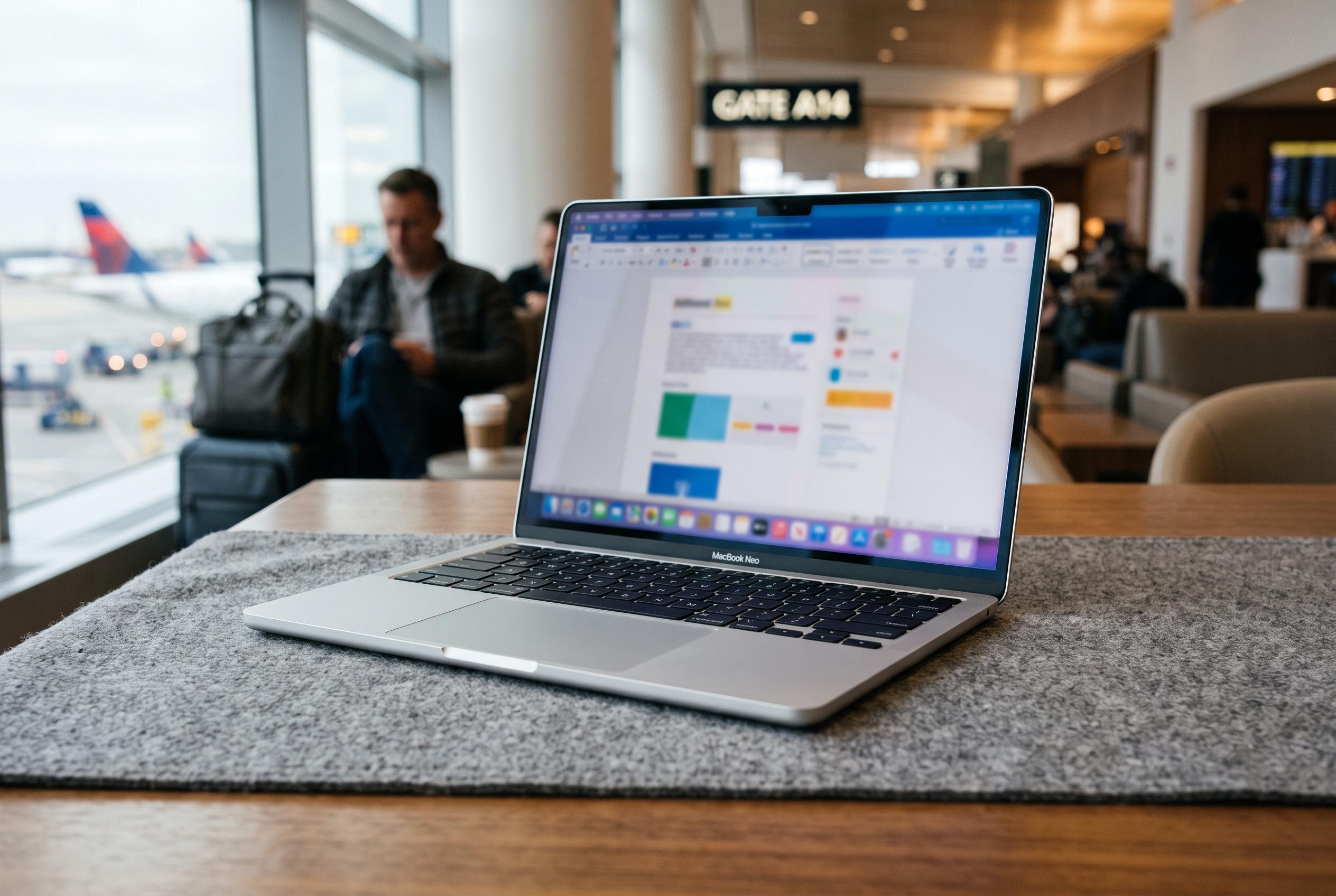

A few months on, the MacBook Neo emerges as a lighter, travel-friendly alternative mainly suited for routine tasks, though its performance and price now highlight its limitations as a secondary machine for demanding workloads.
A few months on, the MacBook Neo has proved to be less of a compromise than it first appeared, provided it is judged as a lightweight companion rather than a full-scale production machine. Earlier reviews from MacRumors, Tom’s Guide, Tom’s Hardware and PCWorld all reached a similar broad conclusion: the A18 Pro-powered laptop is aimed at everyday computing, with 8GB of RAM and a premium-feeling chassis helping it punch above its price. That remains true in practice, but only within a fairly narrow envelope. The machine is happiest with browsing, email, writing and routine cloud-based work. It is far less convincing when asked to sustain heavier local workloads.
In day-to-day use, the appeal is obvious. The Neo is easy to carry, feels solid in the hand and slips into a work bag without much thought. Its 1.23kg weight makes it an attractive travel machine, and its aluminium body gives it a sturdier impression than many budget laptops. The 13-inch IPS display is also a strong point. According to the specification and the experience described in the original review, brightness is adequate for indoor work, viewing angles are good and the lack of a notch is welcome, even if the panel does not deliver the deep blacks of an OLED alternative.
The keyboard and touchpad are serviceable rather than exceptional, but they are not deal-breakers for this kind of laptop. The absence of keyboard backlighting is less of an issue than it might be for others, and Touch ID is one of the most practical additions for a machine that is moved between locations and sessions. The broader software setup has also helped. Firefox, Chrome, Opera, cloud-based Office tools and BBEdit cover most of the workload, while Teams and Lightroom Classic reveal the machine’s limits more clearly.
That is where the A18 Pro starts to show its boundaries. For quick edits, browsing and short bursts of processing, the Neo is fine. But once Lightroom Classic is asked to denoise images or build large assisted culling projects, performance tails off sharply. The original user experience was more pointed than the more measured external reviews suggested: the chip is perfectly acceptable for casual and general use, yet not especially well suited to long CPU-intensive jobs. In that sense, the machine is best understood as a capable secondary laptop rather than a do-everything creative tool.
Battery life and charging are the other clear trade-offs. The Neo can last through an evening or two of light use, but recharging is slow, with the charging circuit topping out well below what many users now expect from modern laptops. That makes the device less convenient for people who move quickly between work sessions and more dependent on carry-on charging plans. The upside is that it can still be topped up from a battery bank, which suits travel better than a fixed desk routine.
Price is now a harder part of the argument. The original article points to a wider problem in the market: rising DRAM costs, AI-driven demand and broader memory inflation have pushed up the cost of low-capacity devices across the board. Apple has lifted the Neo’s pricing too, which narrows the gap between this model and better-specified alternatives. That does not erase the Neo’s strengths, but it does weaken its value proposition, particularly outside education pricing. MacRumors, Macworld and the other reviews all frame the laptop as affordable; that judgment becomes less persuasive once the higher retail price is taken into account.
For the writer, though, the equation is more personal than abstract. The MacBook Neo has slotted neatly into a workflow built around macOS, local file handling and travel-friendly editing. It is not the fastest option, and it is not the most flexible. Yet it has become the machine most likely to go on the road, ahead of a MacBook Pro, because it is good enough where it matters most. For a secondary laptop, that may be the right test.
Disclaimer: This content is intended for informational purposes only. Readers are advised to exercise their own judgement, conduct due diligence, or consult a qualified expert before acting on any information provided.



