

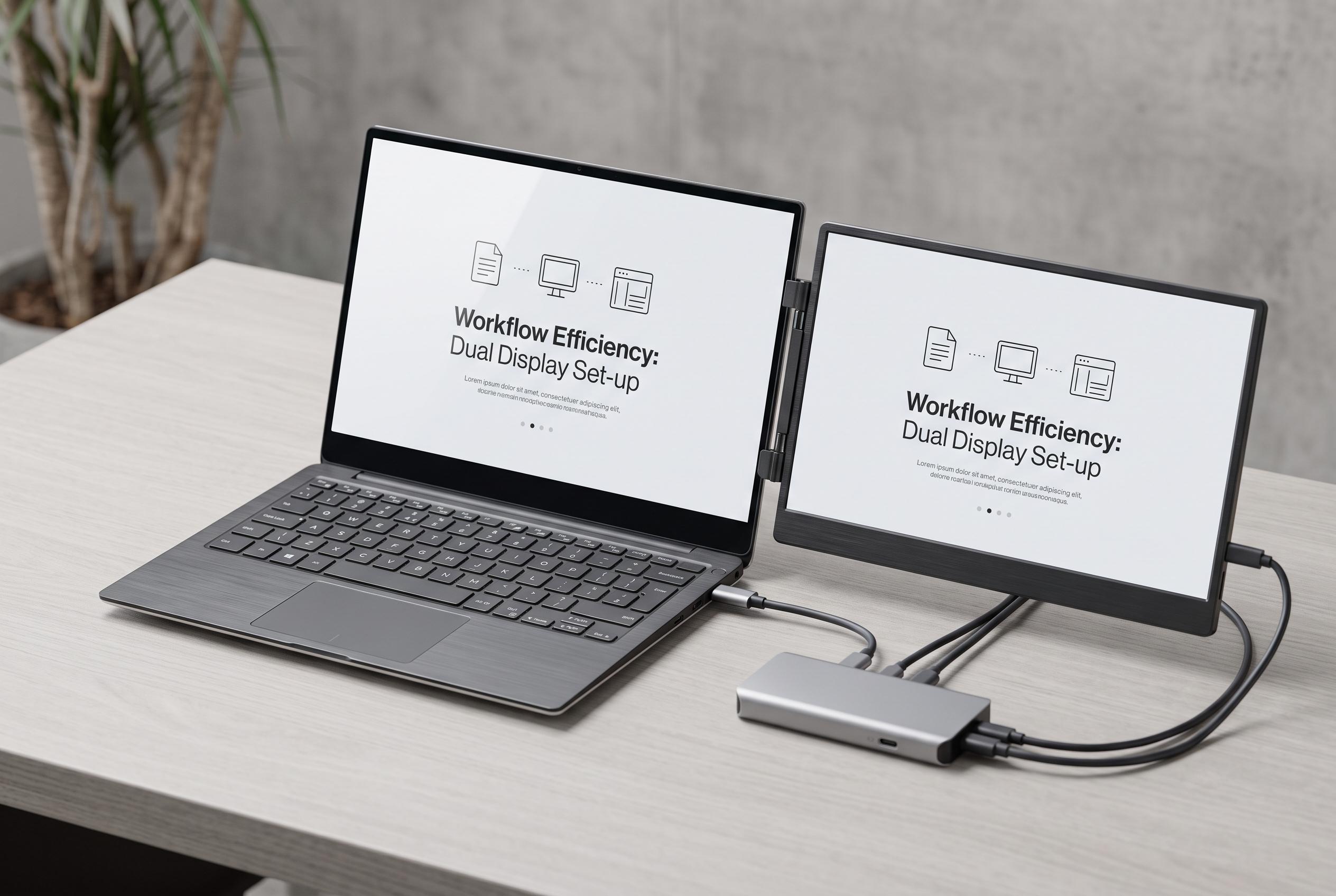

As crypto traders seek machines that balance performance with mobility, the market sees a surge in versatile options like lightweight ultrabooks and dual-screen laptops tailored for fast-paced markets.
A trading laptop is less about prestige than reliability. For crypto traders, the machine must keep charts, exchange tabs and alerts running smoothly while markets move quickly. Across recent buying guides, the same requirements keep reappearing: at least 16GB of RAM, a current processor, solid-state storage, a display large enough for charts and good battery life for those who work away from a desk. Several guides also stress cooling and portability as practical factors, not luxury extras.
For buyers on a tighter budget, the Acer Nitro 16 remains the most approachable option in this group. It offers the kind of specification floor that matters for trading, with a modern Intel Core or AMD Ryzen chip, 16GB of memory and NVMe storage, which is enough for browser-based platforms and a separate market feed. The trade-off is bulk: this is better suited to a fixed workspace than to daily commuting. Recent trading-laptop round-ups from TechRadar and other guides support the idea that value machines can work well if they prioritise CPU, memory and storage over graphics power.
At the other end of a desk-based setup, the Dell XPS 16 stands out for multi-monitor use. Thunderbolt connectivity makes it a strong fit for traders who run two or three external displays, and configurations with 32GB of RAM and a 1TB SSD give enough headroom for a broker platform, charting software and a busy browser. That matches the broader advice from trading-laptop guides, which consistently put screen space and expansion options near the top of the list for active users.
Apple’s MacBook Pro remains the most compelling choice for traders already working inside macOS. Apple’s own silicon is widely regarded as efficient, which helps battery performance, while the Liquid Retina XDR panel on the 16-inch model makes fine chart detail easier to read. The base 14-inch model starts with 16GB of unified memory and 512GB of storage, which is a sensible minimum for trading use. The main drawback, as several comparison pieces note, is price: you are paying more for the same broad task list, even if the overall experience is polished.
For traders who travel, the Lenovo ThinkPad X1 Carbon is the most practical fit. Its very light chassis is the clearest advantage in this set, and it still supports external monitors over USB-C, so it can double as a home office machine when needed. It is not intended for GPU-heavy backtesting, but that is not the main requirement for most chart-and-execution workflows. Multiple guides aimed at traders and travelling professionals point to the same balance: light weight, stable thermals and enough battery life to make mobility worthwhile.
The most distinctive option is the ASUS Zenbook Duo, which gives traders two full-size displays in one laptop. That is useful when one screen is devoted to charts and the other to order entry, research or messaging. The cost is that this layout is heavier and more expensive than a conventional ultrabook, and it makes more sense for users who are usually plugged in. In practice, the right choice depends less on brand loyalty than on trading style: the XPS 16 for multi-monitor desks, the ThinkPad X1 Carbon for travel, the MacBook Pro for Apple users, the Nitro 16 for value, and the Zenbook Duo for those who want built-in dual-screen flexibility.
Disclaimer: This content is intended for informational purposes only. Readers are advised to exercise their own judgement, conduct due diligence, or consult a qualified expert before acting on any information provided.



