

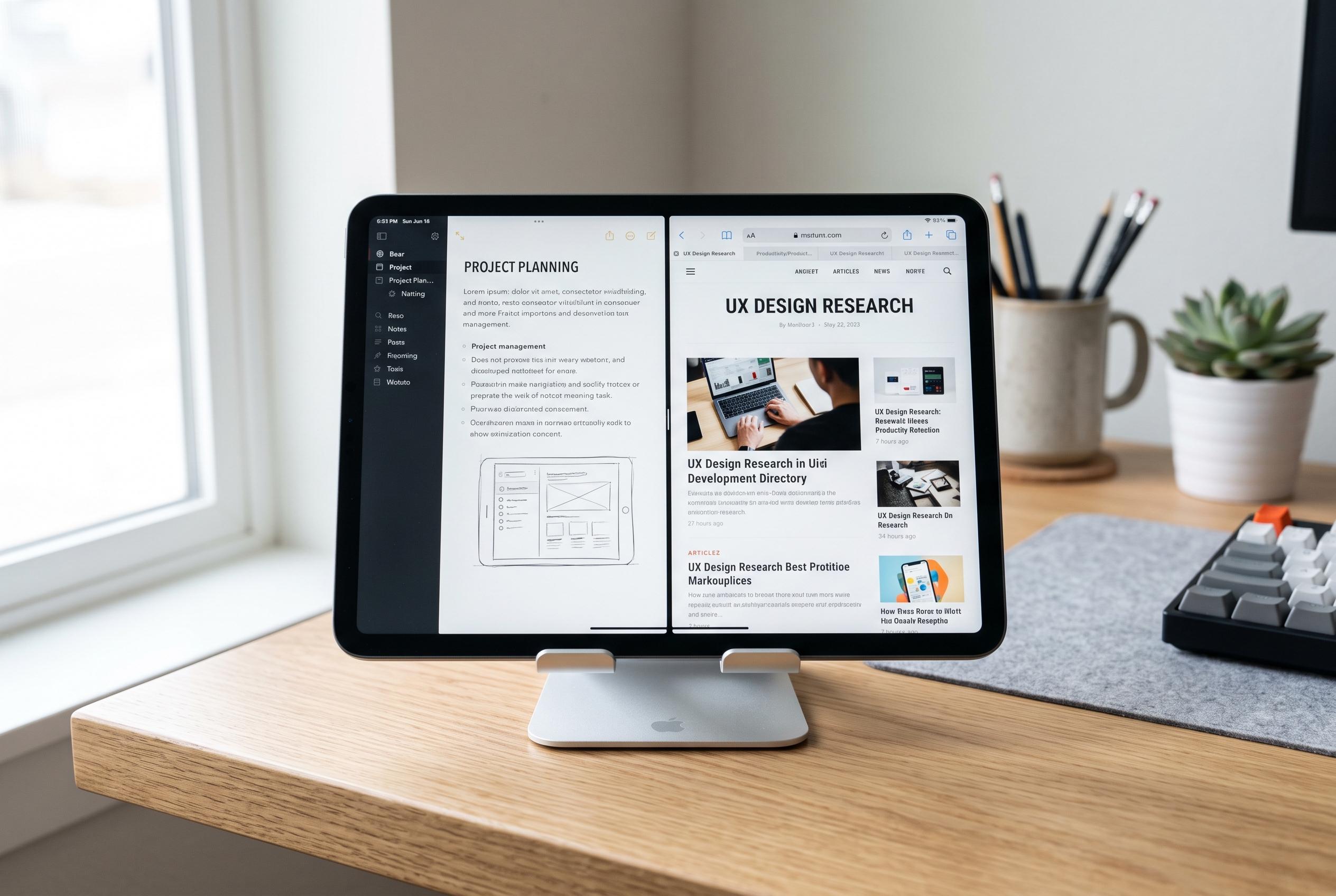

As tablet software shifts towards multitasking, the effectiveness of split-screen mode hinges on device design, user needs, and software optimisation, as exemplified by Samsung’s latest Android 12L update and Casper’s new Pad H10 Pro.
Split-screen use on tablets is best judged by workflow, not by a specification sheet. Samsung’s Android 12L update for the Galaxy Tab S8 series, for example, added a taskbar and support for running up to three apps at once, underlining how large-screen software is now being designed around multitasking rather than single-app use. That shift matters because the feature is only useful when the device, the app layout and the user’s habits all line up.
In practice, split-screen can be valuable for note-taking, document review, messaging and research, but its usefulness quickly falls when the apps are not optimised for smaller panes or when the user needs constant switching. Guidance on iPad and Android tablets shows that activating the mode is usually straightforward, yet the real question is whether dividing the display improves speed or simply makes both apps harder to read. For many people, the answer depends on screen size, resolution and how often they work away from a desk.
That is where the Casper PAD H10 Pro is positioned. The company says the tablet uses a 12.6-inch 2.5K OLED display, a 16:10 aspect ratio and peak brightness of 600 nits, alongside an aluminium body weighing about 580 grams and measuring 6.47 mm thick. On paper, those figures point to a device built to keep two apps visible without making each pane feel too cramped, while remaining portable enough for daily carry.
The rest of the specification list follows the same logic. Casper says the PAD H10 Pro includes 8 GB of RAM, 256 GB of internal storage, expandable memory of up to 512 GB, a 10,000 mAh battery and USB Type-C charging. For users who keep several documents open, move large files or rely on long sessions away from power, those details matter more than headline performance claims because split-screen use places pressure on memory, storage and endurance as much as on raw processing power.
Casper also points to accessory support that strengthens the case for heavier multitasking. The company says its stylus offers 4,096 levels of pressure sensitivity, palm rejection, 120 Hz sampling and screen latency below 25 milliseconds, while the keyboard cover includes Bluetooth, Type-C charging and a touchpad. Combined with the display and battery package, that suggests a tablet intended not just for media consumption but for work patterns that move between typing, sketching and app switching.
The wider lesson is that split-screen is neither a gimmick nor a universal necessity. It is most effective when the tablet has enough screen area, suitable software support and the right balance of portability and endurance. Samsung’s software changes show how the category is evolving, while practical user guides make clear that the feature is easy to enable but not always ideal for every task. In other words, the best tablet for split-screen is the one that matches the way the device will actually be used.
Disclaimer: This content is intended for informational purposes only. Readers are advised to exercise their own judgement, conduct due diligence, or consult a qualified expert before acting on any information provided.



