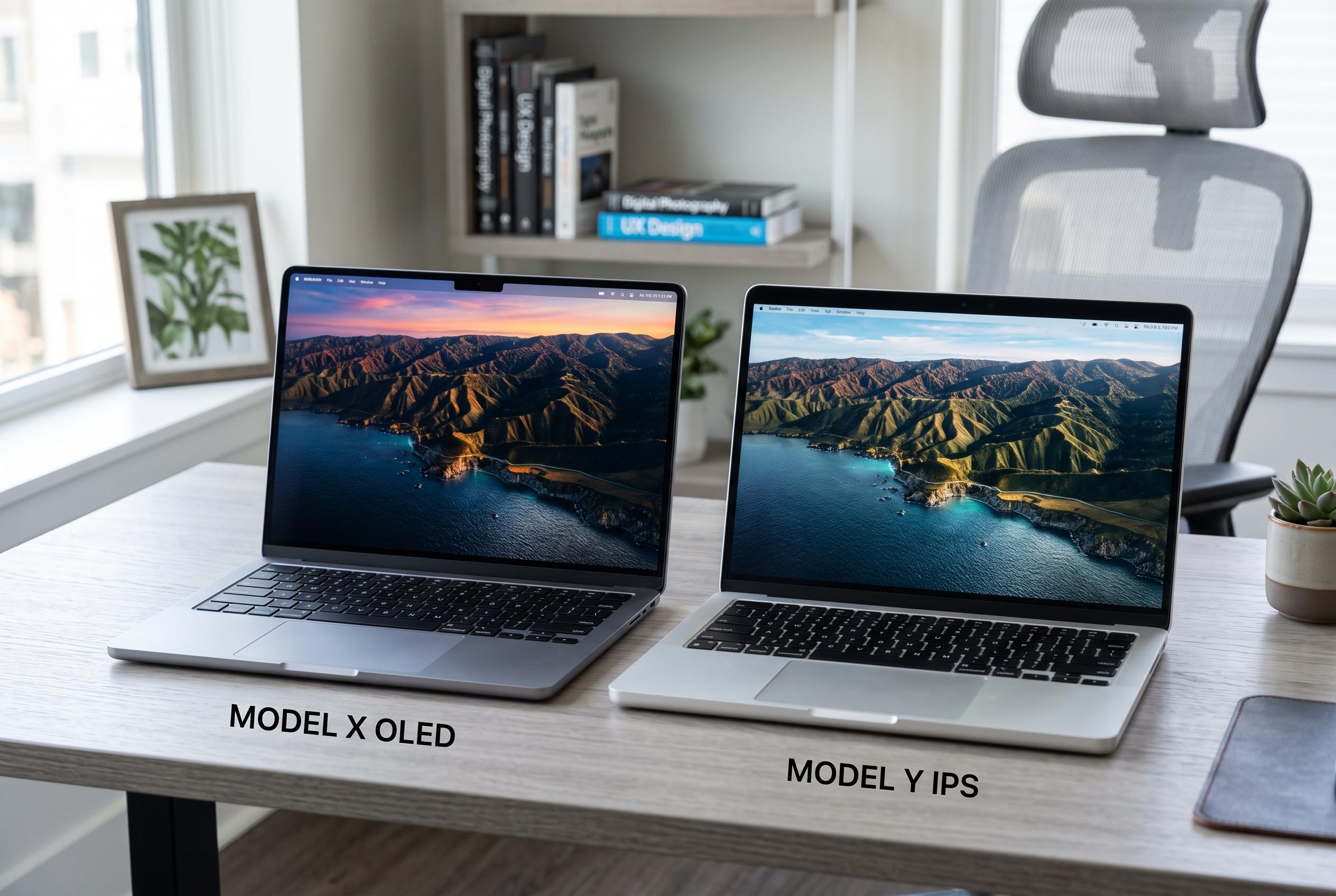

As OLED screens become more common, this guide examines when investing in OLED is worthwhile versus opting for a well-made IPS display, considering factors like budget, usage, and battery life for 2026 buyers.
OLED has become the display upgrade that many laptop buyers notice first, but it is not always the smartest place to spend extra money. For people who mainly work in web browsers, documents, spreadsheets, email and video calls, a well-made IPS screen can already deliver a sharp, bright and perfectly usable experience, often at a lower price and with lower power consumption. That can leave more of the budget for memory, storage or a faster processor, which may matter more over the life of the machine.
That does not mean OLED is overrated. For gaming, films and photo or video editing, its deeper blacks and higher contrast are immediately obvious. Creative Bloq notes that this is especially relevant for users who care about colour fidelity and visual detail, while RTINGS says OLED’s contrast and black levels remain its clearest advantage over IPS. In the right use case, OLED is still the better screen.
Battery life is another reason the cheaper panel can make more sense. Tom’s Guide said the OLED version of the Dell XPS 14 lasted 12 hours and 23 minutes in its web-browsing test, while the lower-resolution LED model ran for 20 hours and 41 minutes, although the configurations were not otherwise identical. That distinction matters, but the practical point remains: if a less expensive display option keeps the laptop going much longer away from a charger, many buyers will feel that trade-off every day.
Modern IPS panels are also better than the old stereotype suggests. Tom’s Guide reported that the non-OLED Dell XPS 13 reached 394 nits of brightness and covered 112.6% of the sRGB colour gamut in testing, while the Lenovo IdeaPad Slim 3i offers a 120Hz IPS touchscreen. RTINGS and other display analyses also note that IPS panels are generally brighter and free from burn-in concerns, making them a solid choice for bright rooms and static content. The key is not the technology label alone, but the actual brightness, resolution, refresh rate and colour performance of the panel in question.
For 2026 buyers, the case for skipping OLED is often strongest when it frees up money for more RAM or storage. Tom’s Guide argues that moving from 16GB to 32GB of memory, or from a 512GB SSD to 1TB, is usually the more valuable upgrade. That is especially true with soldered memory, where the choice is effectively permanent. A good laptop is the one that suits how you work, not the one with the most eye-catching screen on the spec sheet.
Disclaimer: This content is intended for informational purposes only. Readers are advised to exercise their own judgement, conduct due diligence, or consult a qualified expert before acting on any information provided.