

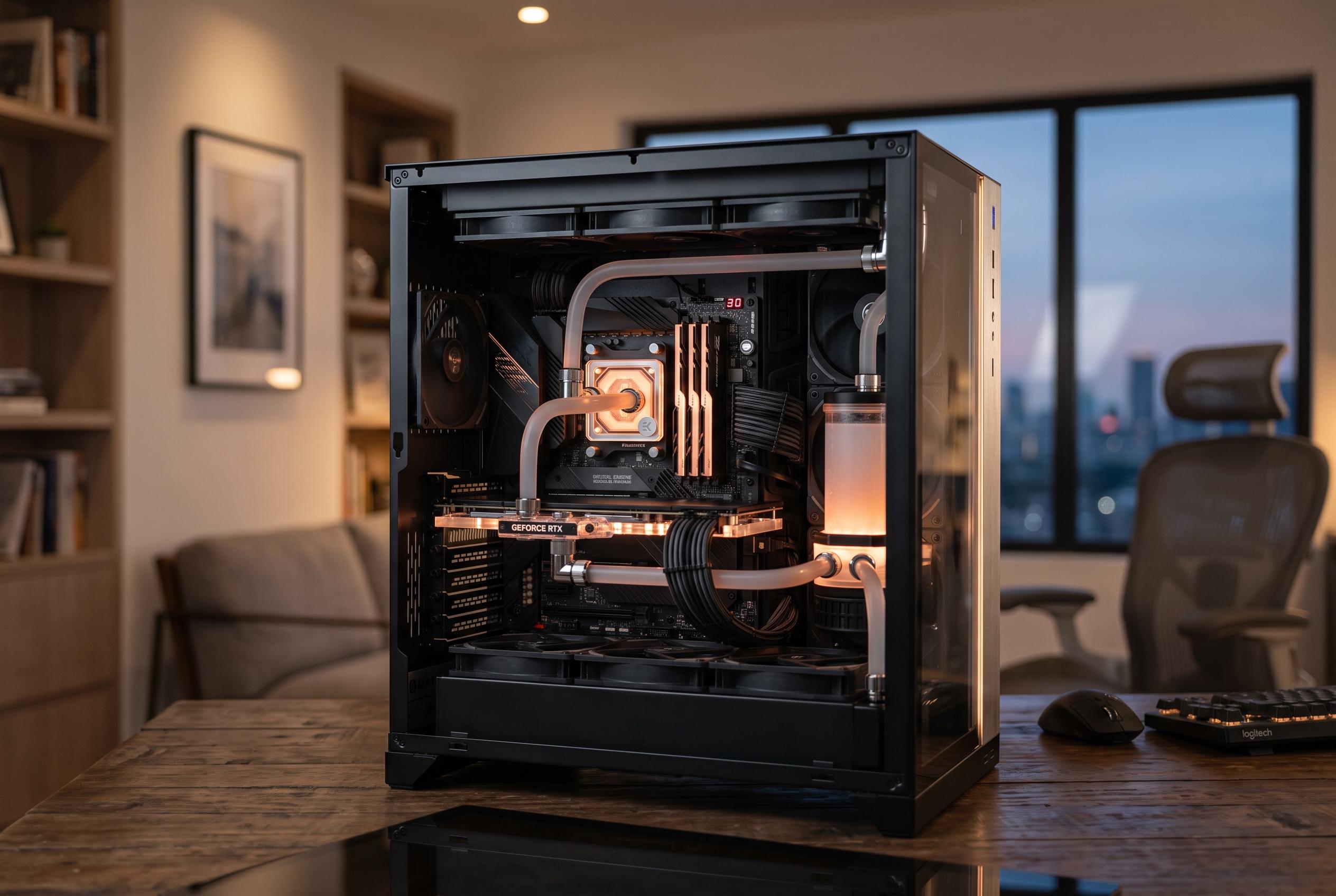

As neural processing units become more common in future PCs, experts emphasize that their usefulness hinges on system balance and specific AI workloads, not just high TOPS ratings or marketing claims.
The case for adding a neural processing unit to a new PC in 2026 is stronger than the marketing noise suggests, but it is also narrower than many vendor claims imply. An NPU is real hardware, not a label. It is designed to handle selected AI tasks efficiently, often with lower power draw than a CPU or GPU. That makes it useful for laptop users in particular, but it does not turn every machine into a faster or better computer.
At its simplest, an NPU is a specialist chip for machine-learning workloads such as speech, image processing and other recurring AI calculations. Industry explainers from HP and other technology publishers describe TOPS, or trillions of operations per second, as the usual benchmark for comparing these accelerators. Higher TOPS can indicate stronger AI capability, but HP also notes that software integration and system design matter just as much as the headline figure.
That is why the current 40-TOPS threshold matters more as a compatibility marker than as a measure of overall PC speed. Microsoft’s Copilot+ PC platform uses that level to identify devices capable of running certain on-device AI features. Some newer notebooks now exceed that figure comfortably, yet a machine with more TOPS is not automatically better at every workload. A well-balanced system still depends on the CPU, memory, storage and, for heavier AI work, the GPU.
For most people, the practical answer remains straightforward. If the main tasks are email, web browsing, office software and streaming, a modern processor, 16 GB of memory and a fast SSD will usually matter more than an NPU. Cloud-based AI services also do not require local AI hardware, because the computation happens on remote servers rather than on the user’s device.
The picture changes when the aim is to run AI features locally. Windows 11 now includes functions that can be accelerated on supported Copilot+ PCs, and local inference can improve responsiveness while reducing dependence on an internet connection. Microsoft has also been expanding NPU-aware components in Windows, which points to a broader shift towards on-device AI rather than a purely cloud-based model.
Even so, local AI is not an NPU-only story. Larger language models and more demanding image workloads tend to be limited first by available memory and graphics capability, especially VRAM. A laptop with a strong NPU but only 16 GB of RAM is not necessarily a better AI machine than one with more memory and a capable discrete GPU. In practice, the best choice depends on what the user actually intends to run.
That is the key point for buyers in 2026. The NPU is not a gimmick, but neither is it the single feature that should decide a purchase. It is a useful addition for on-device AI, battery efficiency and lower background load. For serious local model work, however, the GPU and memory remain central. The right question is not whether a PC has an NPU, but whether its mix of hardware matches the AI tasks it is meant to perform.
Disclaimer: This content is intended for informational purposes only. Readers are advised to exercise their own judgement, conduct due diligence, or consult a qualified expert before acting on any information provided.



