

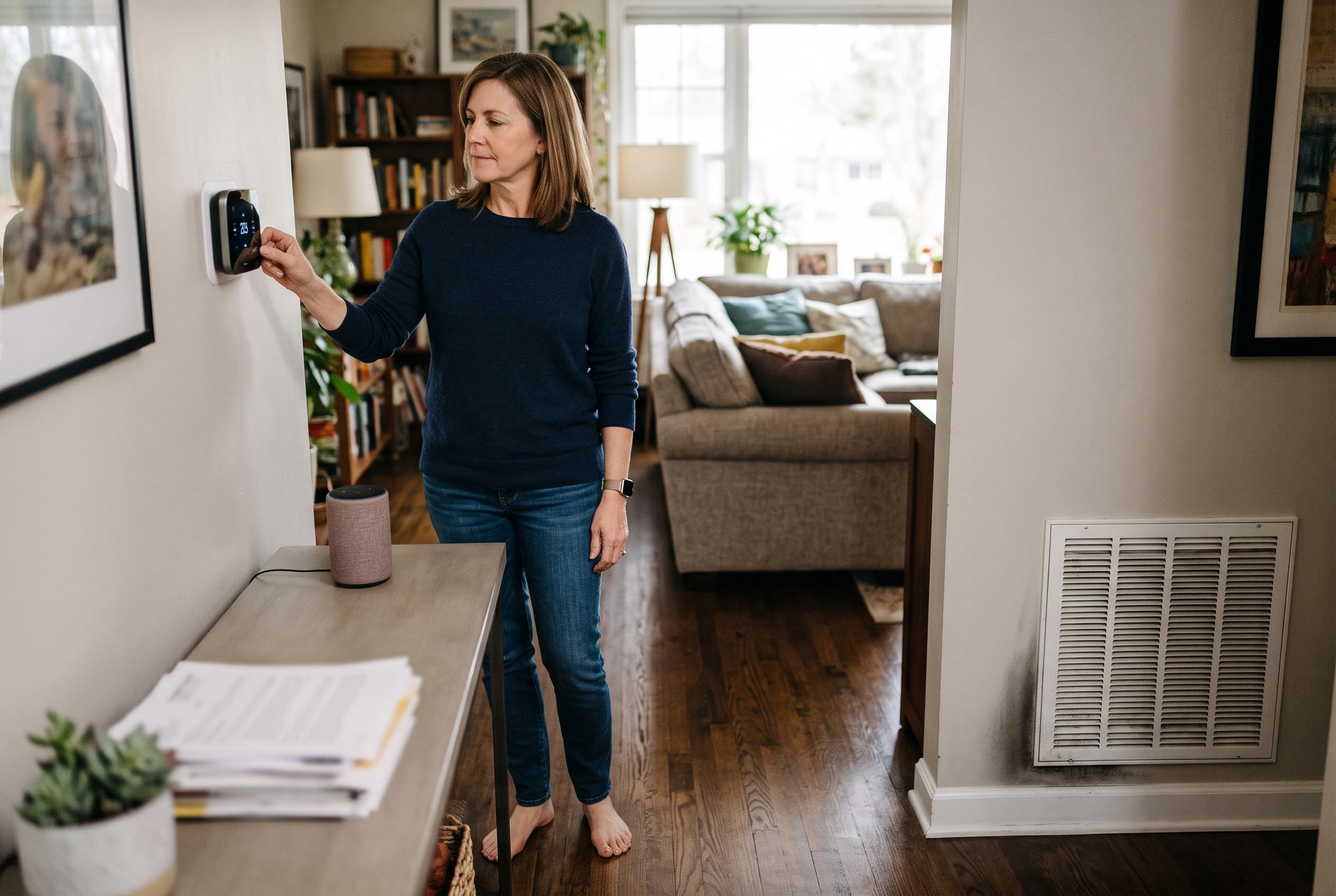

Voice-controlled cooling depends on compatible wiring, careful setup and a working HVAC system. Check privacy settings and keep manual controls available if commands fail.
Voice control can make home cooling more convenient, but it is only as useful as the thermostat and HVAC system behind it. Eco Temp HVAC says the first step is to confirm that the thermostat is actually compatible with the installation, including wiring, power supply, Wi-Fi connection and support for the chosen voice platform. Google’s own compatibility guidance makes the same point, noting that many systems still require careful checking before installation and that some may need a common wire or a power accessory. The practical lesson is simple: a smart speaker alone does not create voice-controlled air conditioning.
Once the hardware is suitable, the setup process matters. Eco Temp HVAC advises completing thermostat setup in the manufacturer’s app first, then linking that account to the voice assistant and giving each thermostat a clear, specific name. Google Home Help similarly says supported thermostats must be added to the app before voice control can work, and that command wording can vary by device. Separate tests for temperature reading, setpoint changes, cooling mode and power-off commands are important, because a command being accepted does not always mean the thermostat has changed the operating state the user expected.
Privacy and access controls deserve the same attention. Eco Temp HVAC recommends checking microphone settings, stored activity and household permissions in both the thermostat account and the voice-assistant account. Amazon’s Alexa privacy help explains that users can review and delete recordings, transcripts and typed requests, while Google Account Help says eligible Assistant activity can also be reviewed and deleted, with separate automatic-deletion options. Both services note, in different ways, that turning off one history setting does not necessarily remove every related record elsewhere, so users should treat the assistant account and the thermostat account as separate control points.
If the assistant responds but the room does not cool, the fault may have nothing to do with voice control. Eco Temp HVAC recommends checking power, testing the thermostat directly, confirming that the system is set to cooling and making sure no schedule, hold or vacation setting is overriding the request. Trane notes that some systems impose a compressor protection delay after the compressor stops or after a power interruption, so a short wait may be normal rather than evidence of failure. If speech works but cooling still does not begin after those checks, the likely issue is mechanical or electrical rather than digital.
For that reason, the safest approach is to keep manual and app-based controls available even when voice control is working well. Eco Temp HVAC says the wall thermostat and the mobile app should remain the back-up options whenever the microphone, account link or internet connection fails. The article also warns against repeated resets, bypassing safety controls or treating a successful voice command as proof that the air-conditioning system is functioning properly. If the system still will not cool after basic checks, professional diagnosis is the appropriate next step.
Disclaimer: This content is intended for informational purposes only. Readers are advised to exercise their own judgement, conduct due diligence, or consult a qualified expert before acting on any information provided.



