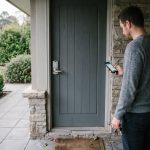

A practical guide reveals how renters can create a functional, reversible smart home for about $400 using non-permanent, easy-to-install devices that adapt to their lifestyle and move easily to new homes.
A renter can build a useful smart home for about $400 without drilling holes, rewiring anything or risking a deposit, according to a guide on wifi-guy.net. The key is to treat the budget as a practical system, not a shopping list: choose a small number of devices that solve real problems, install them in ways that leave no trace, and make sure the setup can move with you when you leave.
The most effective starting point is to define the outcome you want. The guide recommends focusing on one or two priorities, such as automated lighting, voice control for music and timers, or simple security alerts at the front door. That approach is echoed by several renter-focused guides, including smart.homes, TechnyGrow, Smart Home Deck and SysProsTech, all of which stress that renters should favour devices that need no drilling, hardwiring or permanent alteration to the property.
Once the objective is clear, the spending should begin with a dependable hub or smart speaker that can act as the centre of the system. The wifi-guy.net guide suggests a budget assistant device such as an Echo Dot or Google Nest Mini, then adding smart plugs, smart bulbs and a contact sensor. The point is interoperability: devices should work on the existing Wi-Fi network and ideally within one ecosystem, whether that is Alexa, Google Home or Matter-compatible hardware, so that automations remain simple and do not require juggling multiple apps.
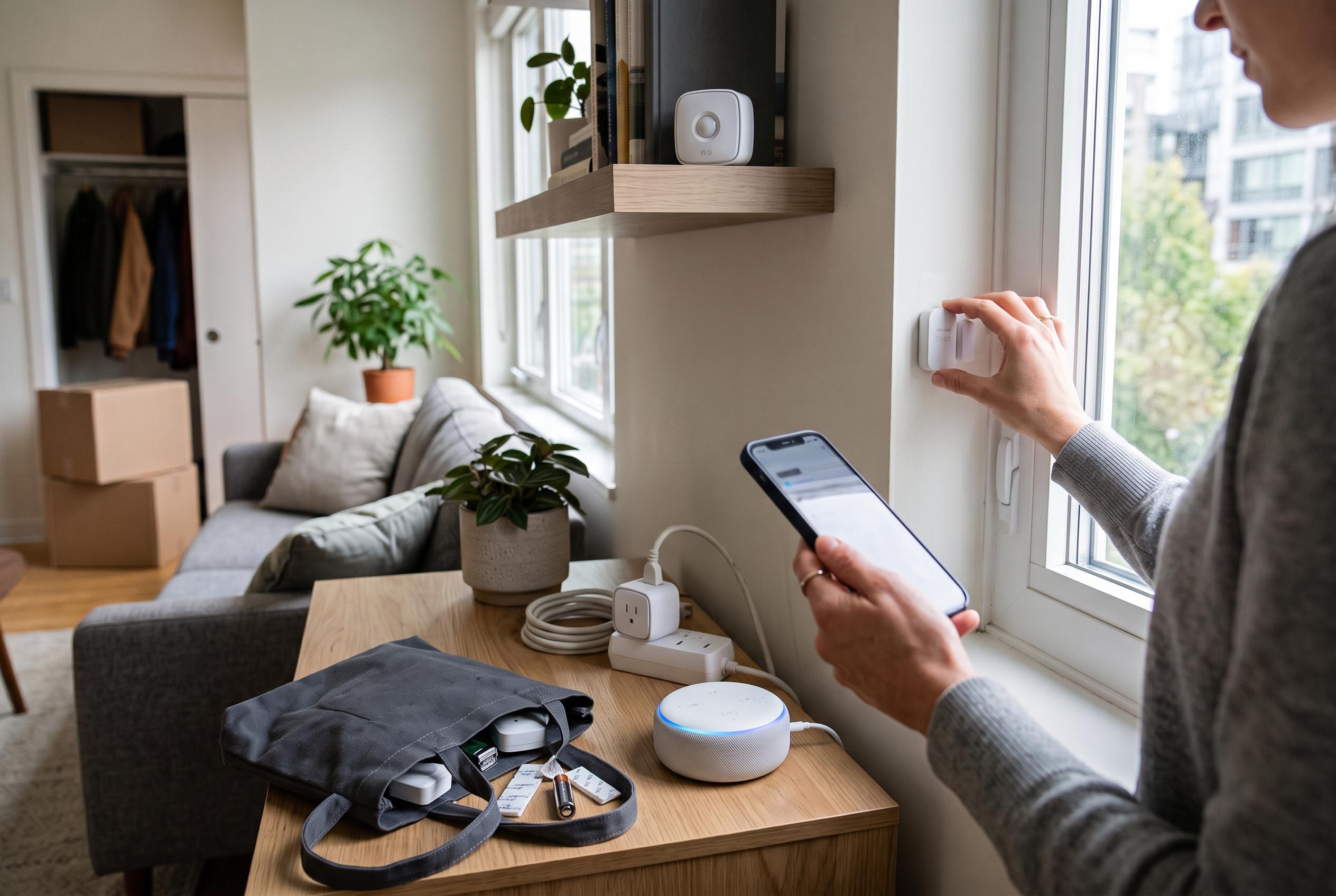
For day-to-day use, smart plugs and bulbs usually deliver the most value. A plug can turn a standard lamp into scheduled lighting, and it can also control a coffee maker or other appliance on a timer. Smart bulbs add dimming and tunable white light, which makes it possible to switch between warm evening lighting and brighter work settings. The guide also recommends a single contact sensor for a door or window, giving the renter a basic alert system without committing to a full alarm installation. Other round-ups of renter-friendly devices make the same case, pointing to plug-in and battery-powered products as the least disruptive way to gain automation.
Installation matters as much as the devices themselves. The wifi-guy.net guide advises using Command Strips, adhesive mounts, slim plug adapters and reusable cable clips rather than screws or permanent fixings. Sensors should be tested in place for accuracy before being left in position, and cables should be routed neatly along baseboards instead of across walkways. This damage-free approach is central to the renter guides from smart.homes and Smart Home Deck, which emphasise that devices should come off cleanly and leave the property exactly as it was found.
The software layer should remain just as restrained. Rather than building elaborate routines, the guide recommends a few reliable automations: an arrival routine that switches on lights and starts music, a night routine that dims or cuts power to selected outlets, and an away mode that randomises lighting for deterrence. It also suggests testing routines for a week before settling on them, since small delays and trigger changes often make the difference between a system that feels useful and one that becomes annoying.
Privacy and portability are part of the design, not an afterthought. The guide advises turning off voice history, unnecessary analytics and any cloud features that are not essential, while using guest Wi-Fi or a VLAN to separate smart devices from phones and personal computers. Before moving out, users should export or document their routines, keep packaging and receipts together, and be ready to factory-reset each device. That final step is important because the best renter-friendly smart home is not one that is merely cheap; it is one that is practical, reversible and ready to go with the tenant to the next flat.
Disclaimer: This content is intended for informational purposes only. Readers are advised to exercise their own judgement, conduct due diligence, or consult a qualified expert before acting on any information provided.