

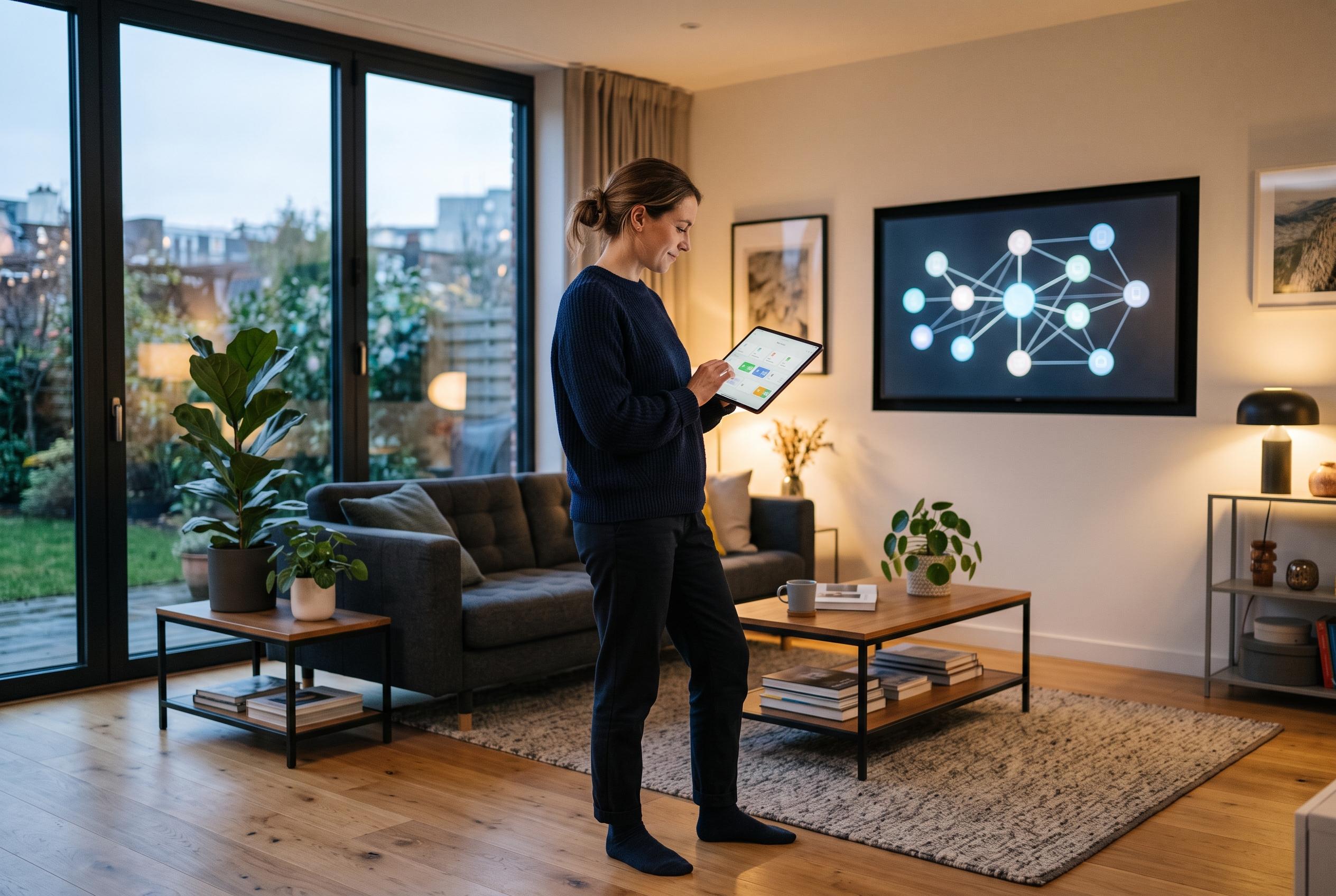

Emerging AI integrations like AI Automation Suggester are transforming how Home Assistant users create and manage automation routines, reducing complexity and debugging time while expanding possibilities for customised smart home management.
AI is becoming a practical shortcut for Home Assistant users who can define the behaviour they want but do not want to assemble every trigger, condition and action by hand. The appeal is clear: a natural-language prompt can produce working YAML for routines such as motion-based lighting that changes with ambient light and time of day, without forcing the user to build the logic line by line. That matters because Home Assistant’s automation system is powerful, but the more sensors and rules you combine, the easier it is to make a mistake that breaks the whole setup.
Home Assistant’s own documentation shows why these automations become unwieldy so quickly. Motion, occupancy and illuminance triggers are all available, as are conditions that check whether light is absent, while the light.turn_on action can set brightness and other attributes. In isolation, each piece is straightforward. Combined, they can produce a routine that behaves differently depending on whether a room is dark, whether it is occupied, and what time it is, but the resulting YAML can still be tedious to assemble and debug.
Some users are now pushing that work into Home Assistant itself through AI Automation Suggester, a custom integration that scans entities, devices, areas and existing automations before sending that context to an AI model. It can generate suggestions on demand, when new entities appear or on a weekly schedule, and it supports cloud providers such as OpenAI, Anthropic and Google, as well as local options including Ollama. The integration can also be narrowed to specific areas or domains, which makes it more useful for tasks such as presence-based lighting or energy-saving rules.
For larger installations, Claude Code can go further by working across the configuration rather than generating a single block of YAML in isolation. Home Assistant’s official MCP Server integration can expose live entity state and controls, while sharing the /config directory gives the model access to the underlying files. That makes it possible to review existing automations, spot repeated logic, update outdated syntax, merge similar routines or diagnose conflicts between rules. The result is less about replacing Home Assistant’s manual tools than reducing the time spent translating ideas into working configuration.
Disclaimer: This content is intended for informational purposes only. Readers are advised to exercise their own judgement, conduct due diligence, or consult a qualified expert before acting on any information provided.



