

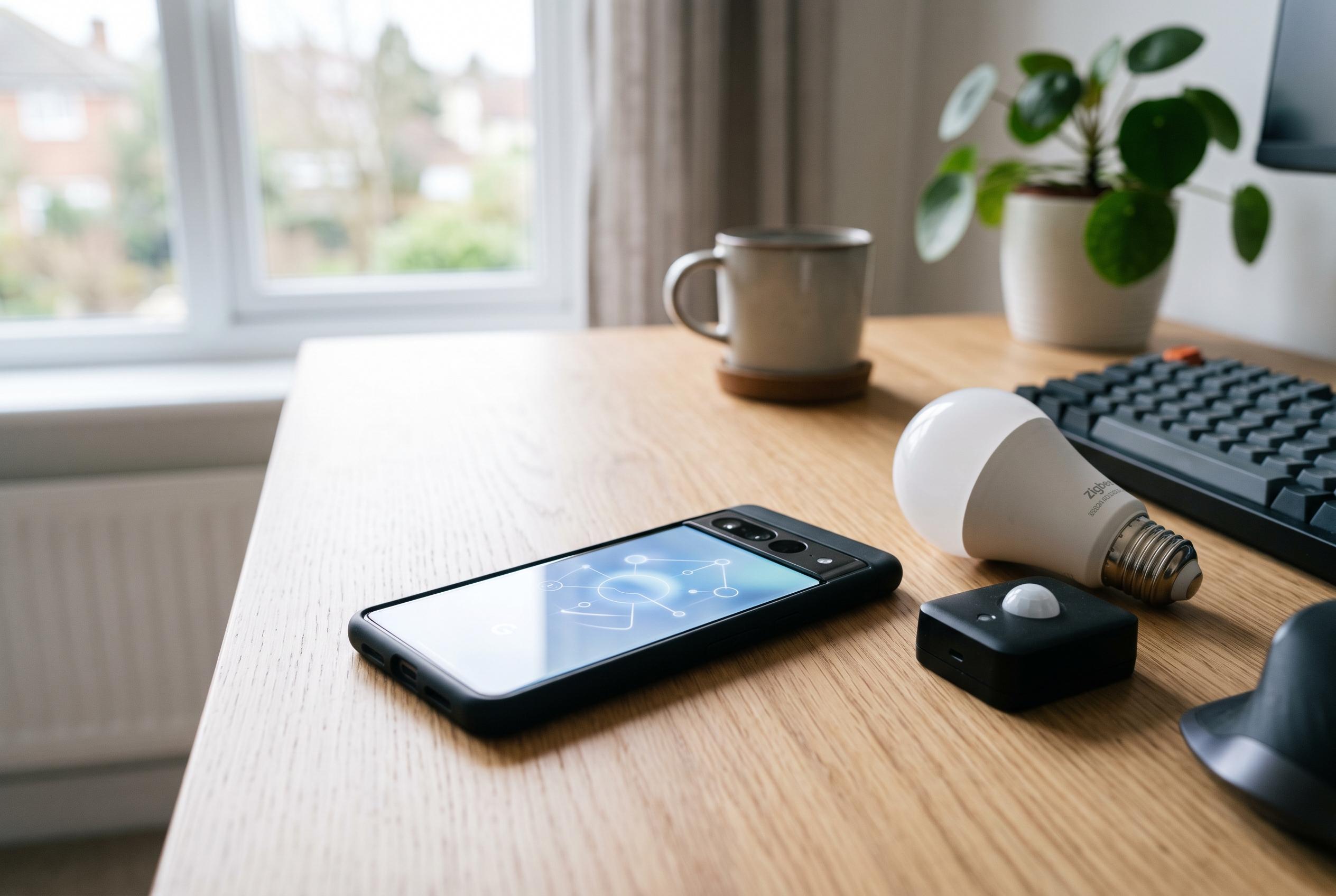

Community projects demonstrate that unrooted Android devices can now reliably run Zigbee2MQTT through Termux, transforming old phones into mobile, offline-compatible Zigbee nodes for smart-home testing and commissioning.
An old Android phone is increasingly being treated as a portable Zigbee bench rather than e-waste. Recent community projects show that Zigbee2MQTT can be run on an unrooted handset through Termux, giving installers and hobbyists a way to commission switches, sensors and power monitors on site without carrying a Raspberry Pi or a full Home Assistant machine. In one recent demonstration, the stated aim was to work in a location with no internet access and still verify a Zigbee installation from a phone.
What makes the newer approach notable is not simply that Zigbee2MQTT starts on Android, but that it can now be made useful in the field. A Reddit post and a related GitHub repository describe a chain built around termux-usb, a serial bridge, socat and a minimal Mosquitto instance so that Zigbee2MQTT has somewhere to send its MQTT traffic. The author said the method was used to validate a three-phase power monitor in a disconnected environment and exposed two installation faults: one phase had been wired in reverse and another Hall-effect sensor had been clamped around the neutral conductor.
That is a meaningful change from the state of play a few years ago. A 2019 Zigbee2MQTT issue on GitHub described Android support only as a “Proof of concept” and depended on root access, a patched serialport build and manual permission changes to /dev/ttyACM0 before the software could be started from Termux. The author of that post wrote at the time that solving non-root access would open the project to a much larger Android audience. The newer community scripts are, in effect, an answer to that older limitation.
The hardest part remains Android’s handling of USB serial hardware. According to the recent Reddit write-up, the operating system claims the USB device as soon as it is plugged in, leaving Zigbee2MQTT to fail with a “device busy” error. The workaround is unexpectedly manual: a third-party app called SerialPipe is opened, the user grants access, connects to the adapter, then disconnects again so Android releases its hold long enough for Termux to take over. The accompanying repository turns that sequence into a repeatable workflow through setup, enable, disable, status and uninstall scripts.
The supporting code also fills in practical details that polished how-to articles often skip. The repository says the test hardware used a TI CC2652-series coordinator with a CH9102 USB serial chip, identified as VID 0x1a86 and PID 0x55d4, running Z-Stack 3.x firmware. It warns that the initial installation pulls in global pnpm and compiles a large set of C++ dependencies, typically taking five to 10 minutes, and advises users to keep the screen awake throughout. It also notes that some Android phones freeze background processes so aggressively that keeping Termux visible in a floating window may be necessary if pairing or the web interface stops responding.
Official Termux guidance backs some of the more cautious installation advice. The project describes Termux as an Android terminal and Linux environment and says the main application and its plug-ins must come from the same source because they are signed with different keys. It also says users switching source must remove all existing Termux apps first. Current documentation supports Android 7 and above for the main app and packages, while Android 5 and 6 lost normal package support in 2020 and were later given only limited app availability via GitHub builds.
That matters because the wider idea of an Android device as a home automation host is not new. A long-running Home Assistant Community thread shows people had been running Home Assistant, Mosquitto and Node-RED under Termux for years, partly because an old phone could be cheaper than a Raspberry Pi. But the same discussion also captured the fragility of the arrangement. By May and June 2021, participants were already warning that Android 10 was harder to work with, that Google was “locking down android with every new version”, and that what worked after one update might fail after the next. Others replied that rooted devices or serial-to-TCP redirection could still keep similar setups alive.
Persistence across reboots is also possible, though again with caveats. The official Termux:Boot add-on says scripts can be placed in ~/.termux/boot after the app has been launched once, and recommends running termux-wake-lock first to stop the device sleeping. In practice, that gives a clean way to bring up sshd and other services automatically when the phone starts. Combined with a process manager such as PM2, that is enough to make a handset act like a small Zigbee server, but it is better understood as a portable tool or emergency node than as a polished appliance.
Taken together, the reporting points to a narrow but credible use case. Running Zigbee2MQTT on Android is no longer just a rooted experiment, and it can save time when testing devices in isolated networks or on unfinished sites. Even so, the method still relies on workarounds for USB access, careful power-management settings and a degree of tolerance for Android-specific quirks. For short-term commissioning and low-cost experimentation, that trade-off may be acceptable. For a permanent smart-home core, the community evidence still suggests that a dedicated host remains the less fragile option.
Disclaimer: This content is intended for informational purposes only. Readers are advised to exercise their own judgement, conduct due diligence, or consult a qualified expert before acting on any information provided.



