
A cost-effective and customisable home security setup using Zigbee sensors, a wall display, and Home Assistant offers homeowners greater control and local operation, challenging the dominance of subscription-based alarm systems.
A DIY alarm system built from Zigbee sensors, a wall display and Home Assistant can cut both hardware and ongoing costs, while offering more flexibility than a subscription-heavy package. In a recent XDA Developers article, the creator described replacing a Ring setup with a stripped-back arrangement built around door sensors, a motion detector, a Sonoff NSPanel Pro and a Zigbee dongle connected to a Home Assistant server. The appeal was not only price. It was also the ability to keep the entire system local, avoid dependence on proprietary services and tailor the behaviour of the alarm to the house rather than to a vendor’s defaults.
The cost comparison is striking. A Ring Alarm starter kit, as described in the XDA piece, comes in at roughly $250 once the hub, keypad, sensors and extender are included. By contrast, four Zigbee door sensors, a motion detector and a Sonoff NSPanel Pro could be assembled for about $185 before accounting for the Home Assistant hardware already in place. The arrangement also reduces the number of mains sockets required. Instead of separate power supplies for a hub, keypad and extender, the system can be built around existing home automation infrastructure, with the wall display taking over the role of a keypad and interface.
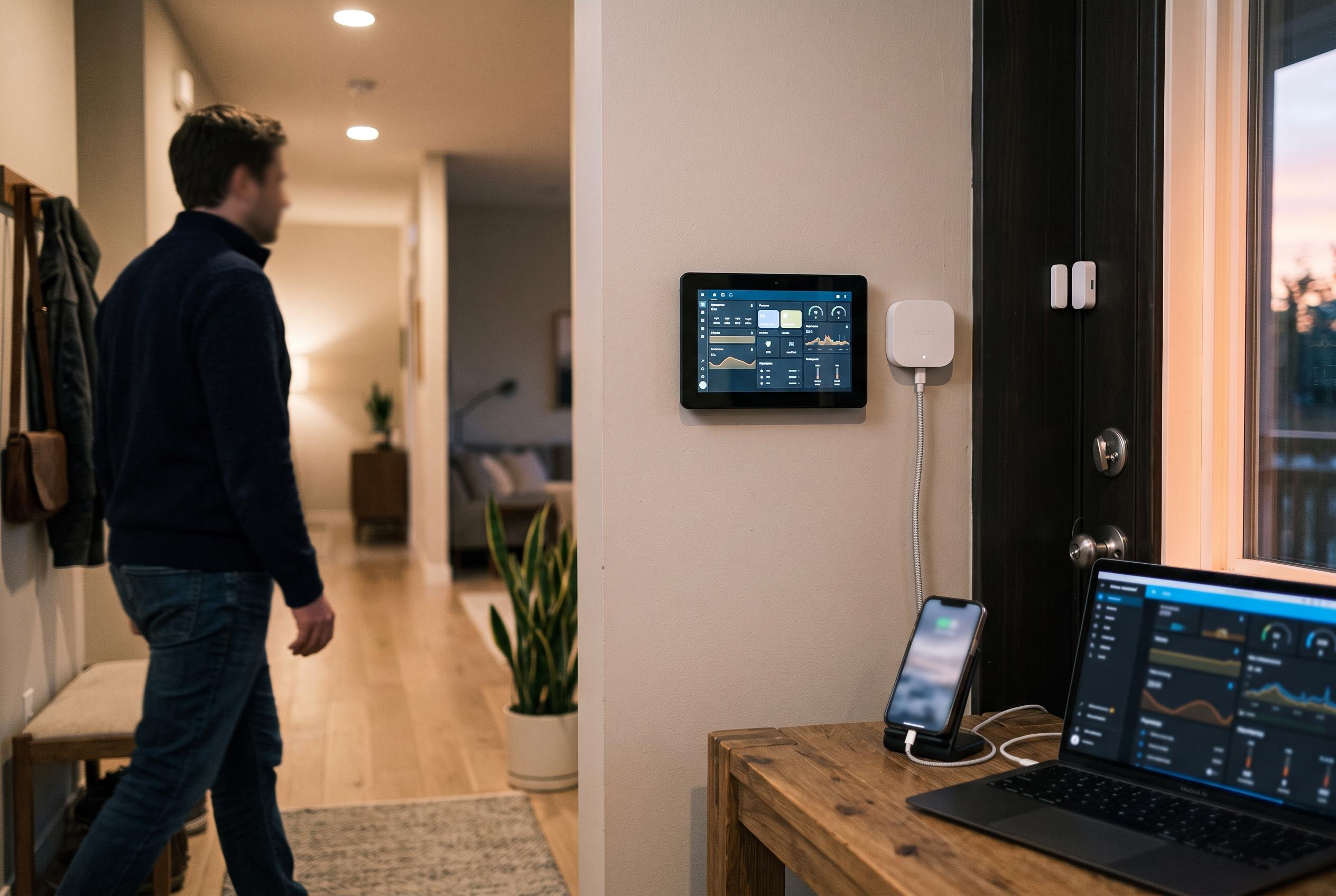
That wall panel is central to the appeal. XDA said the NSPanel Pro was installed in place of an older keypad and mounted neatly in a spare light-switch position, using a small spacer to achieve a flush fit. The panel can run Home Assistant, act as a Zigbee signal booster and continue to control lighting, while also showing alarm status and other smart home data. Similar products have emerged elsewhere in the market, including Shelly’s Wall Display X1i and Zemismart’s smart panel switches, which show how the category is moving towards wall-mounted controllers that combine display, relay and automation functions in a single unit.
Software is where the DIY approach becomes more capable than many off-the-shelf kits. XDA said the setup uses Alarmo, a Home Assistant integration that turns connected sensors into a configurable security console. That allows different arming modes, custom codes, spoken announcements and mobile alerts. It also means the alarm can work alongside other devices already in the home, such as leak sensors and cameras. The article noted that, when linked with Frigate for video analysis, the system can record clips and snapshots when a trigger fires, then surface camera feeds on the wall display so occupants can quickly check whether an alert is genuine.
The limits are just as important as the savings. This is not a professionally monitored alarm, and it is not a substitute for systems needed for insurance compliance or regulated security requirements. Tom’s Guide, in its 2026 round-up of DIY security systems, still places some value on professionally monitored packages such as SimpliSafe and Abode for users who want formal monitoring tiers, cellular backup or simpler out-of-the-box support. XDA’s point is narrower and more practical: for homeowners who already use Home Assistant, Zigbee and cameras, a self-built alarm can be cheap, quiet, local and highly adaptable, so long as they are happy to take responsibility for what happens when it goes off.
Disclaimer: This content is intended for informational purposes only. Readers are advised to exercise their own judgement, conduct due diligence, or consult a qualified expert before acting on any information provided.