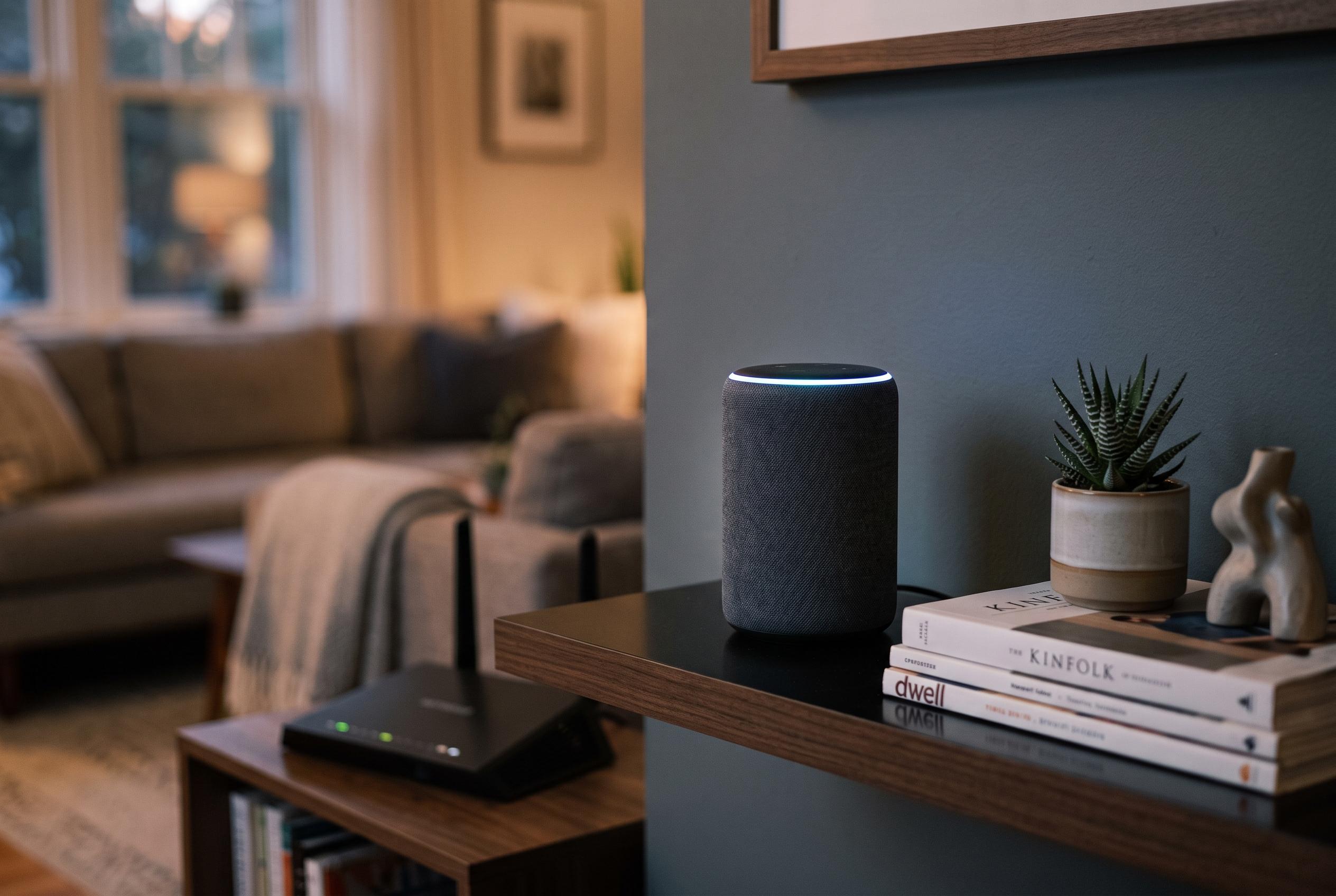

Google says it is rolling out a fix after owners report their new Home Speaker repeatedly downloading data while apparently idle, potentially exhausting broadband allowances.
Reports are emerging that Google’s new Home Speaker may be consuming data in the background at an unusual rate, with some owners seeing downloads continue even when the device is idle. According to 9to5Google, one user recorded 17GB of downloads in 24 hours, including nearly 10GB in the early hours of the morning, while a 30-day total reached 132GB. Other reports compiled by technology sites suggest the problem can, in some cases, reach into the hundreds of gigabytes.
The pattern points to a device that may be repeatedly attempting to fetch and install an update without completing the process. That would help explain why the issue appears to be concentrated on the newer $99 Home Speaker, which pairs Gemini for Home with dedicated on-device AI hardware. Older Nest Hubs, Nest Minis and Nest Audio models do not appear to be affected in the same way, according to the reports.
Google has acknowledged the problem and told 9to5Google that it has started rolling out a fix. The company has not said what is causing the downloads, but the practical impact is clear: for households with broadband caps, the extra traffic could quickly become expensive; for everyone else, a single misbehaving smart speaker can still consume bandwidth that would otherwise be available to phones, laptops and streaming devices.
Google’s own support guidance for update problems on Home speakers and displays recommends checking that the device is powered on, that the power cable is secure and that the speaker remains connected to a stable Wi-Fi network. If an update seems stuck, Google advises users to look at the light status and try rebooting the device, with a factory reset as a later step if needed. In the meantime, users who suspect abnormal usage can review their router’s device list or management page to confirm whether the speaker is still sending or receiving data. If the traffic continues, restarting the speaker may only provide temporary relief; unplugging it or waiting for Google’s fix to reach the device appear to be the only reliable ways to stop the background downloads.
Disclaimer: This content is intended for informational purposes only. Readers are advised to exercise their own judgement, conduct due diligence, or consult a qualified expert before acting on any information provided.