

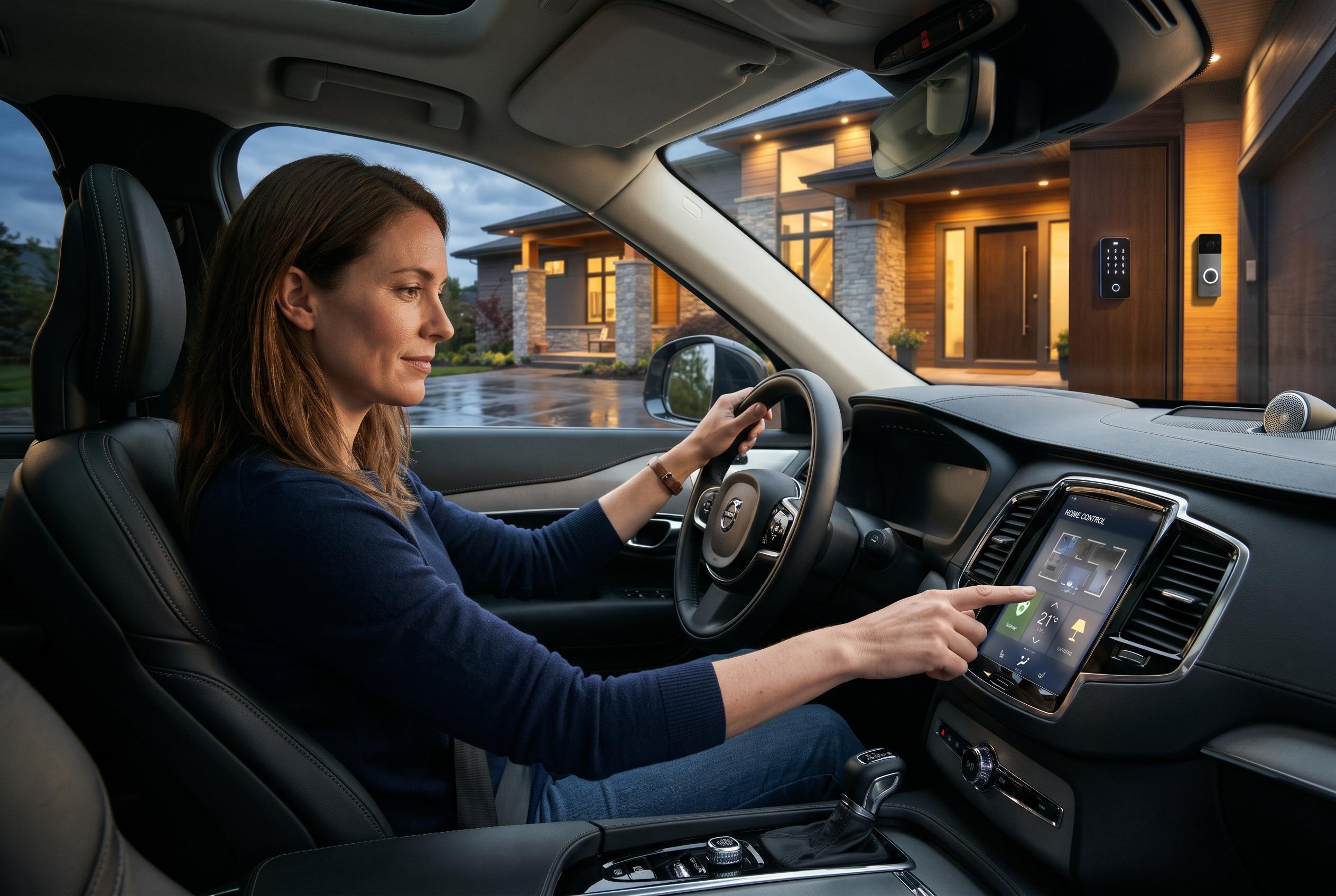

Homematic IP’s latest app update can automate heating and access settings around household members’ locations while putting selected controls and security warnings on compatible car displays.
Homematic IP has released version 3.9.13 of its smart home app, adding location-based automation and in-car control through Apple CarPlay and Android Auto. According to the company, the update is being rolled out gradually and is due to reach all users shortly. The new release extends the app’s role beyond basic device management and into more context-aware home automation.
The most significant addition is geofencing, which triggers actions when a smartphone enters or leaves a defined area. Homematic IP says the system can take account of multiple phones, which makes it possible to adapt heating, security and access settings to the movements of everyone in a household. In practical terms, that could mean lowering the thermostat when the last person leaves home and restoring preferred settings when someone returns. A setup assistant is included to guide users through the process, alongside preset routines for heating control and access management.
Support for Apple CarPlay and Android Auto is another notable change. The company says selected Homematic IP functions can now be controlled from a vehicle’s infotainment screen, with three separate areas available and up to nine actions assignable in total. Drivers can also check the current alarm state of the home, and warning messages, including burglary alerts and other hazard notifications, can appear on the car display. That places core security information within reach while away from the house, although it also raises the usual question of how much home control should be pushed into the car environment.
The update also refines account recovery and camera functions. Homematic IP says administrator rights can now be transferred by an existing administrator if a phone is lost or replaced, reducing reliance on the security key method, which remains available. On the camera side, users can define custom alarm zones and open a linked door directly from the live view. The broader pattern is consistent with recent app changes from the company: earlier updates added a redesigned alarm section and a centralised security interface, suggesting a steady push to make the app both easier to use and more capable in day-to-day security management.
Disclaimer: This content is intended for informational purposes only. Readers are advised to exercise their own judgement, conduct due diligence, or consult a qualified expert before acting on any information provided.



