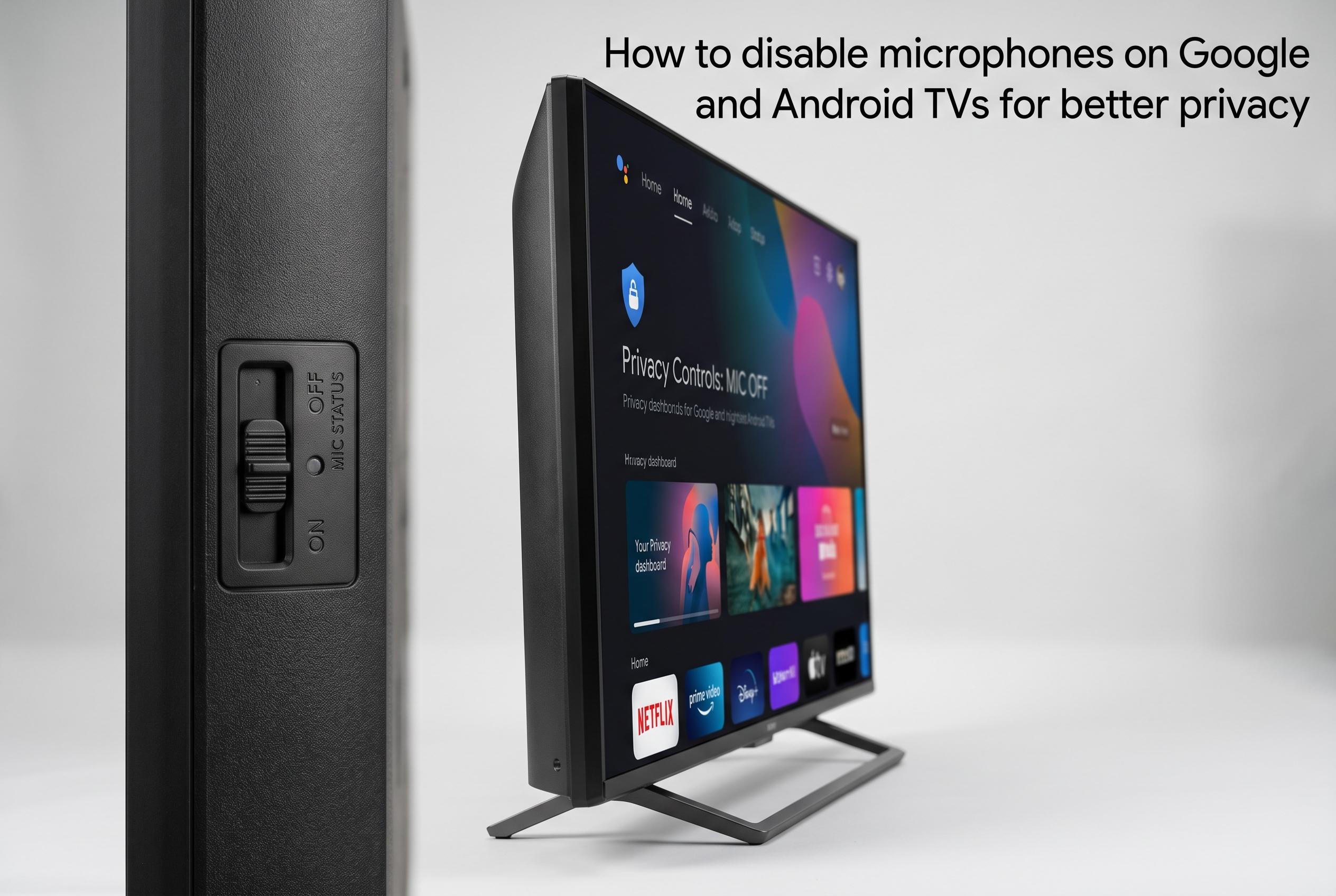

Many modern smart TVs feature built-in microphones that can be accidentally activated, raising privacy concerns. This guide explains how to turn off these microphones through hardware switches or software settings across various models, including Sony’s, providing users with greater control over their listening privacy.
Privacy in the living room is not always automatic. On many Google TV and Android TV sets, the built-in microphone can wake the assistant by mistake during a game, a film or an ordinary conversation. Sony’s support pages and other guidance on smart TVs show that the way to stop this depends on the model: some sets include a hardware switch, while others rely on software settings.
Where a physical control is fitted, it usually sits on the lower bezel, the rear of the set or close to the power controls. Sony says that moving the microphone switch to off disables the built-in mic, and some televisions confirm this with an on-screen notice or an amber light. The company also notes that the exact position of the switch varies by model, and that some sets use multiple microphones linked to one master control.
If there is no hardware switch, the setting can usually be changed from the TV menu. Sony’s instructions for Google TV point users to Settings, then Accounts and sign-in, then the active profile, where the voice-assistant options include a hands-free microphone setting that can be turned off. Similar guidance from Sony’s regional support pages shows the same pattern through Quick Settings or privacy menus, although the route may differ by region, language and manufacturer.
Turning off hands-free listening does not remove voice control completely. According to Sony and Tom’s Guide, users can still invoke search or assistant functions by pressing the microphone button on the remote when needed. That makes the change useful for people who want to prevent constant listening, but still keep occasional voice commands available without leaving the set in an always-on mode.
Disclaimer: This content is intended for informational purposes only. Readers are advised to exercise their own judgement, conduct due diligence, or consult a qualified expert before acting on any information provided.