

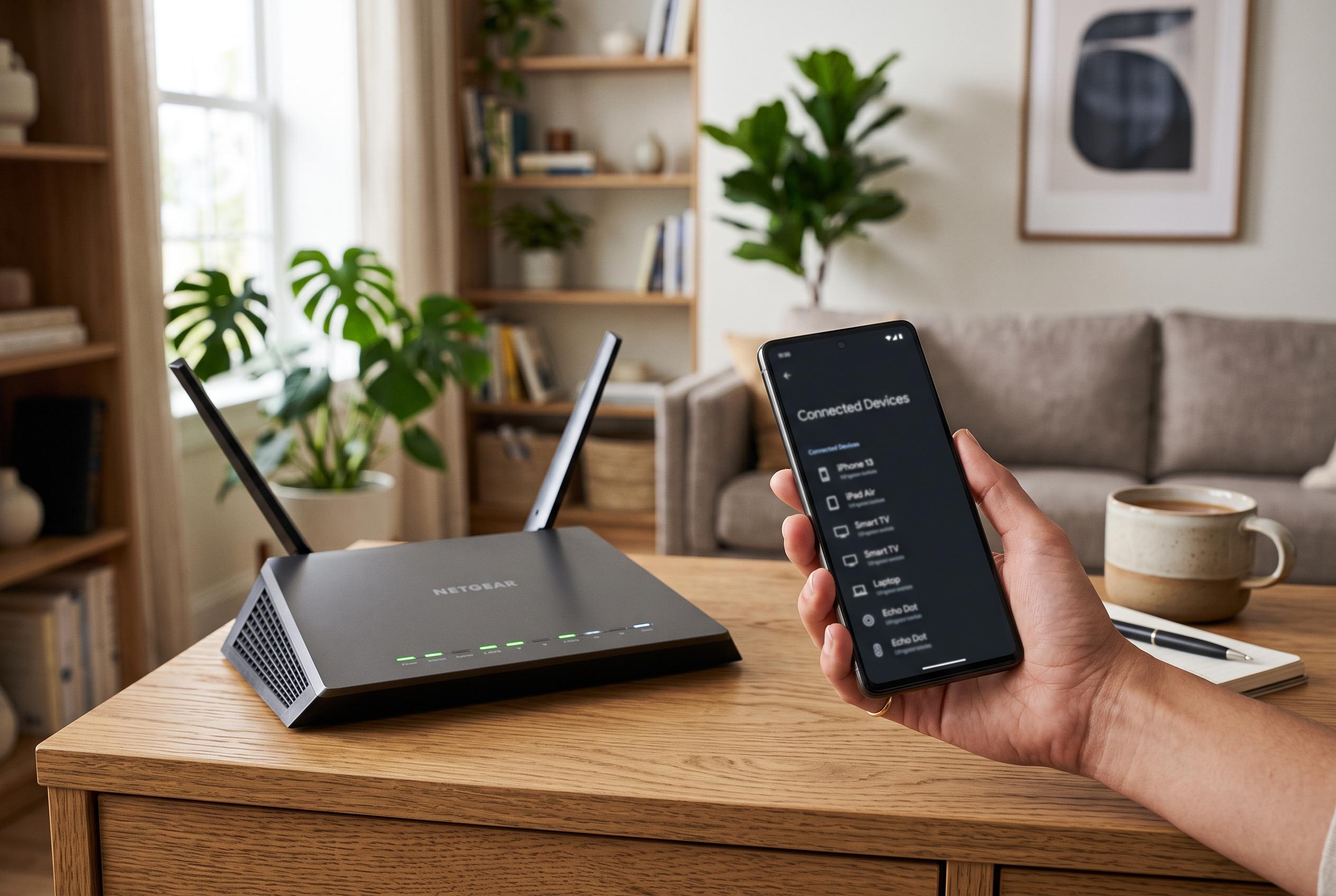

Slow WiFi connection doesn’t necessarily signal intrusion; learning to check connected devices and secure your network is key to resolving issues and preventing unauthorised access.
A slower-than-usual WiFi connection does not automatically mean a neighbour has guessed your password. Poor signal, interference, a large download or a fault with the internet provider can produce the same result. The more reliable test is to check which devices are actually connected to the network, then decide whether any of them look unfamiliar.
The simplest way to do that is to inspect the client list on the router itself, or to use a network-scanning app on a computer or phone. On Windows, tools such as Wireless Network Watcher can display each device’s IP address, MAC address, manufacturer and, when available, its name. On Android and iPhone, Fing offers a similar scan from the handset. Both approaches can help reveal smart TVs, consoles, printers, cameras and other household devices that are easy to overlook.
If the router’s administration page is easier to access, it usually shows connected devices under menus such as network map, wireless clients or attached devices. Most home routers also indicate whether a device is using WiFi or Ethernet, and some allow immediate blocking from the control panel. Even so, the most useful step is still to build a clear inventory of your own equipment first. A television left in standby, an intelligent speaker or a connected bulb may appear as an unknown entry unless you have already named it.
That process becomes simpler if you switch devices off one by one and repeat the scan. When an entry disappears after a phone or tablet is disconnected, it is usually easy to match the device with the list. MAC addresses can help too, although modern operating systems increasingly use randomised or private MAC addresses, which makes identification less straightforward than it once was. For that reason, a suspicious device should be judged by the full picture, not by one label alone.
If an unknown device remains after you have checked your own kit, changing the WiFi password is the most effective response. A router’s access code should be long, unique and difficult to guess, rather than based on a phone number, a birth date or a pet’s name. Once the password is changed, all existing connections are dropped, including the intruder’s, and every legitimate device must be signed in again with the new key.
The network name, or SSID, does not by itself improve security, although it can be changed for clarity. More important is the encryption standard: WPA3 is the preferred option where all devices support it, while WPA2 remains an acceptable fallback for older hardware. WEP and early WPA should be avoided. It is also sensible to change the router’s own administration password, check for firmware updates, and disable WPS if it is not needed. A guest network can reduce the need to share the main password with visitors.
If the problem is not an intruder but weak coverage, changing the password will make no difference. In that case, the next steps are to move the router, try a different band, or reduce interference. Where the signal still fades in parts of the home, a repeater, PLC adaptor or mesh system may be a better fix. The key point is that slow speed alone is not proof of theft. The real answer lies in identifying every connected device and securing the network properly.
Disclaimer: This content is intended for informational purposes only. Readers are advised to exercise their own judgement, conduct due diligence, or consult a qualified expert before acting on any information provided.



